



Detailed Plan Diagram – Strategy and Management
RM0600005_19
- Last Update 02/24/2025
- File Size 0.3MB
- # of Slides 2
- File Format PPTX
- Slide Ratio 16:9
- Color
Keywords
- #Content-Based Slides
- #Design-Based Slides
- #Business Strategy
- #Business Management
- #Diagram
- #Implementation Plan
- #Flow
- #Cluster
- #Multidirectional Flow
- #Closed Cluster Diagram
- #16:9
- #closed-form diagram PowerPoint
- #central icon slide template
- #bidirectional arrow diagram
- #business strategy diagram PPT
- #goal management slide
About the Product
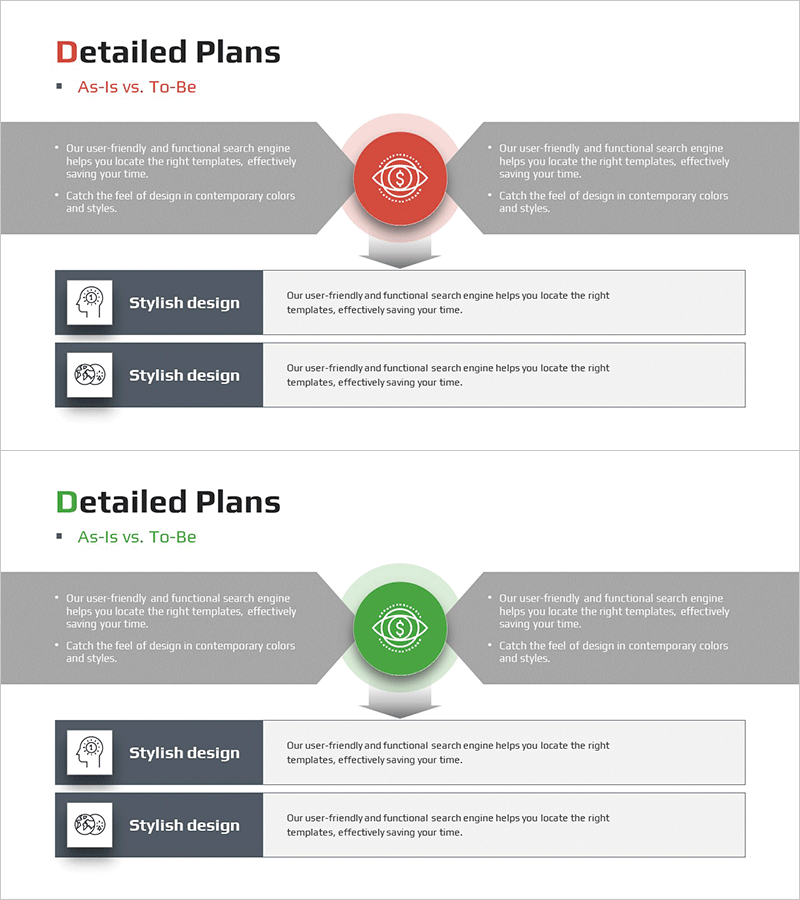
A closed-form diagram PowerPoint slide that visually represents business strategy and management objectives. The design features a central circular icon with bidirectional arrows connecting left and right sections, clearly communicating the relationship between current state (As-Is) and target state (To-Be). Two color versions—red and green—are provided, each with side text boxes and a two-item description area at the bottom. Ideal for presentations, business plans, and strategy proposals to effectively explain transformation processes and improvement directions.
Usage Points
-
Main Usage
Visualizes the transformation from current state (As-Is) to target state (To-Be) using a central icon and bidirectional arrows. Effectively communicates business strategy, organizational improvement plans, and process innovation goals to stakeholders.
-
How to Use
Enter current state description in the left text box and target state in the right box. Fill the two-item description area at the bottom with detailed strategies or implementation tasks. Select red version to emphasize urgency and change, or green version to highlight growth and stability.
-
Recommended For
Executive reports, business plan presentations, organizational restructuring explanations, strategy consulting proposals, and quality improvement project pitches. Suitable for managers, consultants, and project leaders presenting transformation initiatives.
-
Slide Structure
2-slide template. Each slide contains: title section (Detailed Plans / As-Is vs. To-Be), central circular icon (red or green), bidirectional arrow connectors, left and right text boxes (2 bullets each), and bottom two-item description area with icon, title, and explanation.
Related Products
-
Infographic Slide Maximizing Visual Data Representation
#Business Strategy #Business Management #Diagram
-
Triangle Pattern Template Diagram – Visualizing Business Strategy
#Business Strategy #Business Management #Diagram
-
Sailing Travel Business Work Process Connection Diagram
#Business Strategy #Business Management #Diagram
-
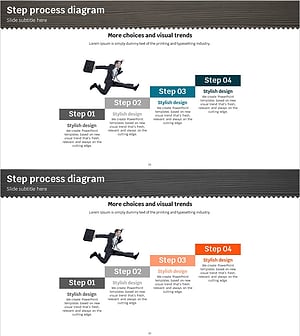
4-Step Stair Diagram – Clear Visualization of Business Strategies
#Business Strategy #Business Management #Diagram
