



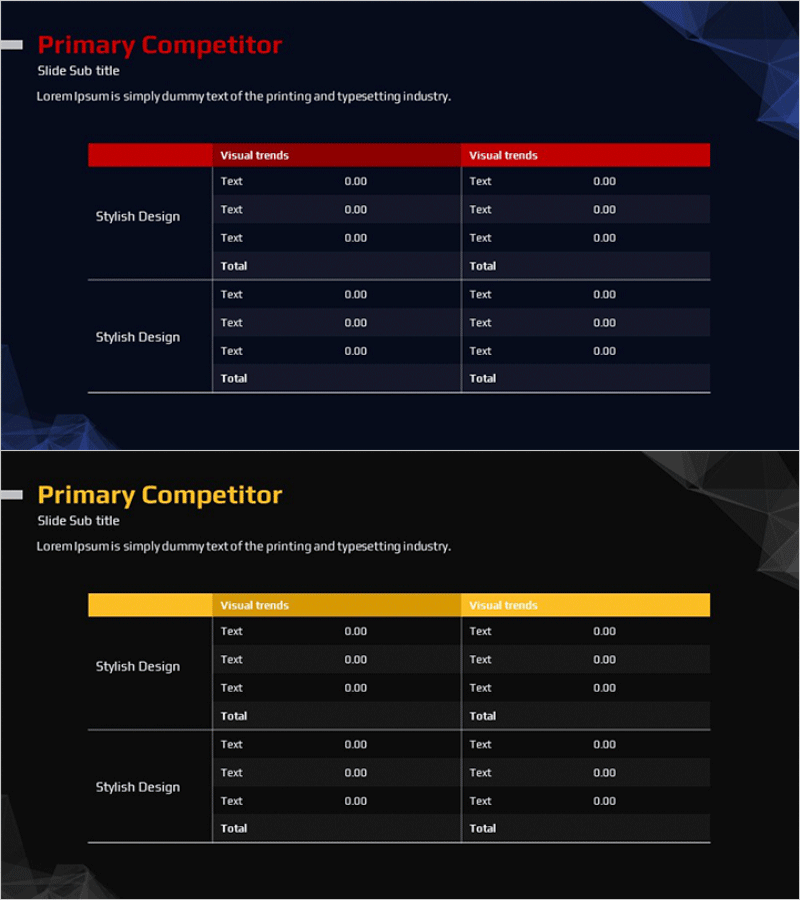
Table of Major Competitors Analysis – Market and Competitor Insights
RM0400001_10
- Last Update 02/14/2025
- File Size 0.4MB
- # of Slides 2
- File Format PPTX
- Slide Ratio 16:9
- Color
Keywords
- #Content-Based Slides
- #Design-Based Slides
- #Market and Competitor Analysis
- #Financial Plans and Performance
- #Diagram
- #Competitor Analysis
- #Income Statement
- #Table
- #16:9
- #competitor analysis PowerPoint slide
- #competitor comparison table
- #market analysis slide
- #how to create competitor analysis in PowerPoint
- #competitive landscape template
About the Product
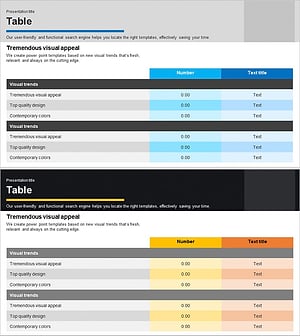
A two-column comparison table PowerPoint slide designed to visualize market analysis and competitor insights side by side. Features red and yellow header backgrounds for comparing two competitors or scenarios, with three data rows and a total row in each column. The dark background with high-contrast text ensures presentation clarity, making it ideal for displaying quantitative data such as financial performance, market share, and competitive metrics. Ready to use in business presentations, annual reports, and marketing strategy decks for the competitive analysis section.
Usage Points
-
Main Usage
Compare two competitors or scenarios side by side to clearly communicate market analysis findings. Structure quantitative data such as financial metrics, competitive advantages, and market share in a organized table format to support strategic decision-making.
-
How to Use
Enter competitor names, product names, or scenario labels in each column header. Fill the three data rows with comparative information (metrics, features, performance). Complete the analysis by adding cumulative values or summary assessments in the total row.
-
Recommended For
Business strategists, market analysts, and executives preparing competitive landscape analysis for strategy meetings, investor pitches, and market research reports. Ideal for marketing teams presenting competitive positioning and product differentiation.
-
Slide Structure
Two-slide layout: first slide features a red header two-column table with three data rows plus total row; second slide uses yellow header with identical structure. All cells are fully editable text fields. Header colors and row backgrounds create clear information hierarchy for easy data comparison.
Related Products
-
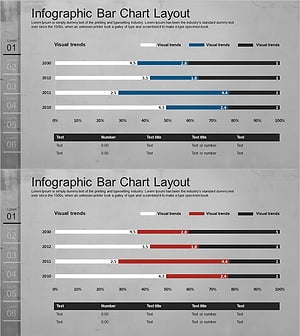
Simple Cement Theme Analysis Chart – Understanding Competitor and Market Context
#Market and Competitor Analysis #Diagram #Graph
-
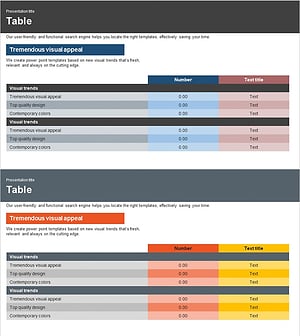
Income Statement Table – Essential Tool for Financial Analysis
#Financial Plans and Performance #Diagram #Income Statement
-
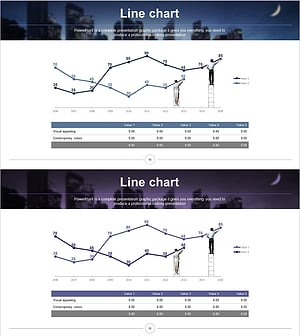
Dawn City Theme Competitor Analysis Graph – Understanding Market Trends
#Market and Competitor Analysis #Diagram #Graph
-
Sales and Profit Calculation Table – Key to Profit Management
#Financial Plans and Performance #Diagram #Income Statement
