



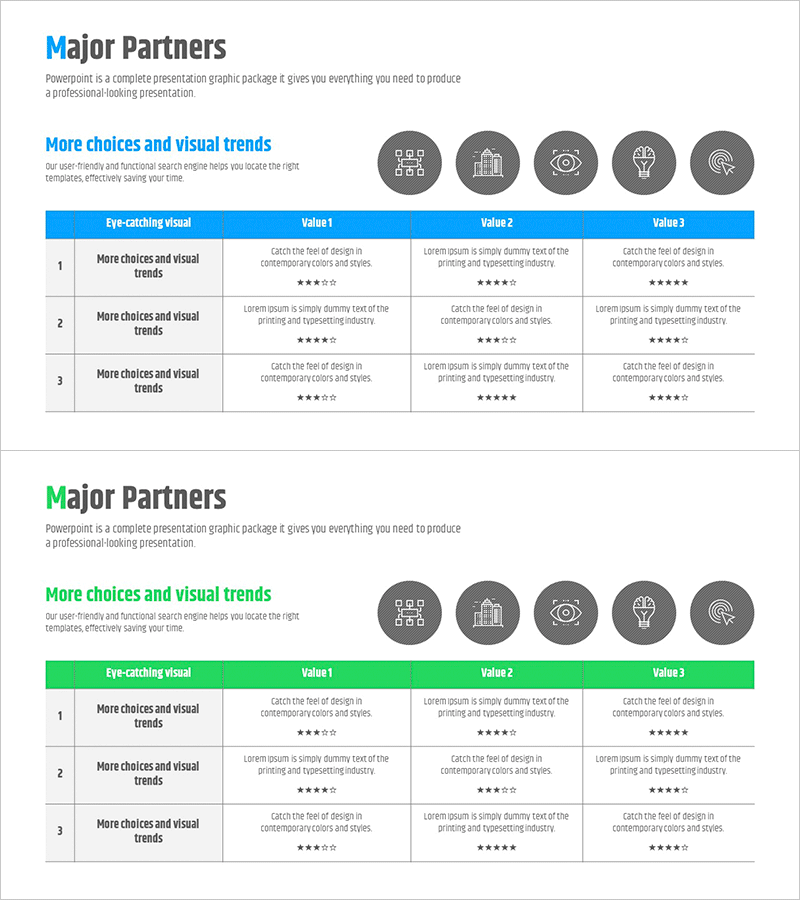
Key Partner Evaluation Table – Highlighting Customer Success Cases
RM0300022_19
- Last Update 02/13/2025
- File Size 0.3MB
- # of Slides 2
- File Format PPTX
- Slide Ratio 16:9
- Color
Keywords
- #Content-Based Slides
- #Design-Based Slides
- #Company Introduction
- #Customer Success Stories
- #Diagram
- #Customers and Partners
- #Customer Testimonials and Feedback
- #Cluster
- #Table
- #Closed Cluster Diagram
- #16:9
- #partner evaluation table PowerPoint
- #comparison analysis slide template
- #table diagram PPT
- #vendor assessment presentation
- #customer success case study slide
About the Product
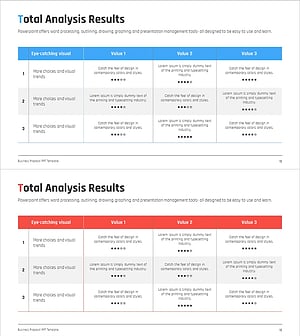
A table-based diagram PowerPoint slide for evaluating key partners and suppliers. This template features a 3-row by 4-column structure comparing three partners across four evaluation criteria, each marked with star ratings and category icons. Available in two color schemes—blue and green—with five icons in the header row to visually represent evaluation dimensions. Ideal for B2B presentations including partner assessment, vendor comparison, customer success case studies, and supplier performance reviews. Ready to customize with your partner names, evaluation metrics, and rating data.
Usage Points
-
Main Usage
Quantitatively compare and evaluate key partners, suppliers, or vendors across multiple criteria such as reliability, technical capability, pricing, and customer support. The star-rating system and table layout enable objective assessment at a glance, making decision-making rationale transparent and data-driven.
-
How to Use
Enter partner names in each row and evaluation criteria (e.g., reliability, technology, cost, support) in each column. Modify star ratings (1–5 stars) in cells to reflect assessment results, and adjust colors to match your brand guidelines. Icons reinforce the meaning of each evaluation dimension.
-
Recommended For
B2B sales, marketing, and partnership managers; supply chain professionals; executives preparing board reports. Effective for partner selection presentations, vendor performance reviews, investment due diligence, and customer success case study communications.
-
Slide Structure
Two-slide set, each featuring a 3-row (three partners) × 4-column (four evaluation metrics) table layout. Header row contains five category icons for visual clarity. Data cells display star-rating symbols. Two color themes provided: blue and green versions for flexible brand alignment.
Related Products
-
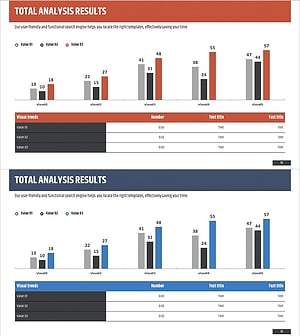
Customer Evaluation and Feedback Analysis Graph – Insights Centered on Customers
#Market and Competitor Analysis #Customer Success Stories #Diagram
-
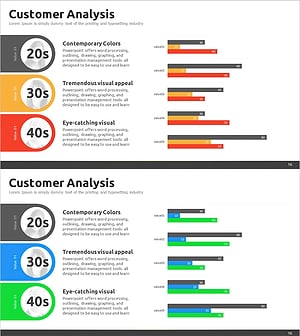
Consumer Analysis Graph by Age – Diagram for Enhancing Customer Insights
#Market and Competitor Analysis #Customer Success Stories #Diagram
-
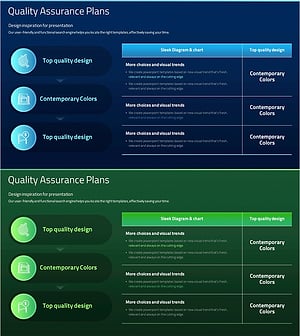
Introducing the Quality Assurance Plan Schedule
#Business Management #Diagram #Implementation Schedule
-
Feedback Evaluation Table – Visualization of Customer Success Cases
#Financial Plans and Performance #Customer Success Stories #Diagram
