



Service Development Stage Diagram – Effective Visualization of Workflows
RM0200008_25
- Last Update 02/03/2025
- File Size 1.9MB
- # of Slides 2
- File Format PPTX
- Slide Ratio 16:9
- Color
Keywords
- #Content-Based Slides
- #Design-Based Slides
- #Business Management
- #Technical Approach
- #Diagram
- #Execution Plan
- #Service Development Plan
- #Flow
- #Linear Flow
- #16:9
- #service development diagram PowerPoint
- #3-stage workflow diagram
- #business process flow slide
- #linear diagram PowerPoint slide
- #how to create process flow in PowerPoint
About the Product
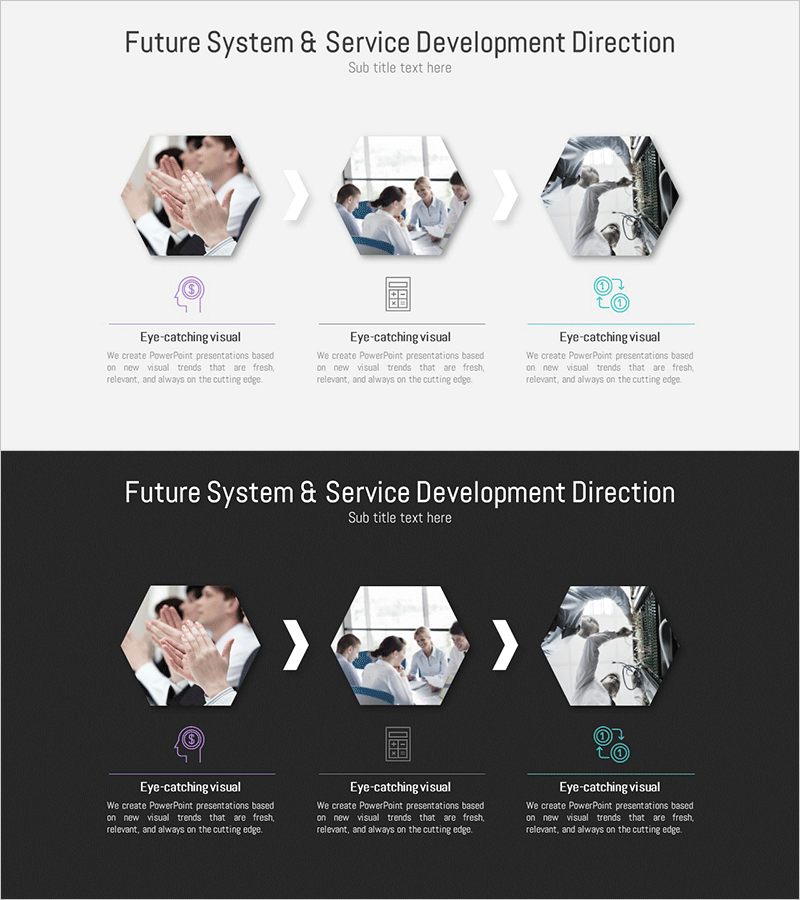
A PowerPoint slide that visualizes the service development process in three sequential stages using hexagonal nodes connected by directional arrows. Each stage is represented with icons and text labels, creating a clear linear workflow structure. The design features a white background with blue and purple accent icons and lines, conveying a professional and organized appearance. The 2-slide set includes both a light background version and a dark background version, allowing you to select the appropriate design for your presentation environment. Ideal for explaining service planning, development, and launch phases, or reporting project progress in business meetings and client presentations.
Usage Points
-
Main Usage
Clearly communicate each stage of the service development process (planning, development, launch) to team members and stakeholders through sequential visual representation. Effectively convey project progress, service strategy, and organizational workflows in executive presentations and team meetings.
-
How to Use
Enter stage titles and descriptions in each hexagonal node to create a customized workflow diagram. Icons and colors can be modified to match your corporate brand guidelines. Use the light background version for printed materials and bright presentation environments, and the dark background version for projector-based presentations.
-
Recommended For
Service managers, development leads, and project managers in IT companies, startups, and consulting firms presenting to teams, executives, and clients. Also suitable for educational institutions using process visualization in training materials and curriculum development.
-
Slide Structure
2-slide set: Slide 1 features a white background with blue and purple accent icons and 3 hexagonal nodes connected by arrows from left to right. Slide 2 uses a dark gray background with the same structural layout. Each node includes a text input area below for customization.
Related Products
-
Basic Physical Exercise Sequence – Simple Step-by-Step Activities
#Business Strategy #Business Management #Diagram
-
Business Stage Execution Plan PPT – Effective Execution Strategy STEP5
#Business Strategy #Business Management #Diagram
-
Space Illustration Theme Connection Diagram
#Business Strategy #Business Management #Diagram
-
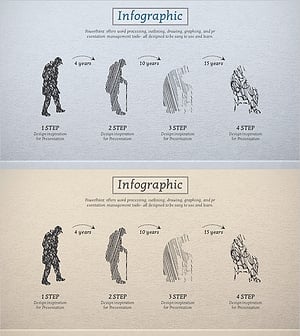
Aging Process Diagram – Visualizing Stages of Change
#Business Strategy #Business Management #Diagram
