



Introduction to Business Program Procedures – Step-by-step Approach
RM0200006_24
- Last Update 02/02/2025
- File Size 1.7MB
- # of Slides 2
- File Format PPTX
- Slide Ratio 16:9
- Color
Keywords
- #Content-Based Slides
- #Design-Based Slides
- #Product/Service Introduction
- #Business Strategy
- #Diagram
- #Program Introduction
- #Step-by-Step Schedule Plan
- #Flow
- #Linear Flow
- #16:9
- #linear diagram PowerPoint
- #arrow process slide
- #3-step business procedure
- #PowerPoint process diagram
- #step-by-step flowchart PPT
About the Product
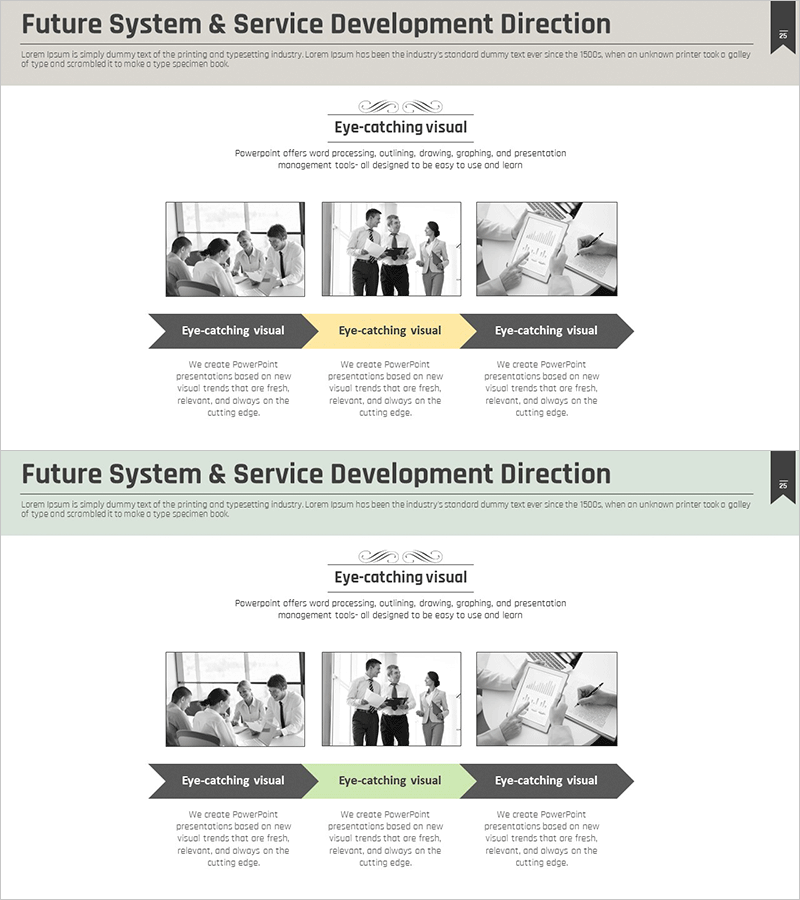
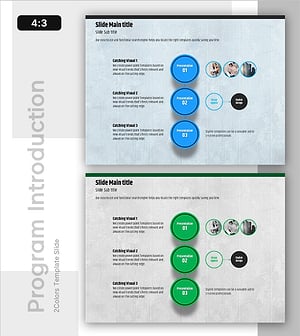
A linear arrow diagram PowerPoint slide designed to explain business program procedures step-by-step. This 2-slide set features a left image area and right text area layout, allowing you to showcase business scenarios such as team meetings, collaboration moments, and project progress. The dark gray background with yellow accent arrows clearly conveys the process flow, while dedicated text sections beneath each step enhance presentation clarity. Ideal for program introductions, procedure explanations, timeline planning, and various business presentations. Fully editable to match your corporate branding and messaging needs.
Usage Points
-
Main Usage
Clearly explain business program procedures in sequential steps and visually communicate each stage's objectives and activities. The left image area accommodates meeting, collaboration, or work-in-progress photos, while the right section provides detailed explanations to enhance audience comprehension.
-
How to Use
Enter each step's title in the three arrow boxes and add detailed descriptions in the right text area. Insert representative photos or icons in the left image section to strengthen visual impact. All colors and text are fully editable to align with your corporate brand guidelines.
-
Recommended For
Business program introductions, new project procedure presentations, operational process improvement proposals, timeline planning meetings, and internal training seminars. Suitable for executives, project managers, marketing professionals, and training coordinators.
-
Slide Structure
2-slide set with a split layout: left image area (40% width) and right content area (60% width). The right section contains three horizontally-connected arrow boxes with text input fields below each. Dark gray background with yellow accent arrows emphasizes the process flow direction and sequence.
Related Products
-
Introduction Slide Using Shapes – Clarity and Simplicity
#Product/Service Introduction #Business Strategy #Diagram
-
Diagram of the Plastic Surgery Process
#Product/Service Introduction #Business Strategy #Diagram
-
Business Program Process – Linear Flow Diagram
#Product/Service Introduction #Business Strategy #Diagram
-
Project Order Information – Guidance through Visual Flow
#Product/Service Introduction #Business Strategy #Diagram
