



Project Order Information – Guidance through Visual Flow
RB0100031_6
- Last Update 03/04/2025
- File Size 3.2MB
- # of Slides 2
- File Format PPTX
- Slide Ratio 4:3
- Color
Keywords
- #Content-Based Slides
- #Design-Based Slides
- #Product/Service Introduction
- #Business Strategy
- #Diagram
- #Program Introduction
- #Step-by-Step Schedule Plan
- #Flow
- #Cluster
- #Linear Flow
- #Closed Cluster Diagram
- #4:3
- #radial diagram PowerPoint slide
- #project flow presentation template
- #process stage diagram
- #business presentation slide
- #how to create project flow in PowerPoint
About the Product
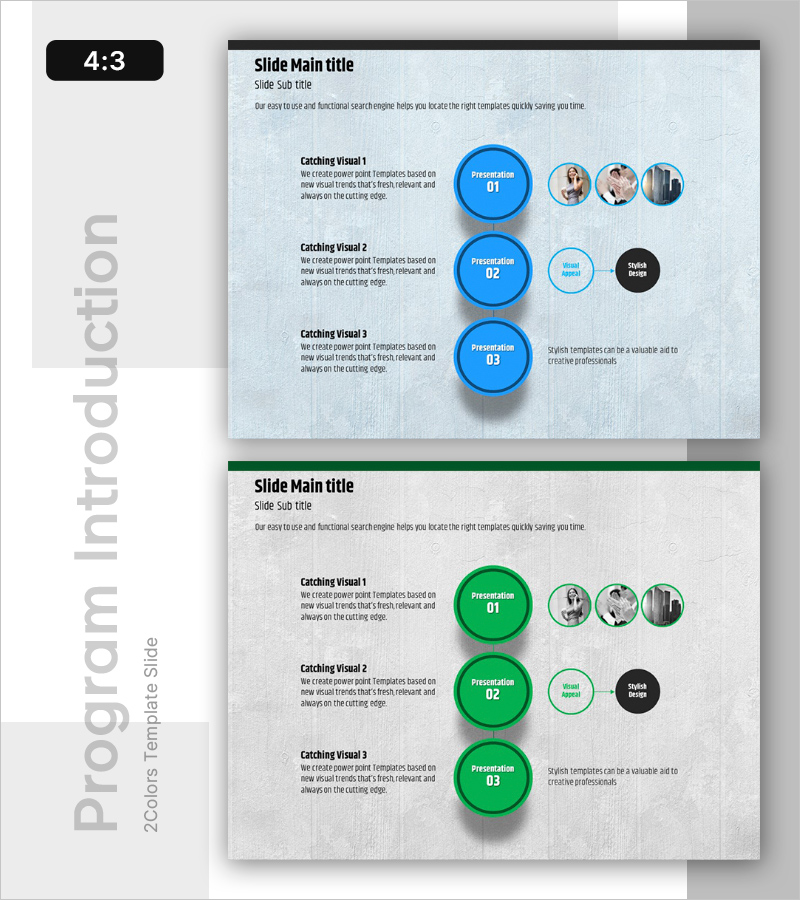
A radial diagram PowerPoint slide that visualizes project progression stages with a central hub expanding outward to related elements. This presentation template features three main circular nodes in blue and green colors arranged on a light gray background, with supporting smaller nodes and descriptive text for each stage. The slide design effectively communicates project order, process flow, and stage-by-stage progression. Ideal for project kickoff meetings, status reports, and team collaboration presentations where clear visual hierarchy is essential.
Usage Points
-
Main Usage
Visualizes project progression stages using a radial structure that expands from a central core to surrounding elements, enabling audiences to grasp the entire process at a glance. Simultaneously presents stage descriptions and related components to communicate complex project structures clearly.
-
How to Use
Use in project kickoff meetings, status update presentations, and team collaboration sessions to explain stage-by-stage progression. Customize each circular node with stage names, responsible parties, and timelines to share project management status and milestones.
-
Recommended For
Project managers, business consultants, marketing professionals, and planning teams explaining project progression stages. Applicable to business plans, proposals, project reports, and strategic presentations across various industries.
-
Slide Structure
Two-slide set featuring blue-themed and green-themed layouts. Each slide contains three large central circular nodes with 3-4 smaller supporting nodes positioned to the right. Left side includes descriptive text areas for each stage. Formatted in 4:3 aspect ratio for standard presentation displays.
Related Products
-
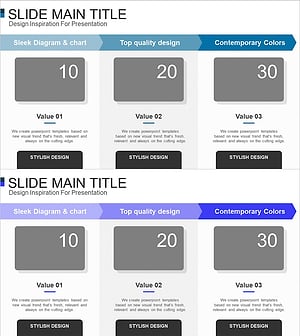
Introducing the Card Company Service Program – Effective Business Strategy
#Product/Service Introduction #Business Strategy #Diagram
-

Space Industry Schedule Diagram – Introduction to Business Development Strategy
#Product/Service Introduction #Business Strategy #Diagram
-
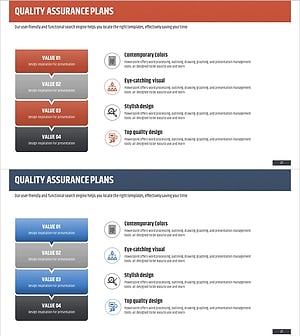
Step-by-step Quality Assurance Plan Diagram
#Business Strategy #Business Management #Diagram
-
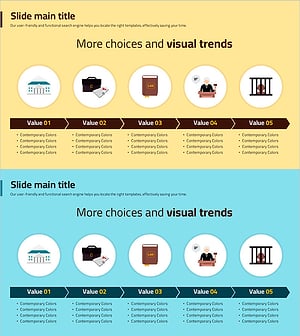
Visual Diagram of Criminal Proceedings Step-by-Step
#Business Strategy #Diagram #Step-by-Step Schedule Plan
