




Rocket Launch Plan Diagram – Business Strategy
RJ0700022_10
- Last Update 08/29/2025
- File Size 0.3MB
- # of Slides 2
- File Format PPTX
- Slide Ratio 16:9
- Color
Keywords
- #Content-Based Slides
- #Design-Based Slides
- #Business Strategy
- #Business Management
- #Diagram
- #Step-by-Step Schedule Plan
- #Implementation Plan
- #Flow
- #Linear Flow
- #16:9
- #circular arrow diagram PowerPoint
- #4-step process flow slide
- #business strategy diagram template
- #project timeline PPT
- #rocket launch plan slide
About the Product
A 4-step circular arrow diagram PowerPoint slide designed to visualize business strategy and project progression. Four rounded arrows in purple, gray, yellow, and mint green flow from left to right, with space for step-by-step descriptions beneath each arrow. A rocket icon at the right end symbolizes launch, momentum, and growth. Presented in 16:9 widescreen format with 2 slides featuring dark blue and purple background versions. Each arrow shape is fully editable for customization of step count, colors, and text. Ideal for strategy presentations, project timelines, and business roadmap sections in corporate decks.
Usage Points
-
Main Usage
This diagram excels at presenting sequential business processes and strategic initiatives. The four circular arrows create a clear left-to-right progression, allowing each phase to be distinctly labeled with objectives, actions, and outcomes. The rocket icon reinforces momentum and achievement, making it perfect for communicating growth trajectories and milestone-driven strategies.
-
How to Use
Deploy this slide in executive briefings, strategy workshops, and project kickoff presentations to outline business roadmaps. Insert quarter names, departmental goals, key deliverables, and expected results into each arrow section. Use the dark blue version for formal corporate presentations and the purple version for creative or innovation-focused proposals.
-
Recommended For
Executives, strategic planners, project managers, and marketing professionals presenting business plans, product launch timelines, and organizational transformation initiatives. Particularly effective for startups explaining growth stages, enterprises presenting mid-term strategic plans, and consultants detailing implementation roadmaps in proposal decks.
-
Slide Structure
Two slides with identical layout but different color schemes. Each slide contains four rounded arrow shapes arranged horizontally. Slide 1 features a dark blue background with purple, gray, yellow, and mint arrows. Slide 2 uses a purple background with mint, gray, coral, and lime arrows. Each arrow includes a Step label (01–04) and text area below for descriptions. A rocket icon is positioned at the right end of each slide.
Related Products
-
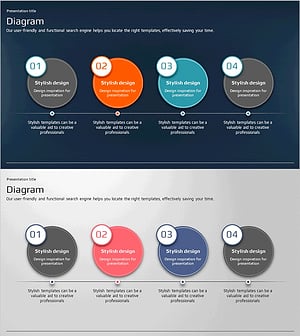
Global Business Presentation with Circular Flow Diagram
#Business Strategy #Business Management #Operational Plan
-
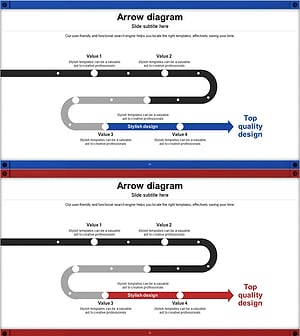
Conveyor Arrow Process Diagram
#Business Strategy #Business Management #Diagram
-
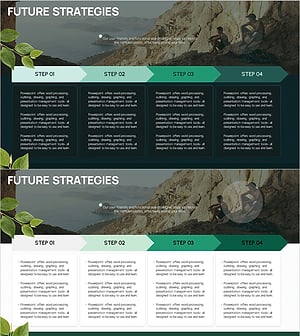
Nature Theme Future Strategy Linear Diagram
#Business Strategy #Business Management #Diagram
-
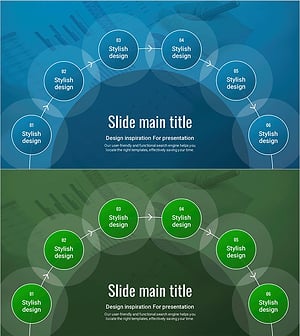
Schedule Diagram for Scientific Research – Detailed Implementation Plan
#Business Strategy #Business Management #Diagram
