



Introduction to Work Tools – Product and Service Presentation
RJ0600044_13
- Last Update 08/28/2025
- File Size 6.9MB
- # of Slides 2
- File Format PPTX
- Slide Ratio 16:9
- Color
Keywords
About the Product
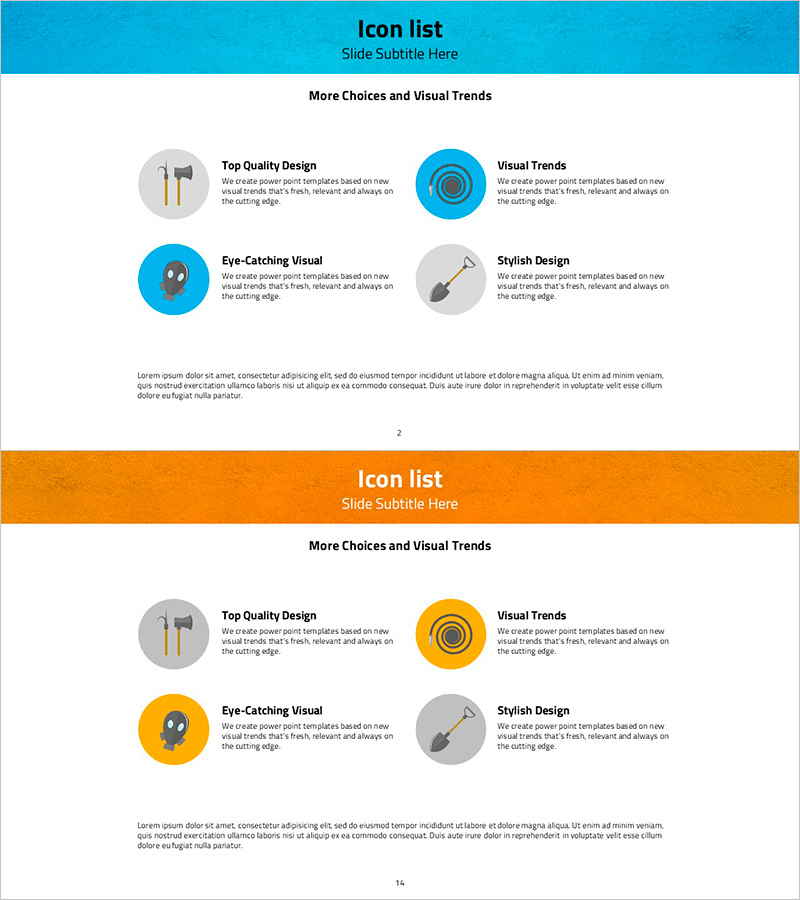
A 2-slide PowerPoint presentation template designed to introduce key technical tools and features in product and service presentations. The layout features a header section at the top and four circular icon areas arranged in a 2x2 grid, allowing you to compare and describe each work tool side by side. The PowerPoint slide template is available in two color versions: blue and orange, with dedicated text areas next to each icon for titles and descriptions. This design is particularly effective for technology briefings, product demonstrations, and technical capability presentations where you need to highlight multiple tools or features simultaneously.
Usage Points
-
Main Usage
This slide template is designed to introduce and compare up to four key work tools or technical features from multiple perspectives simultaneously. By combining icons with descriptive text, it helps audiences quickly understand the distinct roles and capabilities of each tool in your product or service ecosystem.
-
How to Use
Enter the tool name in the title field next to each circular icon, then add feature descriptions in the text box below. Choose either the blue or orange color version to match your company's brand identity. Insert this slide in the technical overview or product features section of your presentation deck.
-
Recommended For
Ideal for IT and software companies presenting product capabilities, SaaS startups pitching to investors, engineering teams delivering technical status reports, and consulting firms showcasing solution architectures. Works effectively for both technical and non-technical audiences who need clear tool comparisons.
-
Slide Structure
The 2-slide template features a header area at the top for title and subtitle, followed by four circular icon sections arranged in a balanced grid. Each icon is accompanied by a title field (single line) and a description text area (3-4 lines), enabling systematic organization of tool-specific information across the slides.
Related Products
-
Current Status of Energy Business Development – Pie Chart for Business Intro
#Product/Service Introduction #Business Introduction #Graph
-
Stylish Design Visual – Effective Presentation Material
#Product/Service Introduction #Business Introduction #Graph
-
Business Technology Status Bar Graph – Insights Delivered Through Data Visualization
#Product/Service Introduction #Business Introduction #Graph
-
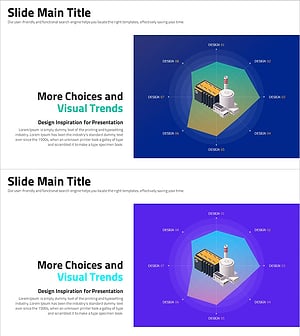
More Choices in Visual Trends for Effective Presentation Design
#Product/Service Introduction #Business Introduction #Graph
