



Product Strategy Cycle Diagram – Business Strategy and Marketing Roadmap
RM0100001_27
- Last Update 01/24/2025
- File Size 2MB
- # of Slides 2
- File Format PPTX
- Slide Ratio 16:9
- Color
Keywords
- #Content-Based Slides
- #Design-Based Slides
- #Business Vision and Strategy
- #Marketing Plan and Strategy
- #Diagram
- #Business Strategy
- #Marketing Strategy
- #Flow
- #Circular Flow
- #16:9
- #cycle diagram PowerPoint
- #3-step circular diagram
- #business strategy presentation
- #product strategy slide
- #marketing roadmap diagram
About the Product
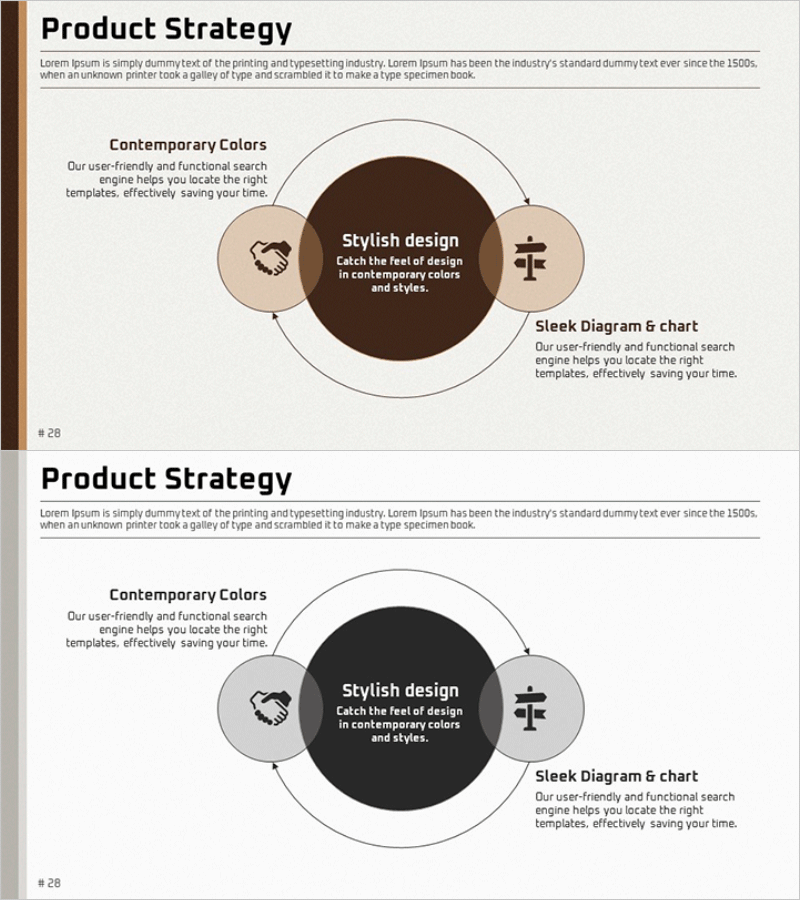
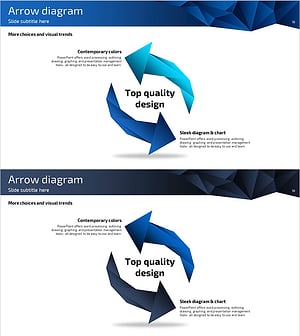
A 3-step circular cycle diagram PowerPoint slide designed to visualize product strategy and marketing roadmaps. The radial structure centers on a core concept (Stylish design) with supporting elements positioned at upper left and right, clearly expressing the interconnection between strategic components. The warm color palette of brown, beige, and gray emphasizes business credibility, while icons and text areas are balanced for immediate use in presentations, planning documents, and reports. 2 slides, 16:9 widescreen format, PPTX file.
Usage Points
-
Main Usage
Visualizes the cyclical relationship between three strategic elements such as product strategy, marketing roadmap, and business processes. The radial structure with a central core concept and surrounding elements effectively communicates mutual influence and continuous improvement cycles between strategies.
-
How to Use
Enter the core strategy name in the central circle and detailed strategy items in the left and right upper nodes. Customize icons and text in each node to match your organization's strategy, then emphasize the circular flow with arrows when inserting into presentation slides or planning documents.
-
Recommended For
Ideal for executives, strategy teams, marketing teams, and business development teams presenting business strategies, product roadmaps, and marketing campaign plans. Particularly effective for executive briefings, board presentations, and strategic planning workshops where interconnection between strategies must be emphasized.
-
Slide Structure
Comprises 2 slides, each featuring one large central circle (core concept input area) and two medium circles at upper left and right (supporting elements), connected by directional arrows. The three-color palette of brown, beige, and gray creates clear visual hierarchy, with each node containing icon and text input areas for customization.
Related Products
-
Business Strategy Structure Diagram – Setting Effective Marketing Strategy Goals
#Business Vision and Strategy #Marketing Plan and Strategy #Diagram
-
Business Direction Strategy Structure Diagram – Visual Planning for Business Efficiency
#Business Vision and Strategy #Marketing Plan and Strategy #Diagram
-
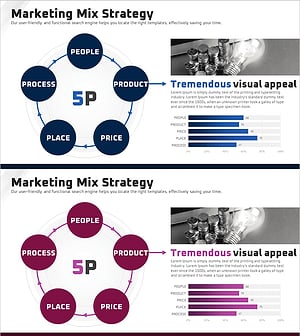
5P Marketing Analysis Graph – Effective Strategy Design
#Business Vision and Strategy #Marketing Plan and Strategy #Diagram
-
Piece Arrow Shape Circular Diagram – Business Strategy Representation
#Business Vision and Strategy #Marketing Plan and Strategy #Diagram
