



Technology Differentiation Strategy Diagram – Effective Execution Plan
RJ0900003_28
- Last Update 08/16/2025
- File Size 0.1MB
- # of Slides 2
- File Format PPTX
- Slide Ratio 16:9
- Color
Keywords
- #Content-Based Slides
- #Design-Based Slides
- #Product/Service Introduction
- #Technical Approach
- #Diagram
- #Differentiation Strategy for Products/Services
- #Service Implementation Plan
- #Flow
- #Circular Flow
- #16:9
- #circular diagram PowerPoint
- #technology differentiation strategy slide
- #3-step cycle diagram
- #strategy visualization slide
- #diagram PowerPoint template
About the Product
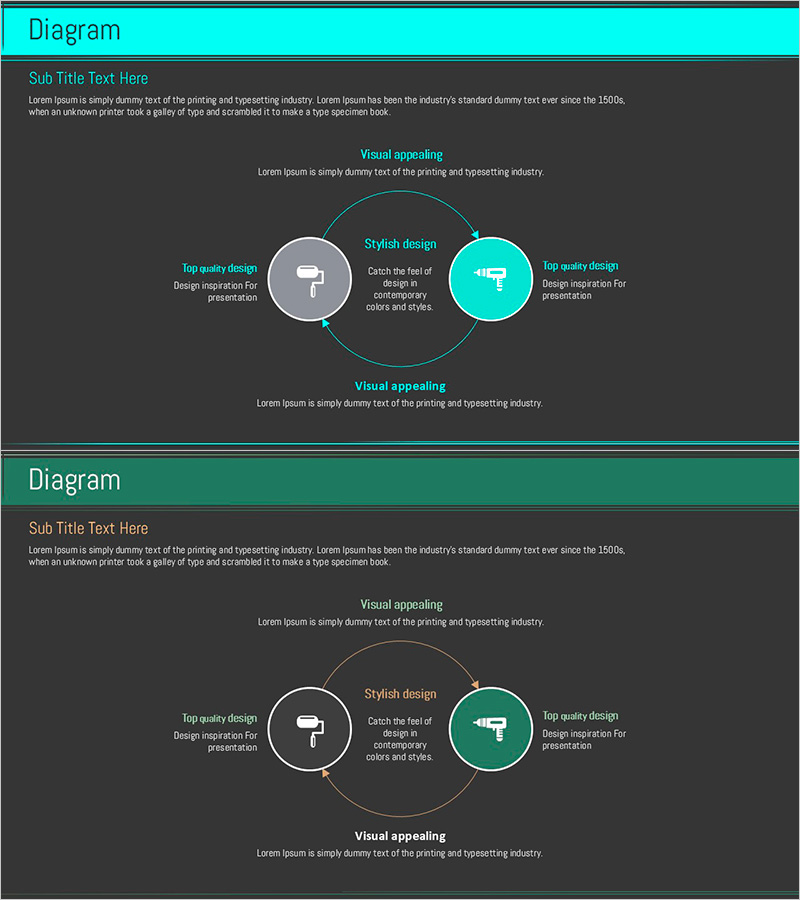
A 3-node circular diagram PowerPoint slide that visualizes technology differentiation strategy. Set against a dark gray background with cyan accent color and gray nodes, it clearly expresses the cyclical relationship between strategic elements. Each node includes an icon and text input area, with a central key message and descriptive text sections at the top and bottom to explain the overall strategy structure. Composed of 2 slides optimized for 16:9 widescreen format. Ready to use immediately for various business presentations including product differentiation, technology competitiveness, and execution strategy.
Usage Points
-
Main Usage
Visualizes the cyclical relationship of technology differentiation strategy, clearly expressing the interconnection between core elements such as product competitiveness, customer value, and execution methods. Effectively communicates key concepts to audiences during strategy development phases.
-
How to Use
Input core elements of technology differentiation (e.g., product features, customer experience, market positioning) into each node, and write the overall strategy's key message in the center text. Complete by adding detailed content for each element in the top and bottom description areas.
-
Recommended For
Ideal for technology-driven company executives, product strategy teams, and marketing professionals presenting technology differentiation strategies to senior management or investors. Effective for new product launch presentations, technology competitiveness analysis, and strategic planning meetings.
-
Slide Structure
Three circular nodes connected in a cyclical structure, with left and right nodes in gray and the top node highlighted in cyan. Each node contains an icon and text input area, with a central key message area and descriptive text sections positioned at the top and bottom.
Related Products
-
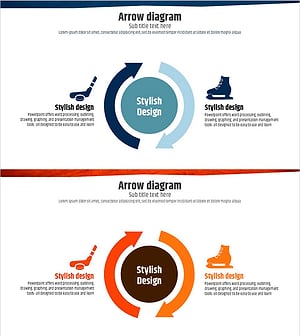
Ice Hockey Circulation Diagram - Product and Service Execution Strategy
#Product/Service Introduction #Technical Approach #Diagram
-
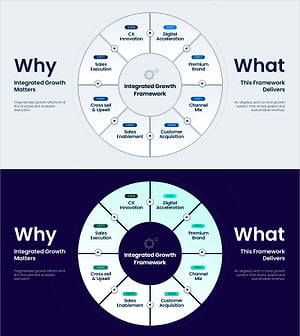
Integrated Growth Framework Slide – 8-Step Growth Strategy
#Technical Approach #Diagram #Service Implementation Plan
-
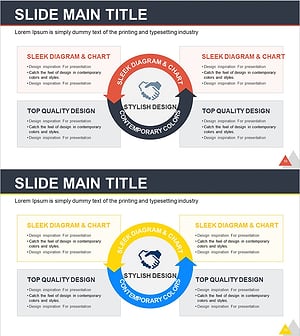
Collaborative Business Cycle Diagram – Prioritizing Marketing Strategy and Execution
#Technical Approach #Marketing Plan and Strategy #Diagram
-
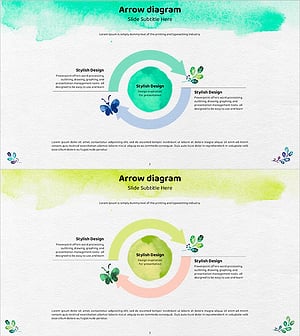
Watercolor Distribution Strategy Circulation Diagram – Effective Expression for Marketing
#Technical Approach #Marketing Plan and Strategy #Diagram
