



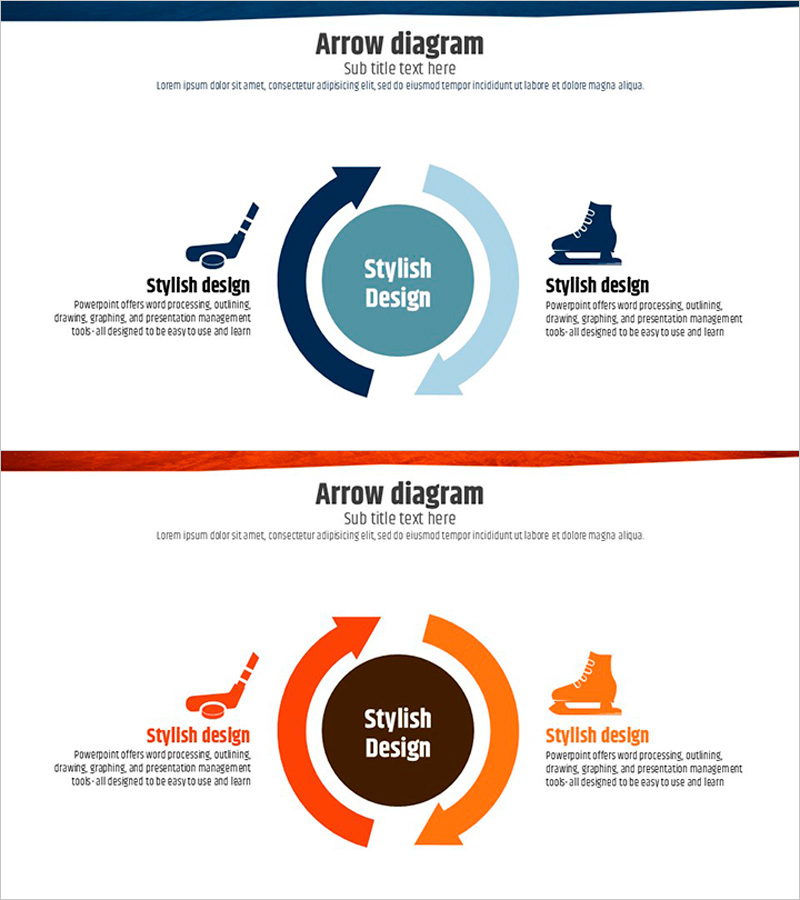
Ice Hockey Circulation Diagram - Product and Service Execution Strategy
RJ0600045_15
- Last Update 07/02/2025
- File Size 0.4MB
- # of Slides 2
- File Format PPTX
- Slide Ratio 16:9
- Color
Keywords
- #Content-Based Slides
- #Design-Based Slides
- #Product/Service Introduction
- #Technical Approach
- #Diagram
- #Differentiation Strategy for Products/Services
- #Service Implementation Plan
- #Flow
- #Circular Flow
- #16:9
- #circular diagram PowerPoint
- #4-stage cycle slide
- #arrow diagram template
- #product execution strategy PPT
- #process flow diagram PowerPoint
About the Product
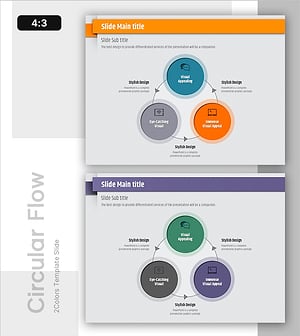
A circular diagram PowerPoint slide designed to visualize product and service execution strategies. The slide features a 4-stage cycle represented by dual-color arrows in navy blue and light blue, with a central circular area for core messaging. Each stage includes space for icons and descriptive text to clearly communicate process flow. The 2-slide set provides two design versions: navy and light blue combination, and orange and brown combination, allowing you to match your presentation theme and brand colors. This PowerPoint slide is ready to use for technology presentations, product introductions, service execution plans, and various business scenarios.
Usage Points
-
Main Usage
Breaks down product development and service operation cycles into 4 stages with visual clarity. The central circular area holds the core concept, while each stage accommodates icons and descriptive text to effectively communicate execution strategy flow.
-
How to Use
Enter your core topic (product name, service name, or strategy name) in the central circle. Fill in each of the 4 arrow sections with stage-specific execution items, responsible departments, and timelines. Customize icons to reflect industry characteristics and select color combinations (navy blue or orange) to adjust the presentation tone.
-
Recommended For
Recommended for technology and product planning teams presenting execution strategies, service operations teams reporting process improvements, marketing teams explaining campaign cycles, and executive presentations. Particularly effective for describing cyclical and repetitive workflows.
-
Slide Structure
2-slide set. Each slide features a central circular area connected to 4 arrow sections arranged clockwise. The first slide uses navy blue and light blue color combination; the second uses orange and brown. Each arrow section includes space for icons and text input, positioned adjacent to the arrow elements.
Related Products
-
Technology Differentiation Strategy Diagram – Effective Execution Plan
#Product/Service Introduction #Technical Approach #Diagram
-
Watercolor Distribution Strategy Circulation Diagram – Effective Expression for Marketing
#Technical Approach #Marketing Plan and Strategy #Diagram
-
Circular Diagram Service Implementation Plan
#Operational Plan #Technical Approach #Diagram
-
Presentation Template Emphasizing Visual Appeal - The Power of Visual Elements
#Technical Approach #Diagram #Service Operation Plan
