



Introducing SUV Features – Enhancing Ride Quality in Operations Planning
RJ0800052_9
- Last Update 08/15/2025
- File Size 0.7MB
- # of Slides 2
- File Format PPTX
- Slide Ratio 16:9
- Color
Keywords
- #Content-Based Slides
- #Design-Based Slides
- #Operational Plan
- #Technical Approach
- #Diagram
- #Risk Management
- #Service Implementation Plan
- #Flow
- #Cluster
- #Circular Flow
- #Chain Diagram
- #16:9
- #connection diagram PowerPoint
- #2-node cluster slide
- #PowerPoint icon diagram
- #technology presentation slide
- #operational planning template
About the Product
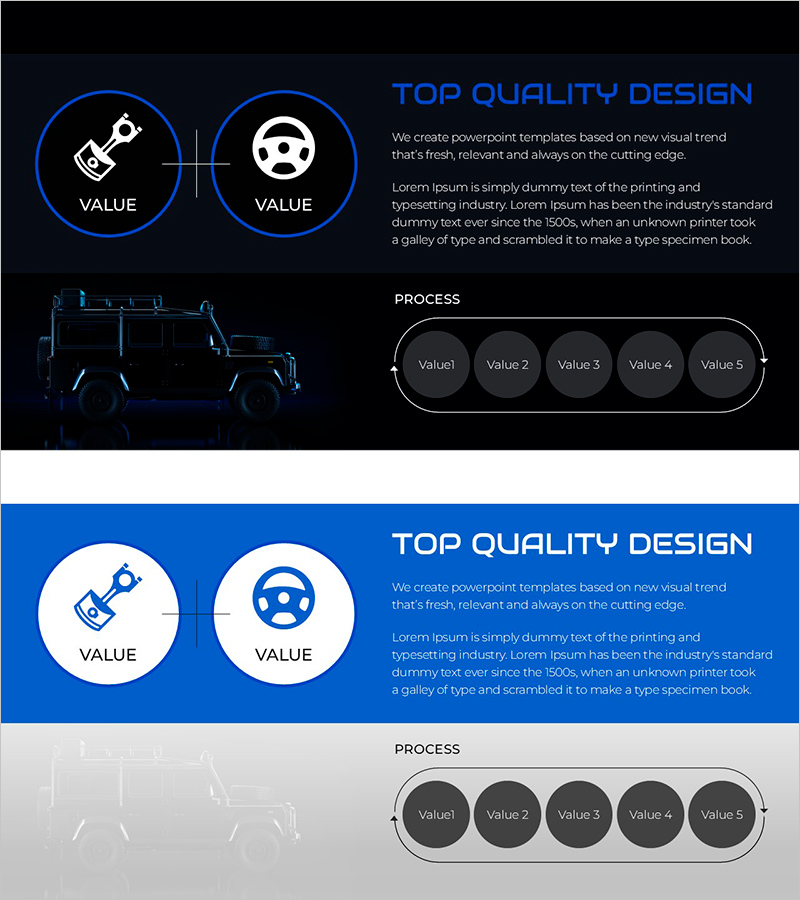
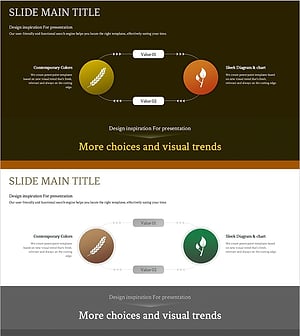
A cluster diagram PowerPoint slide featuring two circular nodes connected by a pipeline connector. Set against a dark navy background with bright blue-bordered circles and white icons, this design is ideal for technology departments, operational planning, and product feature presentations. The 2-slide set includes both dark theme and light blue theme variations, allowing you to insert text and icons in each node to visualize relationships, feature connections, and process flows. Delivered in 16:9 widescreen PPTX format for immediate editing.
Usage Points
-
Main Usage
Clearly express the interconnected relationship between two key elements, functions, or departments. Emphasize the connection between core components in technology architecture, operational processes, and product feature introductions to enhance audience comprehension.
-
How to Use
Enter feature names, department titles, or process stages in each circular node, and mark the connection relationship (→ or ↔) on the central pipeline. Customize icons to match your industry or use case, and switch color themes to adjust the tone of your presentation materials.
-
Recommended For
Technology professionals, product managers, and operations planning teams explaining system architecture, feature connections, and process flows. Suitable for technology presentations, product introductions, and operational planning in automotive, manufacturing, IT, and financial sectors.
-
Slide Structure
Slide 1: Dark navy background with two blue-bordered circular nodes, white icons, and pipeline connector. Slide 2: Light blue background with identical structure. Each node includes text input area, 16:9 widescreen format.
Related Products
-
Tree Circulation Connection Diagram
#Operational Plan #Technical Approach #Diagram
-
Airplane Circulation Diagram – Efficient Operation Planning
#Operational Plan #Technical Approach #Diagram
-
Square Circulatory System Diagram – Enhancing Operational Efficiency
#Operational Plan #Diagram #Business Processes
-
Crop Management System Diagram – Efficient Operational Plan
#Operational Plan #Technical Approach #Diagram
