



Business Trip Plan for Cosmetics – Marketing Strategy Flow
RJ0800028_24
- Last Update 08/07/2025
- File Size 5MB
- # of Slides 2
- File Format PPTX
- Slide Ratio 16:9
- Color
Keywords
- #Content-Based Slides
- #Design-Based Slides
- #Marketing Plan and Strategy
- #Diagram
- #Marketing Strategy
- #Key Marketing Activities
- #Flow
- #Spread
- #Linear Flow
- #Radial Diagram
- #16:9
- #radial diagram PowerPoint
- #central expansion slide template
- #4-item diagram
- #business value proposition PPT
- #marketing strategy diagram slide
About the Product
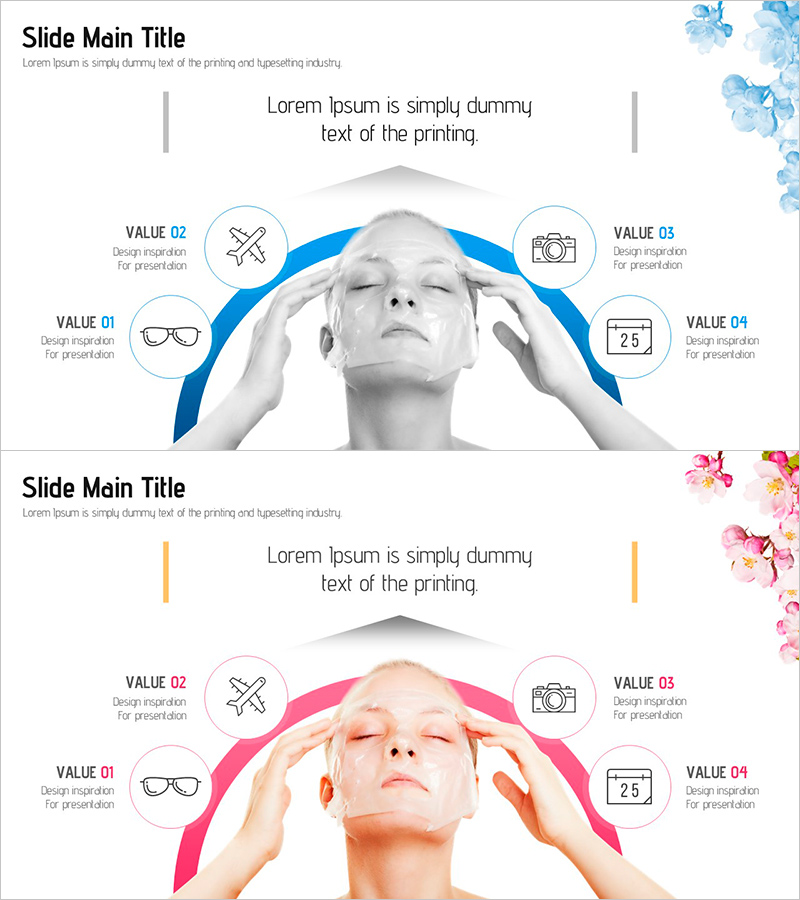
A radial diagram PowerPoint slide that expands from a central image to four surrounding items. Available in two color versions—blue and pink—with each item represented by a circular icon. The centered photograph and curved background create visual emphasis, while the symmetrical left-right layout ensures balanced information delivery. This presentation slide is ready to use for marketing strategy presentations, business value propositions, core element analysis, and various corporate communication scenarios.
Usage Points
-
Main Usage
Designed to visually represent four key elements or components that radiate from a central concept or theme. Ideal for presenting four core marketing values, main components of a business model, four competitive advantages of a product, or key pillars of a strategic initiative.
-
How to Use
Place your core subject or product image in the central area, then add item names and descriptions to each of the four circular icons positioned above, below, left, and right. Use the blue version for B2B presentations requiring trust and professionalism; choose the pink version for beauty, wellness, and lifestyle industry presentations.
-
Recommended For
Marketing managers, product strategists, sales executives, and consultants presenting strategies, product launches, or business proposals. Particularly effective for beauty, cosmetics, wellness, and lifestyle industry marketing plans, business proposals, and strategic reports.
-
Slide Structure
Two-slide set. Each slide features a central image area (suitable for product photos or portraits) surrounded by four circular icon nodes positioned at cardinal points. Curved background elements emphasize the outward expansion from center, with text input areas positioned adjacent to each icon for clear labeling.
Related Products
-
Campaign Activity Monitoring – Diagram for Marketing Strategy Management
#Marketing Plan and Strategy #Diagram #Marketing Strategy
-
Step-by-Step Mountaineering Diagram – Systematic Visualization of Marketing Strategies
#Marketing Plan and Strategy #Diagram #Marketing Strategy
-
Mobile Service Business Step-by-Step Strategy – Efficient Future Design
#Business Vision and Strategy #Marketing Plan and Strategy #Diagram
-
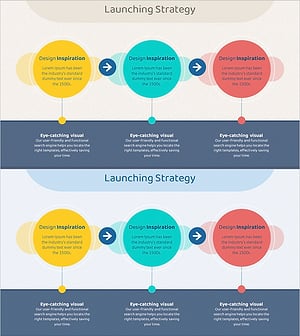
Launch Strategy Overlay Linear Diagram - Visualizing Business Strategy
#Business Vision and Strategy #Marketing Plan and Strategy #Diagram
