



Gradient One Theme Development Status Graph
RJ0700017_21
- Last Update 07/26/2025
- File Size 0.5MB
- # of Slides 2
- File Format PPTX
- Slide Ratio 16:9
- Color
Keywords
- #Content-Based Slides
- #Design-Based Slides
- #Product/Service Introduction
- #Diagram
- #Graph
- #Other
- #Development Status
- #Cluster
- #Closed Cluster Diagram
- #16:9
- #circular progress chart PowerPoint
- #pie chart slide template
- #4-step ratio visualization
- #gradient circle diagram
- #development status presentation
- #how to create progress chart in PowerPoint
About the Product
A professional PowerPoint slide featuring four circular progress charts with gradient color fills to visualize development status, project completion rates, and performance metrics. The pie charts display 95%, 70%, 65%, and 50% values in pink, yellow, cyan, and blue gradient circles respectively, each with labels and descriptive text below. Two design versions are included: one with a light background and one with a dark background, making it suitable for business proposals, status reports, and executive presentations. The slide is formatted in 16:9 widescreen PPTX, fully editable across all PowerPoint versions, with customizable colors and data values.
Usage Points
-
Main Usage
Designed to compare and display four different metrics or completion rates simultaneously using circular pie charts. Each circle independently represents a percentage value, making it ideal for multi-metric comparison presentations and status updates.
-
How to Use
Insert into business proposal performance sections, quarterly progress reports, project kickoff meetings, investor pitch decks, and executive dashboards. Simply update the percentage values and labels to match your project context for immediate use.
-
Recommended For
Project managers, business analysts, marketing professionals, executives preparing status reports, management consultants, and educators who need to communicate progress, achievement rates, and performance metrics clearly and visually.
-
Slide Structure
Slide 1: Light background (white) with four gradient circular pie charts arranged horizontally. Each circle displays a percentage in the center, with a label (Value 01-04) and descriptive text below. Slide 2: Identical layout on dark background (black) with emphasized circle borders for enhanced contrast and visual impact.
Related Products
-
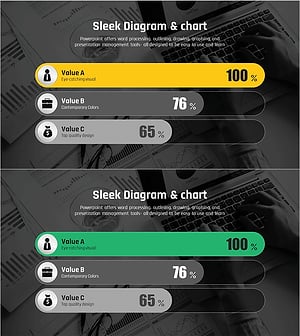
Comparative Analysis Graph of Work Progress Status – Visual Data Insights
#Product/Service Introduction #Business Introduction #Diagram
-
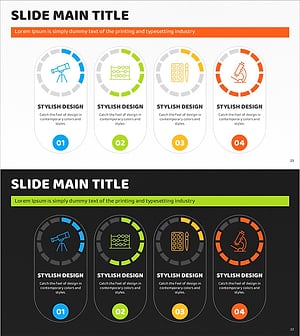
Art Science Closed Diagram – Creative Idea Gear
#Product/Service Introduction #Diagram #Graph
-
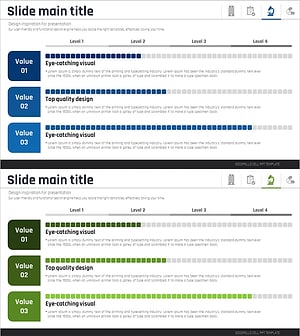
Medical Research Progress Diagram – Innovation and Development
#Product/Service Introduction #Business Introduction #Diagram
-
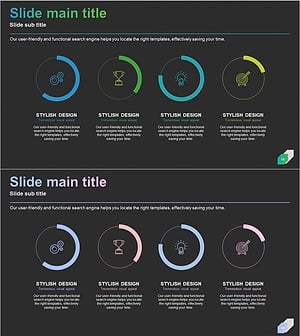
Business Development Status Diagram – Market Share and Competitive Analysis
#Product/Service Introduction #Market and Competitor Analysis #Diagram
