



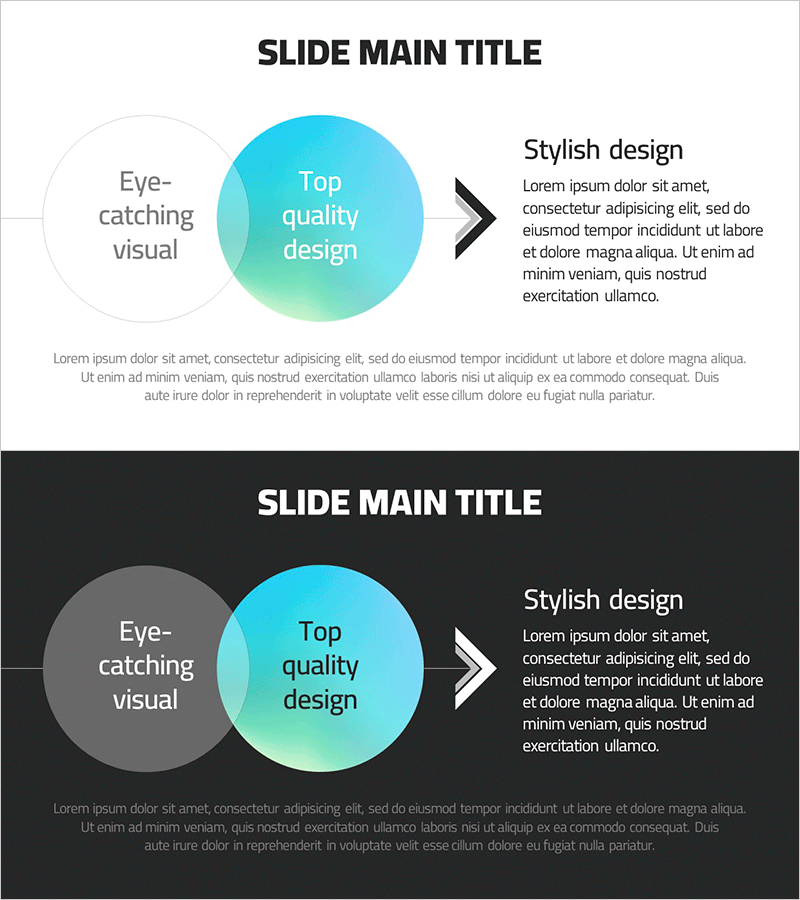
Gradient Overlay Circular Diagram – Visualizing Business Strategy
RJ0700017_19
- Last Update 07/26/2025
- File Size 0.4MB
- # of Slides 2
- File Format PPTX
- Slide Ratio 16:9
- Color
Keywords
- #Content-Based Slides
- #Design-Based Slides
- #Business Vision and Strategy
- #Marketing Plan and Strategy
- #Diagram
- #Business Strategy
- #Marketing Strategy
- #Flow
- #Cluster
- #Linear Flow
- #Chain Diagram
- #16:9
- #overlapping circular diagram PowerPoint
- #gradient diagram slide template
- #business strategy visualization
- #circular diagram presentation
- #relationship diagram PowerPoint slide
About the Product
A professional overlapping circular diagram PowerPoint slide featuring a gradient transition from cyan to mint green. This 2-slide set includes both light and dark theme versions, making it ideal for business strategy presentations, goal visualization, and process flow explanations. The overlapping circle design effectively communicates relationships and connections between two key concepts. White text on dark background and dark text on light background options provide flexibility for different presentation contexts. Fully editable PPTX format ready for immediate customization.
Usage Points
-
Main Usage
Visualizes the relationship between two core concepts using overlapping circles. Ideal for illustrating business strategy connections, goal-to-execution alignment, interdepartmental collaboration, and strategic partnerships. The gradient color scheme conveys professionalism and visual sophistication.
-
How to Use
Insert this diagram in the strategy, objectives, or vision sections of your presentation to explain how two elements interact or complement each other. Clear text input areas allow you to add company names, core values, strategic goals, or process steps. Choose between light and dark background versions to match your overall slide design theme.
-
Recommended For
Executive reports, business plans, strategic presentations, organizational restructuring explanations, partnership proposals, and stakeholder communications. Recommended for consulting firms, technology companies, financial institutions, marketing teams, and corporate strategy departments.
-
Slide Structure
2-slide set with light theme (white background) and dark theme (black background) versions. Each slide features a large cyan circle in the center, a smaller gray circle overlapping on the left, and a text area on the right labeled 'Stylish design' with descriptive content space. Black arrow elements indicate directional flow between concepts.
Related Products
-
Corporate Strategy Diagram Leading the Future – Visualizing Business Flow
#Business Vision and Strategy #Marketing Plan and Strategy #Diagram
-
Marketing Mix 4P Linear Diagram
#Business Vision and Strategy #Marketing Plan and Strategy #Diagram
-
Diagram of the Steps in Developing a Launch Strategy
#Business Vision and Strategy #Marketing Plan and Strategy #Diagram
-
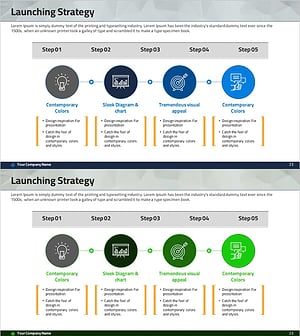
Step-by-step Marketing Strategy STEP5 – Visualizing Business Strategies
#Business Vision and Strategy #Marketing Plan and Strategy #Diagram
