



Boards and Infographics Slide – Efficient Flow and Intuitive Structure
RJ0600071_17
- Last Update 07/09/2025
- File Size 2.4MB
- # of Slides 2
- File Format PPTX
- Slide Ratio 16:9
- Color
Keywords
- #Content-Based Slides
- #Design-Based Slides
- #Product/Service Introduction
- #Technical Approach
- #Diagram
- #Product/Service Introduction
- #Service Components
- #Flow
- #Cluster
- #Linear Flow
- #Chain Diagram
- #16:9
- #connection diagram PowerPoint
- #two-stage flowchart template
- #board infographic slide
- #technical process diagram
- #gray tone diagram design
- #how to create connection diagram in PowerPoint
About the Product
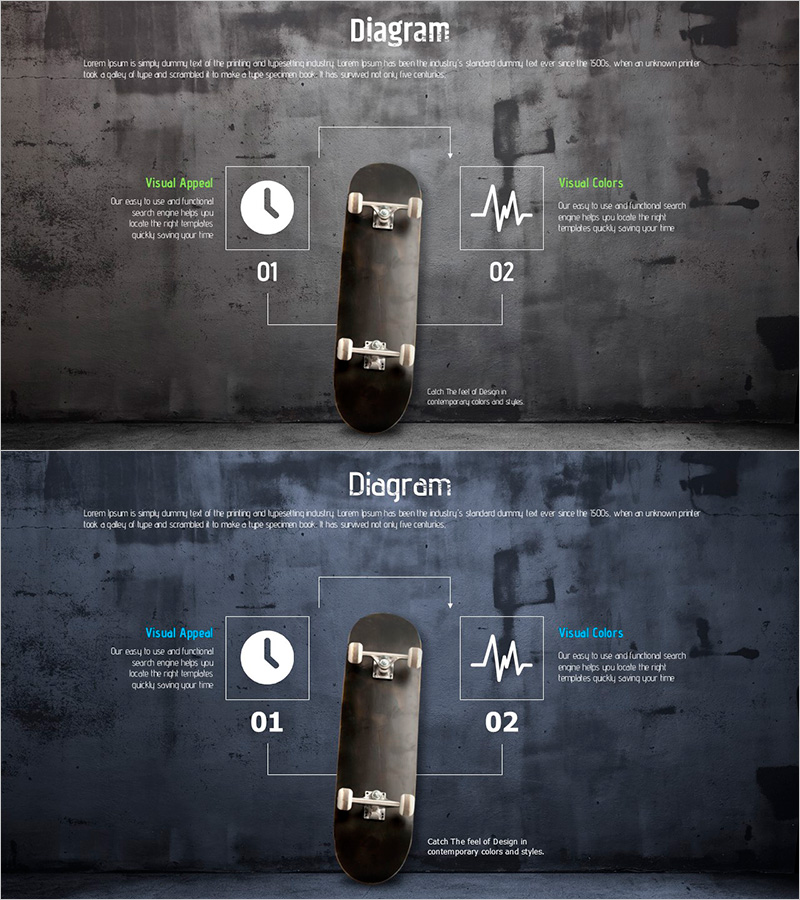
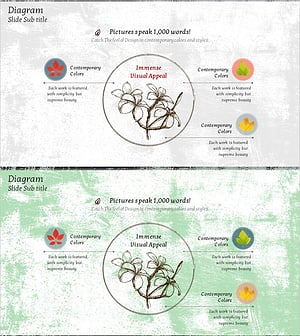
A two-stage connection diagram PowerPoint slide with a central image flanked by left and right nodes linked by directional arrows. Dark gray background contrasts with white-bordered boxes and green text labels, creating clear visual hierarchy and information flow. Ideal for technical explanations, product architecture, and process visualization. The board-style layout combines visual structure with data communication in a single composition. Two-slide set in 16:9 widescreen PPTX format, fully editable for custom content.
Usage Points
-
Main Usage
Visualize technical architecture, product composition, and process flows with clarity. The central-image-with-flanking-nodes structure effectively communicates cause-effect, input-output, and core-detail relationships in a single, unified composition.
-
How to Use
Insert product photos, logos, or icons in the central image area. Add feature descriptions, benefits, or technical specifications in the left and right text boxes. The balanced text-to-image ratio prevents information overload while maintaining professional presentation standards.
-
Recommended For
Technology presentations, software product launches, manufacturing process documentation, engineering briefings, system architecture diagrams, and proposal decks. Ideal for technical teams, product managers, business development, and engineering departments requiring data-driven visual communication.
-
Slide Structure
Two-slide template featuring a central rectangular image frame with two flanking input boxes (white borders, green labels) on left and right. Directional arrows connect the nodes. Dark gray background with high-contrast white and green elements ensures readability and visual impact.
Related Products
-
VR Service Configuration Contents – Structured and Stylish Design
#Product/Service Introduction #Technical Approach #Diagram
-
Arctic Business Representative Introduction Diagram – Innovative Design
#Product/Service Introduction #Diagram #Product/Service Introduction
-
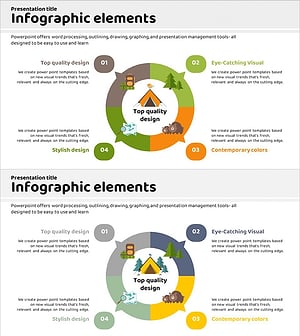
Differentiation Strategy Orange Yellow – Visual Diagram for Product/Service Presentation
#Product/Service Introduction #Diagram #Product/Service Introduction
-
Maple Leaf Distribution and Promotion Strategy Diagram – Maximizing Business Impact with Clusters
#Product/Service Introduction #Diagram #Product/Service Introduction
