



Visualizing Sports Strategies with Multidirectional Arrow Diagram
RJ0600021_16
- Last Update 06/26/2025
- File Size 0.5MB
- # of Slides 2
- File Format PPTX
- Slide Ratio 16:9
- Color
Keywords
- #Content-Based Slides
- #Design-Based Slides
- #Product/Service Introduction
- #Business Vision and Strategy
- #Diagram
- #Differentiation Strategy for Products/Services
- #Business Strategy
- #Flow
- #Converging Flow Diverging Flow
- #16:9
- #multidirectional arrow diagram
- #two-way arrow PowerPoint
- #arrow diagram presentation
- #business strategy slide
- #comparison diagram PPT
About the Product
A multidirectional arrow diagram PowerPoint slide featuring left and right directional arrows with a central image area. Provided in two color versions—blue and orange—each slide consists of a left black arrow, a right colored arrow, and a center banner section for text or imagery. Ideal for sports strategy analysis, business strategy presentations, product differentiation, and comparative frameworks. Delivered in 16:9 widescreen PPTX format, fully editable in all PowerPoint versions. Customize text, colors, and content to match your presentation theme instantly.
Usage Points
-
Main Usage
This diagram visually represents bidirectional comparison and contrast structures. It effectively presents opposing concepts, competing strategies, or alternative choices alongside a central message. Ideal for sports tactical analysis, business competitive strategy, product feature comparison, marketing positioning, and any scenario requiring simultaneous emphasis on two perspectives.
-
How to Use
Edit the text in the left black arrow and right colored arrow to match your presentation topic. Insert your core message or image in the center banner area to unify both directional elements. Select the blue version for trust and stability messaging, or the orange version for energy and action-oriented themes.
-
Recommended For
Sports team tactical briefings, executive business reports, marketing strategy presentations, product development pitches, competitive analysis documents, organizational change management, investment pitch decks, and any professional context requiring balanced persuasion across two viewpoints.
-
Slide Structure
2-slide set. Each slide features three primary elements: a left black arrow (leftward direction), a center banner area (for text and image insertion), and a right colored arrow (rightward direction). Light gray background with center banner in solid blue or orange. Text input areas within arrows allow full customization and editing flexibility.
Related Products
-
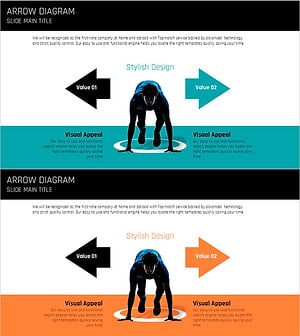
Preparation for Strategy – Multidirectional Flow Diagram
#Product/Service Introduction #Business Vision and Strategy #Diagram
-
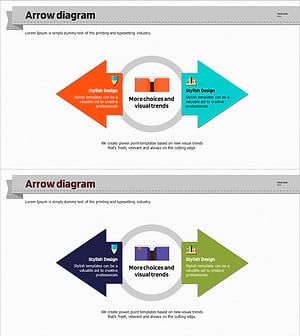
Academic Solutions Multidirectional Diagram
#Product/Service Introduction #Business Vision and Strategy #Diagram
-
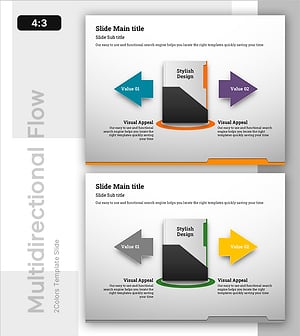
Multi-Directional Strategy for Achieving Success – A Template for Business Future
#Product/Service Introduction #Business Vision and Strategy #Diagram
-
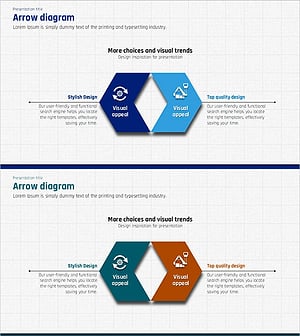
Construction Design Flow Diagram – Business Strategy and Differentiation
#Product/Service Introduction #Business Vision and Strategy #Diagram
