



Construction Design Flow Diagram – Business Strategy and Differentiation
RJ0300012_7
- Last Update 04/21/2025
- File Size 0.9MB
- # of Slides 2
- File Format PPTX
- Slide Ratio 16:9
- Color
Keywords
- #Content-Based Slides
- #Design-Based Slides
- #Product/Service Introduction
- #Business Vision and Strategy
- #Diagram
- #Text Box
- #Differentiation Strategy for Products/Services
- #Business Strategy
- #Flow
- #Converging Flow Diverging Flow
- #Arrow
- #16:9
- #arrow diagram PowerPoint
- #flow diagram slide template
- #business strategy diagram
- #two-stage process PPT
- #comparison analysis slide
About the Product
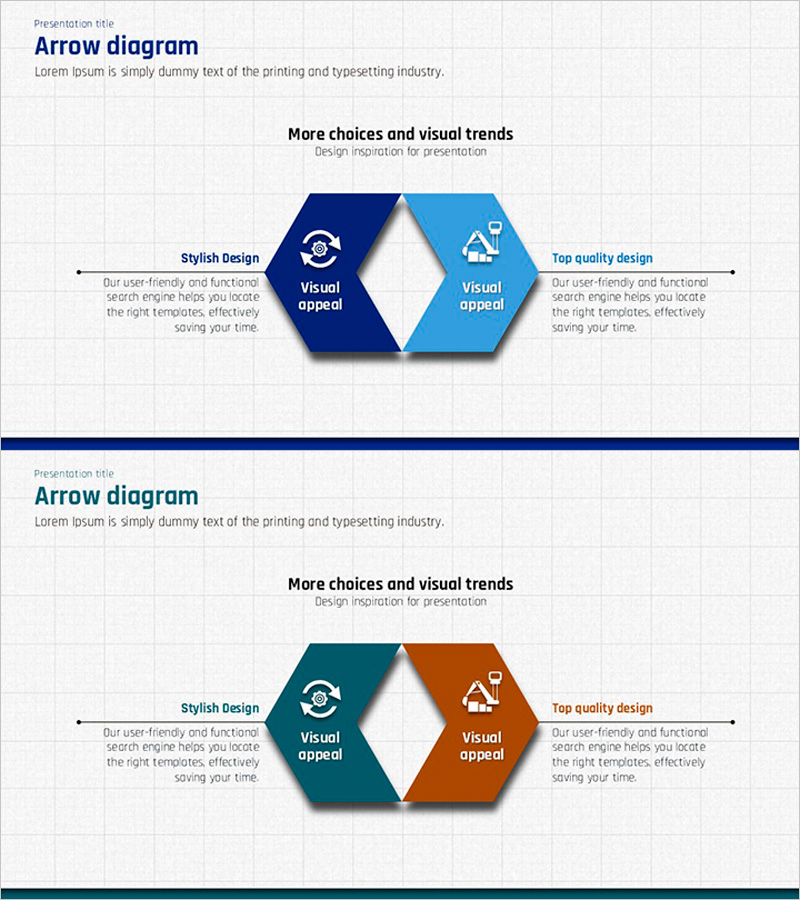
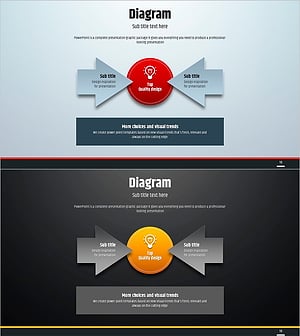
A professional arrow flow diagram PowerPoint slide that visualizes business strategy and competitive differentiation through a two-stage comparison structure. The slide features left-to-right directional arrows connecting two hexagonal shapes, each with integrated icons and text areas. The dual-tone color scheme—dark blue and light blue—conveys professionalism and clarity. This presentation slide is ready to use for strategy presentations, competitive analysis, process comparisons, and business proposal meetings.
Usage Points
-
Main Usage
Designed to compare and analyze two-stage processes using left-to-right directional arrows. Ideal for contrasting current state versus target state in strategy planning, or highlighting competitive differentiation. Hexagonal shapes with integrated icons and text clearly communicate the core elements of each stage.
-
How to Use
Use in executive briefings, strategy meetings, and business proposal presentations to compare two alternatives or sequential stages. Position current situation or existing approach on the left, and solution or improved approach on the right. Easily customize text and icons to fit various business contexts and messaging needs.
-
Recommended For
Suited for executives, strategy managers, marketing planners, consultants, and project managers presenting business strategies, organizational changes, new business proposals, and competitive analysis. Particularly effective when clearly distinguishing between two options or illustrating step-by-step evolution.
-
Slide Structure
Two-slide set featuring left-to-right directional arrows connecting two hexagonal shapes as the central design element. Left hexagon in dark blue, right hexagon in light blue for visual distinction. Each hexagon contains icon and text input areas. Title positioned at top with description text areas on both sides for clear information hierarchy.
Related Products
-
Square Frame Template – Multidirectional Flow Diagram
#Product/Service Introduction #Business Vision and Strategy #Diagram
-
Idea Presentation Template Wide – Dynamic Business Strategy
#Product/Service Introduction #Business Vision and Strategy #Diagram
-
Preparation for Strategy – Multidirectional Flow Diagram
#Product/Service Introduction #Business Vision and Strategy #Diagram
-
Simple Circle Presentation Template Diagram7 – Emphasizing Strategic Flow
#Product/Service Introduction #Diagram #Text Box
