



Preparation for Strategy – Multidirectional Flow Diagram
RJ0600016_12
- Last Update 06/24/2025
- File Size 0.4MB
- # of Slides 2
- File Format PPTX
- Slide Ratio 16:9
- Color
Keywords
- #Content-Based Slides
- #Design-Based Slides
- #Product/Service Introduction
- #Business Vision and Strategy
- #Diagram
- #Differentiation Strategy for Products/Services
- #Business Strategy
- #Flow
- #Converging Flow Diverging Flow
- #16:9
- #bidirectional arrow diagram
- #divergence convergence PowerPoint slide
- #strategic flow diagram
- #two-way comparison slide
- #arrow diagram PowerPoint template
About the Product
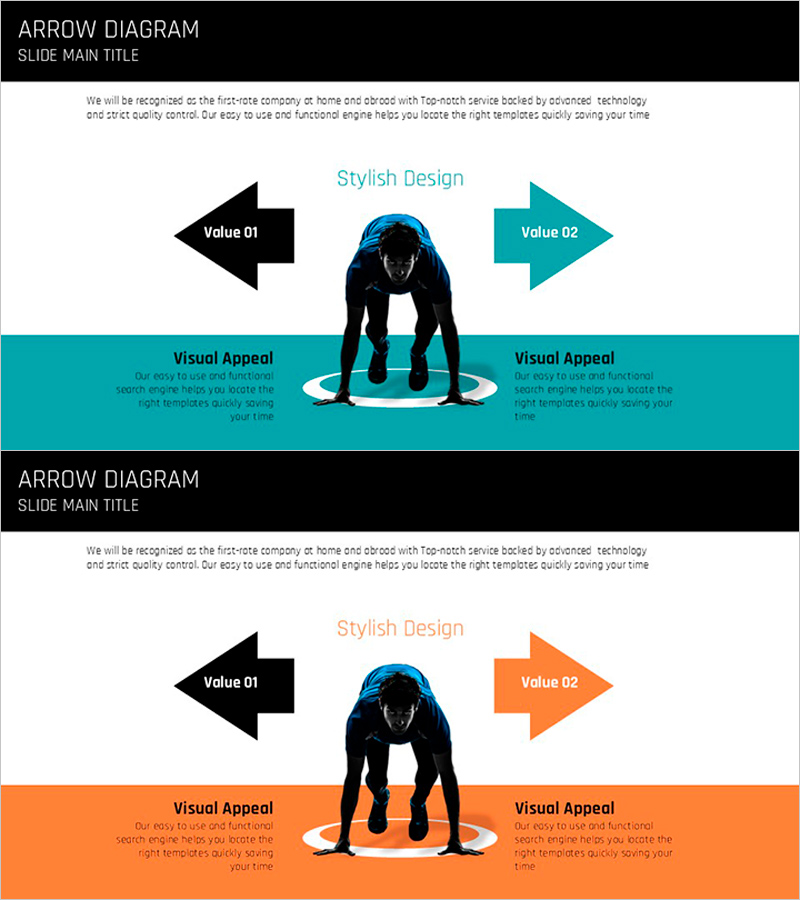
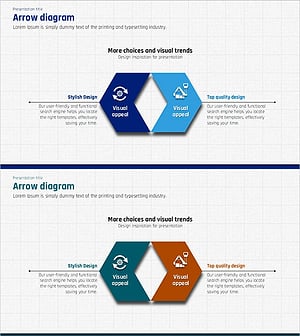
A PowerPoint slide template featuring left and right directional arrows that visualize contrasting strategic elements. The design centers on a silhouette image with black arrows on the left and teal or orange accent arrows on the right, creating strong visual contrast. Two slide variations provide color options (teal and orange), formatted in 16:9 widescreen for immediate use in product introductions, strategy presentations, and decision-making process decks.
Usage Points
-
Main Usage
Designed to present two competing strategies, perspectives, or values simultaneously while emphasizing comparison and balance. The converging left-right arrow structure centered on a focal image reinforces decision-making and equilibrium concepts, with dual color variations (teal and orange) adapting to diverse presentation contexts.
-
How to Use
Enter strategic elements, value propositions, or comparison points into the arrow text boxes. Replace the center image with organizational logos, product visuals, or conceptual icons. Leverage color-variant slides for section transitions and emphasis shifts. The 16:9 format optimizes display on widescreen projection systems.
-
Recommended For
Recommended for executives, marketing teams, and consultants presenting strategy development, product launches, or organizational restructuring where balanced representation of dual stakeholder perspectives is essential. Effectively conveys trade-off analysis, priority selection, and integrated decision-making in investment pitches, business proposals, and organizational culture initiatives.
-
Slide Structure
Two-slide set with Slide 1 featuring black header, left black arrow, right teal arrow, center silhouette image, and teal bottom accent bar. Slide 2 maintains identical layout with right arrow and bottom bar in orange. Each slide contains two side text boxes, center image area, and bottom description zone.
Related Products
-
Visualizing Sports Strategies with Multidirectional Arrow Diagram
#Product/Service Introduction #Business Vision and Strategy #Diagram
-
Academic Solutions Multidirectional Diagram
#Product/Service Introduction #Business Vision and Strategy #Diagram
-
Multi-Directional Strategy for Achieving Success – A Template for Business Future
#Product/Service Introduction #Business Vision and Strategy #Diagram
-
Construction Design Flow Diagram – Business Strategy and Differentiation
#Product/Service Introduction #Business Vision and Strategy #Diagram
