



Introduction to Sport Activities – Growth through Participation
RJ0600021_15
- Last Update 06/26/2025
- File Size 0.2MB
- # of Slides 2
- File Format PPTX
- Slide Ratio 16:9
- Color
Keywords
- #Content-Based Slides
- #Design-Based Slides
- #Product/Service Introduction
- #Diagram
- #Program Introduction
- #Benefits and Advantages
- #Spread
- #Decentralized Diagram
- #16:9
- #text box PowerPoint slide
- #4-section layout template
- #sports activity introduction
- #photo placement slide
- #multi-section presentation design
About the Product
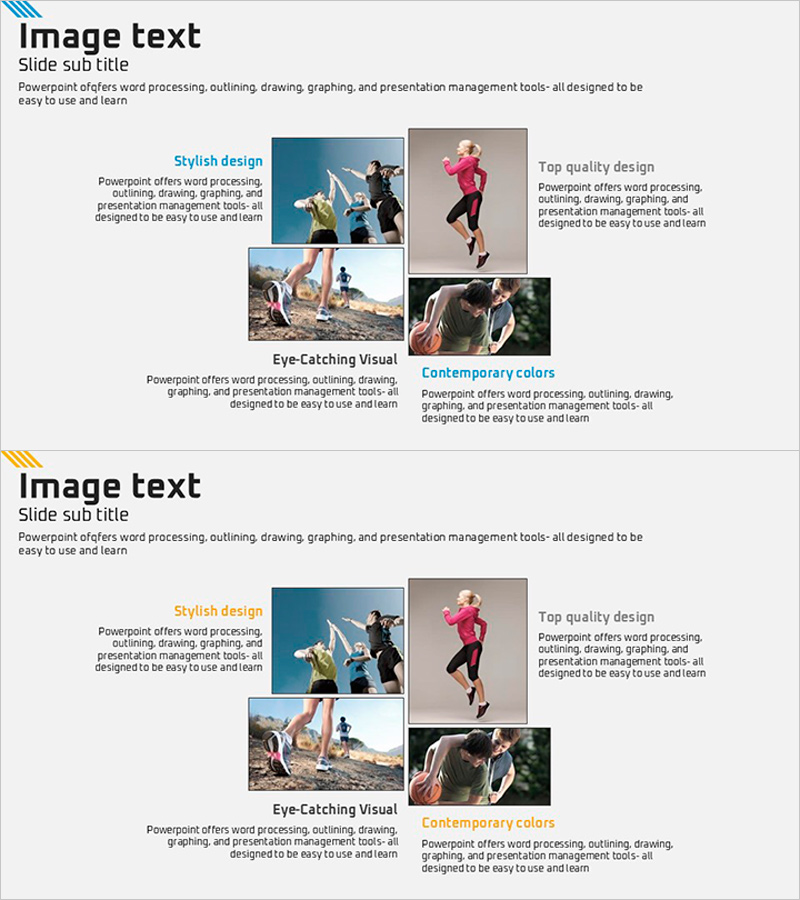
A 2-slide PowerPoint presentation designed to showcase sports activities and participation programs. Four independent text box sections are arranged in a symmetrical left-right layout, each with space for activity photos and descriptions. The slide emphasizes four key messages: stylish design, top quality, eye-catching visuals, and contemporary colors. The color palette combines gray, blue, and orange tones to convey both professionalism and dynamic energy. This template is ready to use for portfolios, product introductions, and activity reports.
Usage Points
-
Main Usage
Presents sports activities, program participation, and organizational initiatives with four key messages in a visually organized format. Each text box section accommodates titles, descriptions, and photos to communicate information systematically.
-
How to Use
Enter activity names and descriptions in each text box, then insert actual activity images in the photo areas. Simply edit the text content while maintaining the color scheme to quickly complete your presentation. Optimized for 16:9 widescreen format.
-
Recommended For
Ideal for sports centers, fitness clubs, school athletic programs, corporate wellness initiatives, and club introductions. Marketing managers, program planners, and educators can use this template to encourage activity participation in presentations.
-
Slide Structure
2-slide deck with four independent text box sections arranged in a 2×2 grid on each slide. Each section includes title and description text areas plus photo insertion space. Gray background with blue and orange accent elements create visual hierarchy.
Related Products
-
Layout Design Presentation Template with Infographic Elements
#Product/Service Introduction #Business Vision and Strategy #Diagram
-
How to Use the Mobile Donation Application – Useful Program Introduction
#Product/Service Introduction #Diagram #Other
-
Elderly Policy Presentation Template – Solutions for an Aging Society
#Product/Service Introduction #Diagram #Program Introduction
-
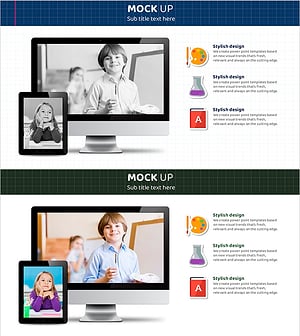
Digital Device Mockup School Icon – Convenient Tool for Children's Education
#Product/Service Introduction #Other #Program Introduction
