



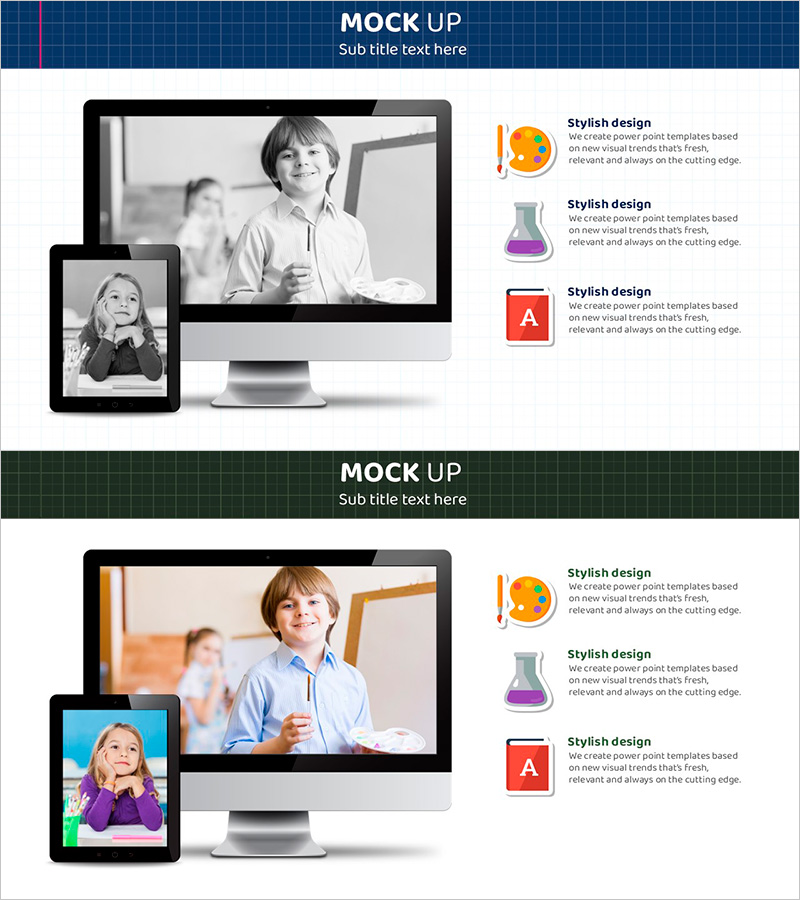
Digital Device Mockup School Icon – Convenient Tool for Children's Education
RJ0500029_23
- Last Update 06/15/2025
- File Size 4.7MB
- # of Slides 2
- File Format PPTX
- Slide Ratio 16:9
- Color
Keywords
About the Product
A professional digital device mockup PowerPoint slide designed for educational and technology presentations. This 2-slide set features desktop monitors and tablet devices in a side-by-side comparison layout, effectively showcasing multi-device content delivery and user experience. The left side displays device mockups while the right side includes school icons and descriptive text, making it ideal for product demonstrations, service explanations, and educational program presentations. Available in 16:9 widescreen PPTX format, fully editable across all presentation software. Customize colors, text, and icons to match your specific presentation topic and branding requirements.
Usage Points
-
Main Usage
This slide effectively demonstrates how content functions across multiple digital devices. By displaying desktop and tablet simultaneously, it's perfect for presenting multi-platform services, educational apps, digital solutions, and cross-device user experiences in a clear, visual manner.
-
How to Use
Insert product screenshots or mockup images in the left device area, then add feature descriptions or educational content in the right text section. Utilize the school icons to emphasize educational themes, or replace them with custom icons to adapt the slide for different industries and business sectors.
-
Recommended For
Ideal for educational institutions presenting digital learning platforms, IT companies showcasing multi-device services, EdTech startups pitching to investors, and schools explaining online education programs. Perfect for technology managers, education coordinators, and marketing professionals seeking professional presentation materials.
-
Slide Structure
The 2-slide set features a consistent layout with device mockup images on the left (desktop or tablet), school icons and text descriptions on the right. Each slide can display different content per device or emphasize multi-device compatibility of the same content, providing flexible presentation options.
Related Products
-
Benefits of Learning to Watch Video - Premium Design Offered
#Product/Service Introduction #Other #Program Introduction
-
Mobile Games to Foster Creativity – Innovation and Fun
#Product/Service Introduction #Other #Program Introduction
-
Sensuous Cloud Presentation Template Mock Up – Product/Service Introduction
#Product/Service Introduction #Other #Product/Service Introduction
-
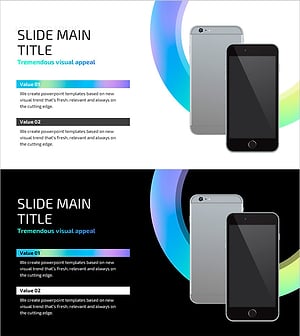
Hologram Wide PPT Mockup2 – Maximizing Visual Appeal
#Product/Service Introduction #Other #Composition
