



How to Use the Mobile Donation Application – Useful Program Introduction
RJ0800016_27
- Last Update 08/04/2025
- File Size 0.3MB
- # of Slides 2
- File Format PPTX
- Slide Ratio 16:9
- Color
Keywords
- #Content-Based Slides
- #Design-Based Slides
- #Product/Service Introduction
- #Diagram
- #Other
- #Program Introduction
- #Benefits and Advantages
- #Spread
- #Centralized Diagram
- #16:9
- #central icon text box PowerPoint slide
- #left-right comparison presentation
- #two-step layout template
- #mobile app introduction slide
- #donation program PPT
- #how to use app PowerPoint template
About the Product
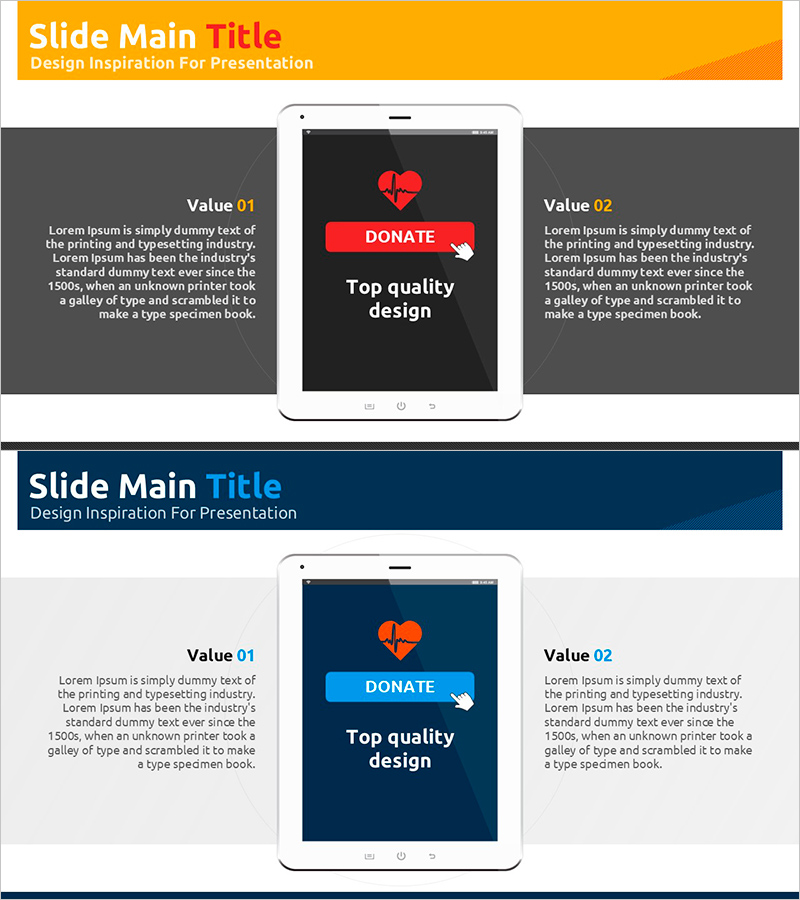
A PowerPoint slide template optimized for mobile app usage instructions and donation program introductions. This 2-slide presentation features a central visual element (heart icon, donation button, or app interface) with symmetrical descriptive text boxes positioned on the left and right sides. The design combines an orange header with a dark gray background to enhance information clarity and includes a mobile device mockup in the center for effective app interface presentation. Each slide follows a Value 01 and Value 02 format, allowing you to compare and explain two key features or benefits side by side. Available in 16:9 widescreen PPTX format for immediate editing, this template is ideal for donation app launches, financial service presentations, corporate social responsibility program pitches, and mobile application feature demonstrations.
Usage Points
-
Main Usage
This template enables you to present two key aspects of a mobile app or donation program simultaneously, with a central visual element (app icon, donation button, or heart image) drawing audience attention while left and right text areas clearly convey each feature's advantages or usage instructions.
-
How to Use
Use slide 1 to explain the app's first key feature (e.g., convenient donation method) and slide 2 for the second feature (e.g., transparent fund management). Replace the central image with app screenshots or donation process diagrams, and fill the left and right text boxes with feature descriptions and benefits for your presentation.
-
Recommended For
Ideal for mobile app developers presenting product features, donation platforms explaining social contribution initiatives, financial institutions showcasing donation programs, NGOs launching fundraising campaigns, and startups pitching for investment. Particularly effective when simplifying app functionality into two core talking points.
-
Slide Structure
The 2-slide layout consists of an orange header area, a central mobile device mockup or icon section, a left Value 01 text box (dark gray background), and a right Value 02 text box (dark gray background). Both text boxes maintain symmetrical sizing and positioning, with dedicated areas for titles and descriptive content.
Related Products
-
Illustrations and Diagrams of the Game – Sports Vision and Strategy
#Product/Service Introduction #Business Vision and Strategy #Diagram
-
Mobile Games to Foster Creativity – Innovation and Fun
#Product/Service Introduction #Other #Program Introduction
-
Benefits of Learning to Watch Video - Premium Design Offered
#Product/Service Introduction #Other #Program Introduction
-
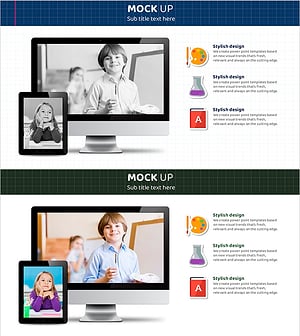
Digital Device Mockup School Icon – Convenient Tool for Children's Education
#Product/Service Introduction #Other #Program Introduction
