



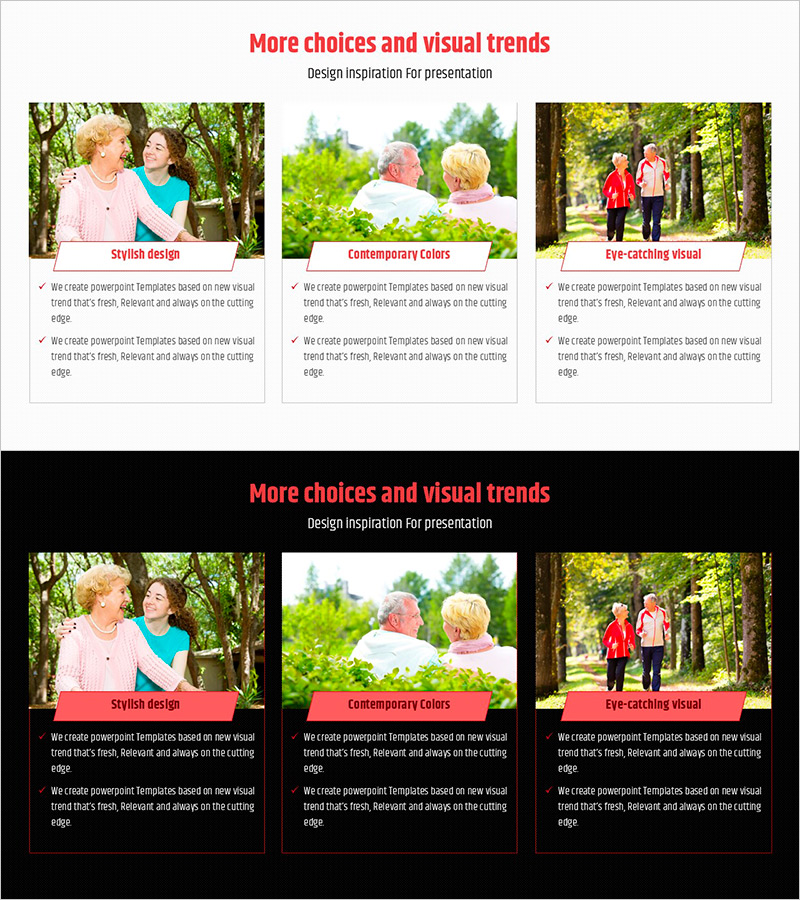
Elderly Policy Presentation Template – Solutions for an Aging Society
RJ0800037_9
- Last Update 08/10/2025
- File Size 3MB
- # of Slides 2
- File Format PPTX
- Slide Ratio 16:9
- Color
Keywords
- #Content-Based Slides
- #Design-Based Slides
- #Product/Service Introduction
- #Diagram
- #Program Introduction
- #Benefits and Advantages
- #Cluster
- #Closed Cluster Diagram
- #16:9
- #closed cluster diagram PowerPoint
- #overlapping structure slide template
- #policy relationship diagram
- #aging society presentation
- #social welfare PPT slide
About the Product
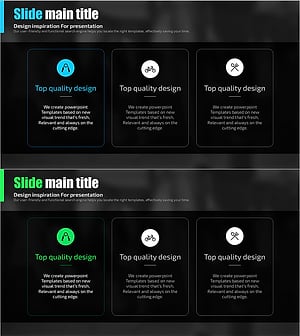
A 2-slide PowerPoint presentation for explaining elderly policy and aging society issues. Features a closed-form cluster diagram with 3 overlapping zones that visualize relationships and interactions between policy elements. The layout combines nature-themed background photography with coral-colored accent boxes, making it ideal for policy presentations, social welfare discussions, and aging society strategy briefings. Delivered in 16:9 widescreen PPTX format, fully editable with easy text and data input capabilities.
Usage Points
-
Main Usage
Represents policy interactions and relationships through overlapping closed-form zones. Designed to help audiences quickly understand how elderly policy, social welfare initiatives, and aging society strategies connect and influence each other.
-
How to Use
Suitable for policy briefings, social welfare seminars, aging society strategy meetings, government agency reports, and academic lectures. Input policy names, objectives, and implementation strategies in each zone to emphasize policy interconnections.
-
Recommended For
Policy officers, social welfare specialists, government presenters, university professors, civil society advocates, and elderly care facility managers presenting policy explanations and strategic initiatives.
-
Slide Structure
2-slide deck featuring closed-form cluster diagrams with 3 overlapping zones on each slide. Nature-themed background photography combined with coral-colored text boxes and diagram elements creates visual emphasis while maintaining information clarity.
Related Products
-
Effectiveness of Planterior Design – Capturing Innovation in Spaces
#Product/Service Introduction #Diagram #Program Introduction
-
Key Features of the Children’s Learning Platform - Easily Communicated with Friendly Design
#Product/Service Introduction #Diagram #Program Introduction
-
Diagram Slide Highlighting Effects of Yoga Training
#Product/Service Introduction #Diagram #Program Introduction
-
Health Care Services Introduction Diagram – Cluster Structure for Customer Health Benefits
#Product/Service Introduction #Diagram #Program Introduction
