



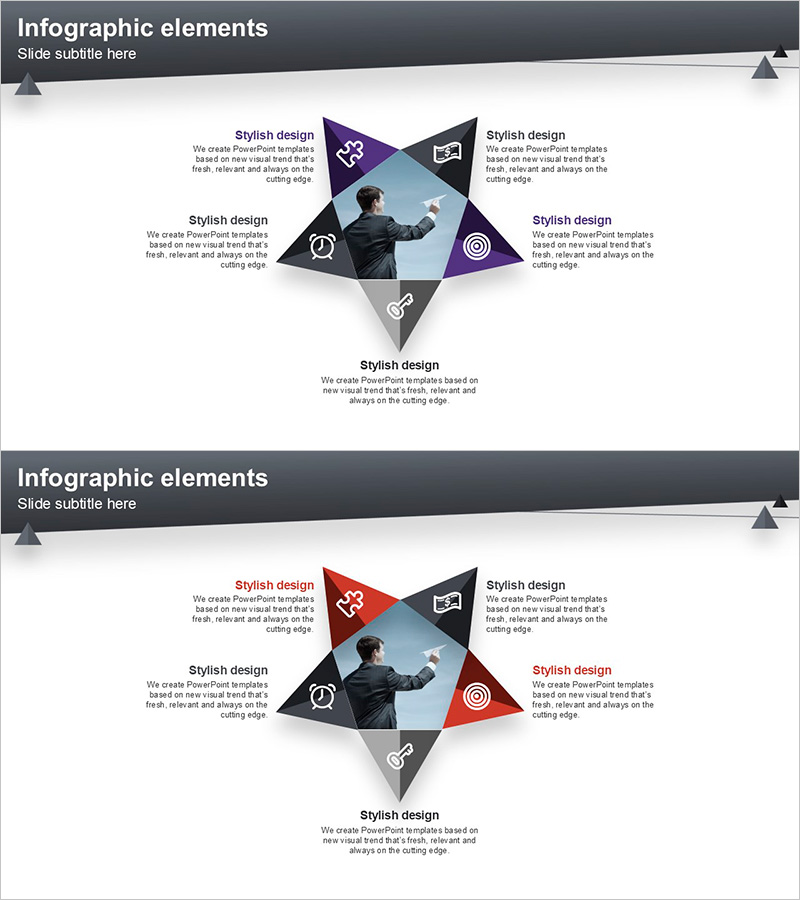
Layout Design Presentation Template with Infographic Elements
RJ0200029_28
- Last Update 04/06/2025
- File Size 0.4MB
- # of Slides 2
- File Format PPTX
- Slide Ratio 16:9
- Color
Keywords
- #Content-Based Slides
- #Design-Based Slides
- #Product/Service Introduction
- #Business Vision and Strategy
- #Diagram
- #Benefits and Advantages
- #Core Competencies
- #Spread
- #Decentralized Diagram
- #16:9
- #5-direction radial diagram PowerPoint
- #radial infographic slide template
- #center image layout presentation
- #business diagram slide
- #information visualization PowerPoint
About the Product
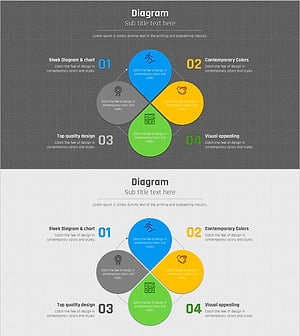
A radial infographic diagram PowerPoint slide with a center image and five directional information branches. Designed with purple, black, and gray geometric shapes, each section includes editable icon and text areas. Two color variations (purple-black and red-black) are provided, making it ideal for corporate strategy presentations, capability showcases, performance reports, and business communications. The 16:9 widescreen format includes 2 slides ready for immediate customization and use.
Usage Points
-
Main Usage
Visualizes corporate strategy, organizational capabilities, and business performance through a central image and five directional perspectives. Ideal for executive reports, strategic presentations, organizational introductions, and product feature explanations where layered information delivery is essential.
-
How to Use
Insert company logo, product image, or key message in the center image area. Add detailed content to the five directional text boxes. Customize section icons to represent different categories and adjust colors to match your organization's brand guidelines.
-
Recommended For
Executives, marketing professionals, strategic planning teams, product managers, and organizational development specialists presenting at board meetings, investor pitches, organizational briefings, and product launch presentations.
-
Slide Structure
2-slide set: First slide features purple-black-gray geometric radial shapes with center image area and five directional text boxes with icons. Second slide applies red-black-gray color scheme to the same structure. Each section is independently editable for flexible content customization.
Related Products
-
Core Competency Enhancement Plan Slide Design – Business Vision and Strategy
#Product/Service Introduction #Business Vision and Strategy #Diagram
-
5 Business Strategies Introduction – Effective Diagram
#Product/Service Introduction #Business Vision and Strategy #Diagram
-
Nutritional and Functional Summary of Pears – Diagram Template
#Product/Service Introduction #Business Vision and Strategy #Diagram
-
Plotting Paper Presentation Template Diagram – Business Strategy and Benefits
#Product/Service Introduction #Business Vision and Strategy #Diagram
