



Donut Chart for Visualizing Learning Progress
RJ0500029_22
- Last Update 06/15/2025
- File Size 1.2MB
- # of Slides 2
- File Format PPTX
- Slide Ratio 16:9
- Color
Keywords
- #Content-Based Slides
- #Design-Based Slides
- #Market and Competitor Analysis
- #Graph
- #Customer Analysis
- #Circles
- #Doughnut Chart
- #16:9
- #donut chart PowerPoint slide
- #pie chart template
- #ratio visualization
- #data representation slide
- #how to create donut chart in PowerPoint
- #performance metrics slide template
About the Product
A professional donut chart PowerPoint slide set designed to visualize learning progress, customer satisfaction, market share, and key performance indicators. This 2-slide template features dual donut charts with contrasting color schemes—red and purple on the first slide, brown and green on the second—to represent comparative data ratios. Each chart displays a centered icon and percentage value for immediate impact, while the left side accommodates an image or photo and the right side provides space for descriptive text. The balanced two-column layout enables simultaneous presentation of visual data and contextual information, making it ideal for educational reports, marketing presentations, business performance reviews, and management dashboards.
Usage Points
-
Main Usage
Designed to simultaneously visualize two data series or comparative metrics using donut chart format. The centered icon and percentage display emphasize key performance indicators, while the left image area provides context through photos or supporting visuals. Ideal for presenting quantitative data in an intuitive, visually engaging manner.
-
How to Use
Edit the donut chart colors, percentage values, and center icons to match your data. Insert relevant images (learning scenarios, customer success stories, market analysis photos) in the left image area and add analytical text in the right text section. Both slides share identical layouts, allowing consistent presentation of multiple data sets across your presentation.
-
Recommended For
Educational institutions presenting learning outcome reports, marketing teams analyzing customer demographics, executives delivering business performance reviews, consulting firms presenting market analysis, HR departments showcasing employee competency assessments, and any presentation requiring intuitive quantitative data visualization.
-
Slide Structure
2 identical slides with header banner (olive and brown backgrounds), left image placeholder area, and right section containing 2 donut charts. Each donut includes 1 center node, 2 data series, percentage labels, and centered icon. All text, values, and colors are fully editable; only color schemes differ between slides.
Related Products
-
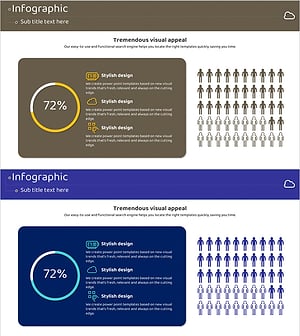
Internet of Things User Analysis Status – Customer Insights and Data Visualization
#Product/Service Introduction #Market and Competitor Analysis #Graph
-
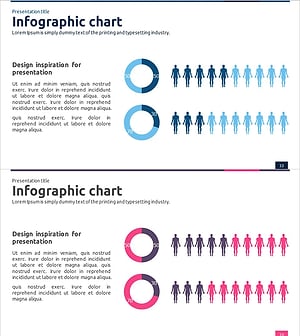
Market Share Donut Pie Chart & Silhouette – Unique Design and Information Delivery
#Market and Competitor Analysis #Graph #Other
-

Silhouette Diagram & Circle Donut Graph – Visual Tool for Customer Analysis
#Product/Service Introduction #Market and Competitor Analysis #Graph
-
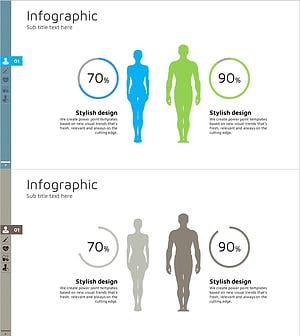
Gender Ratio Customer Analysis Pie Chart – Emphasizing Customer Insights
#Market and Competitor Analysis #Graph #Other
