



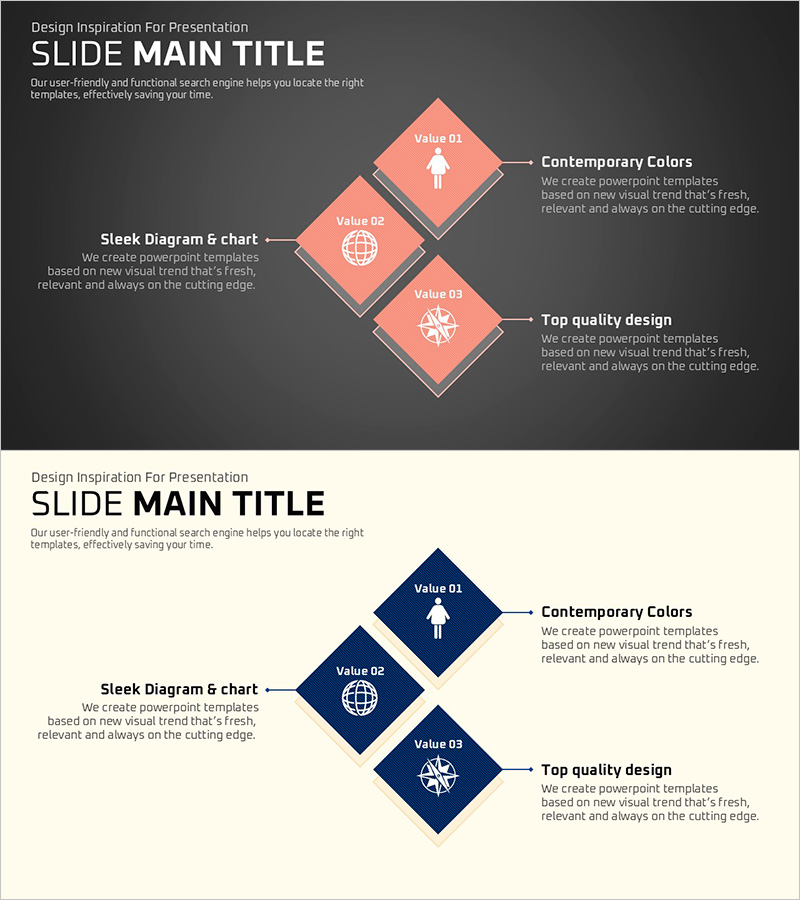
Field-specific Square Diagram – Effective for Product Introductions
RJ0500028_9
- Last Update 06/14/2025
- File Size 0.1MB
- # of Slides 2
- File Format PPTX
- Slide Ratio 16:9
- Color
Keywords
- #Content-Based Slides
- #Design-Based Slides
- #Product/Service Introduction
- #Diagram
- #Program Introduction
- #Cluster
- #Closed Cluster Diagram
- #16:9
- #cluster diagram PowerPoint
- #square diagram slide template
- #3-item diagram presentation
- #product introduction PowerPoint diagram
- #relationship chart PowerPoint template
About the Product
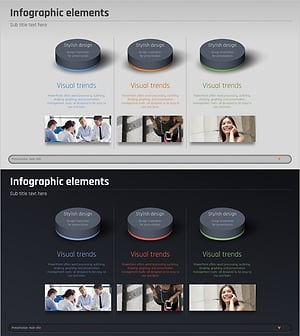
A cluster diagram PowerPoint slide featuring three square nodes arranged diagonally, available in coral and navy dual-tone color schemes. Each node includes dedicated icon and text areas for inserting product features, service benefits, or conceptual relationships. This 2-slide presentation template (16:9 aspect ratio) is ready for immediate use in product introductions, value proposition presentations, business domain classifications, and strategic communications.
Usage Points
-
Main Usage
Presents three core elements, features, or values of a product or service with equal visual weight, emphasizing relationships between items. Ideal for product feature slides, business capability overviews, or strategic pillar presentations where three parallel concepts require balanced emphasis.
-
How to Use
Enter title and description text in each square node, and replace default icons with custom graphics matching your content. Select either coral or navy version to align with presentation theme, and optionally add connecting arrows or lines to illustrate relationships between nodes.
-
Recommended For
Product managers, marketing professionals, and sales presenters explaining core product value propositions. Also suitable for executive briefings, business plan presentations, organizational structure explanations, and strategy sessions requiring balanced comparison of three key elements.
-
Slide Structure
2-slide template with each slide displaying three square nodes in diagonal cluster arrangement. Each node contains separate icon and text input areas. Coral and navy color variants provided, one per slide, enabling flexible design options.
Related Products
-
Introducing IoT Service Program with Diagrams – Modern Visual Presentation
#Product/Service Introduction #Diagram #Program Introduction
-
Introducing the Mobile App Service Program
#Product/Service Introduction #Business Vision and Strategy #Diagram
-
Medical Program Introduction Diagram – Understanding the Services
#Product/Service Introduction #Diagram #Program Introduction
-
Business Program Closure Diagram - Business Goals and Strategy
#Product/Service Introduction #Business Vision and Strategy #Diagram
