



Visualizing Subjects with Donut Charts – A Master of Information Delivery
RJ0500012_17
- Last Update 06/10/2025
- File Size 0.4MB
- # of Slides 2
- File Format PPTX
- Slide Ratio 16:9
- Color
Keywords
- #Content-Based Slides
- #Design-Based Slides
- #Product/Service Introduction
- #Business Introduction
- #Market and Competitor Analysis
- #Graph
- #Technological Status
- #Market Share
- #Circles
- #Doughnut Chart
- #16:9
- #donut chart PowerPoint
- #pie chart slide template
- #ratio comparison chart
- #data visualization slides
- #donut graph presentation template
About the Product
A 2-slide donut chart PowerPoint presentation featuring three donut graphs per slide for intuitive data ratio visualization. Each chart uses a two-color palette of navy blue and orange to represent dual data series. The center circular area accommodates icons for subject-specific visualization, making it ideal for market share analysis, categorical information, and preference surveys. Designed in 16:9 widescreen format for seamless integration with modern presentation environments. Each donut chart clearly displays percentage values and supports easy customization of data labels and visual elements.
Usage Points
-
Main Usage
Visualize proportional data using donut charts with emphasis on part-to-whole relationships. The center icon area highlights the chart subject, while the two-color data series creates clear visual contrast. Ideal for presenting market share, category composition, preference distribution, and comparative ratio analysis.
-
How to Use
Replace the center icons with graphics matching your presentation topic. Update the Value 1 and Value 2 labels to reflect your actual data categories. Customize the descriptive text below each chart to explain the data context. Modify the navy blue and orange color scheme to match your corporate branding if needed.
-
Recommended For
Marketing analysis reports, market research presentations, product preference surveys, educational statistics, business performance analysis, executive briefings, investor presentations, academic talks, and consulting proposals. Suitable for any data-driven presentation requiring clear ratio visualization.
-
Slide Structure
2-slide set with 3 donut charts per slide arranged horizontally. Each chart displays two data series (Value 1 and Value 2) with percentage labels. Center icon insertion area available for each chart. Legend positioned at the top, with descriptive text area below each chart for context and explanation.
Related Products
-
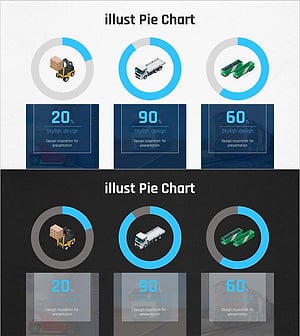
Graph of Analysis of Transportation Development Status
#Product/Service Introduction #Market and Competitor Analysis #Graph
-
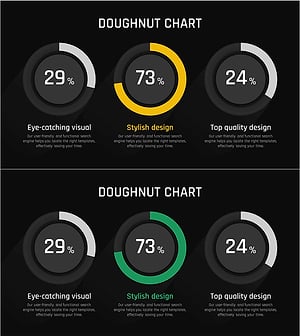
Analysis graph of market share progress
#Product/Service Introduction #Market and Competitor Analysis #Graph
-
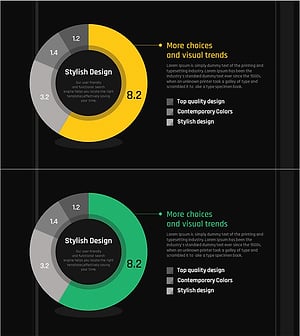
Development Status Analysis Donut Chart – Market Share Visualization
#Product/Service Introduction #Market and Competitor Analysis #Graph
-
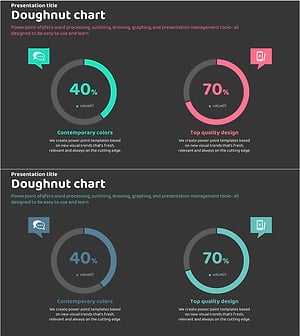
Visualizing Service Development Status and Market Share with Doughnut Chart
#Product/Service Introduction #Market and Competitor Analysis #Graph
