



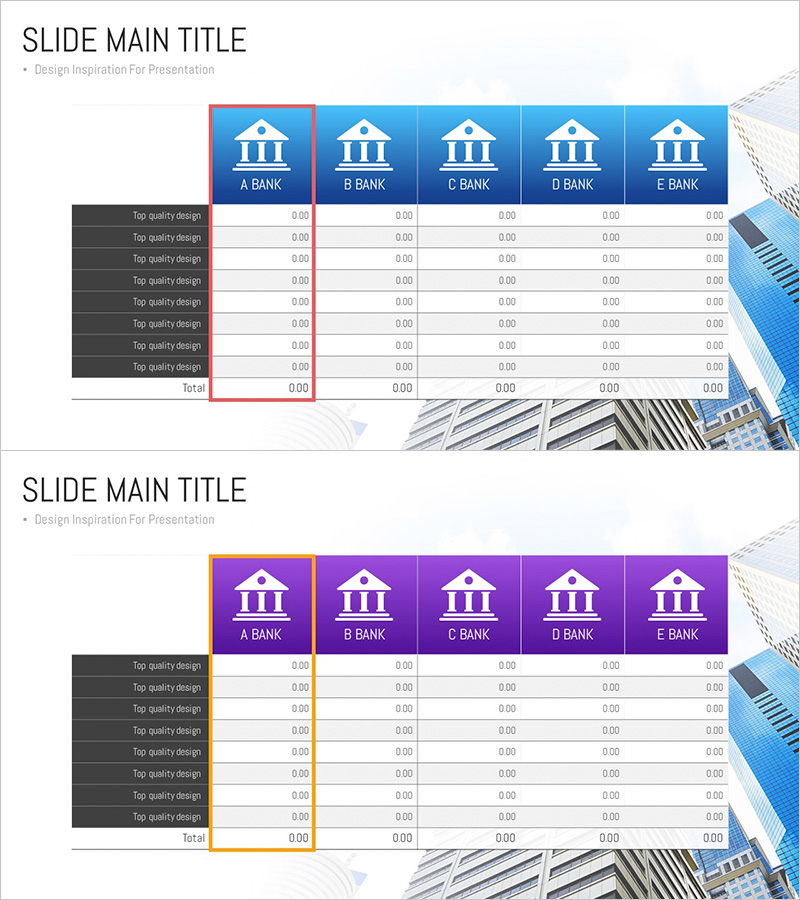
Bank Income Statement – Visualizing Financial Performance
RJ0300081_20
- Last Update 05/11/2025
- File Size 2.2MB
- # of Slides 2
- File Format PPTX
- Slide Ratio 16:9
- Color
Keywords
- #Content-Based Slides
- #Design-Based Slides
- #Financial Plans and Performance
- #Diagram
- #Income Statement
- #Sales and Revenue
- #Table
- #Standard Table
- #16:9
- #bank income statement PowerPoint
- #financial table presentation slide
- #multi-bank comparison template
- #income statement PPT download
- #financial performance visualization
About the Product
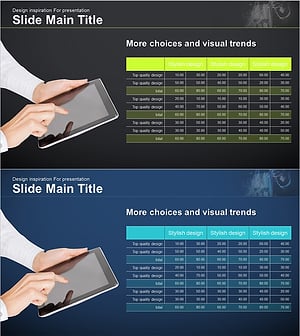
A five-column income statement table PowerPoint slide designed to visualize financial performance across multiple banking institutions. Available in two color variants—blue and purple headers—with bank names (A BANK through E BANK) positioned in each column and eight financial data rows arranged horizontally. Optimized for 16:9 widescreen format across two slides, this template is ideal for financial reports, quarterly earnings presentations, and investor briefings where comparative analysis of multiple institutions is essential. All cells are fully editable, allowing immediate input of actual financial data without additional formatting.
Usage Points
-
Main Usage
This table slide enables side-by-side comparison of income statement data across multiple financial institutions. Each bank's revenue, expenses, and profit figures are organized by column, making performance differences immediately apparent. Ideal for financial analysis, management reporting, and investment review scenarios where quantitative data presentation is critical.
-
How to Use
Input actual bank income statement figures directly into each cell. Use the blue version for presentations emphasizing trust and stability; select the purple version for contexts requiring a premium or innovative image. Replace row labels (currently 'Top quality design') with actual line items such as Revenue, Operating Income, and Net Income to create a customized financial table.
-
Recommended For
Finance teams, CFOs, investor relations (IR) professionals, financial consultants, and business analysts at banks, insurance companies, and securities firms. Essential for quarterly and annual financial performance comparisons, competitive benchmarking, and investment decision-making presentations.
-
Slide Structure
Two-slide set, each featuring a 5-column by 8-row data table plus a totals row. Column headers display bank names (A BANK–E BANK) with institution icons. First slide uses blue header styling; second employs purple header styling for design flexibility. All data cells follow 0.00 numeric format; left-side row labels have dark gray background for visual distinction.
Related Products
-
Sales and Profit Table – Visualizing Financial Performance
#Financial Plans and Performance #Diagram #Other
-
Sales and Profit Table – Clear Visualization of Financial Planning
#Financial Plans and Performance #Diagram #Other
-
Orange Green Profit and Loss Chart – Visualizing Revenue and Profit
#Financial Plans and Performance #Diagram #Graph
-
Business Income Statement Table – An Essential Tool for Performance Analysis
#Financial Plans and Performance #Diagram #Income Statement
