



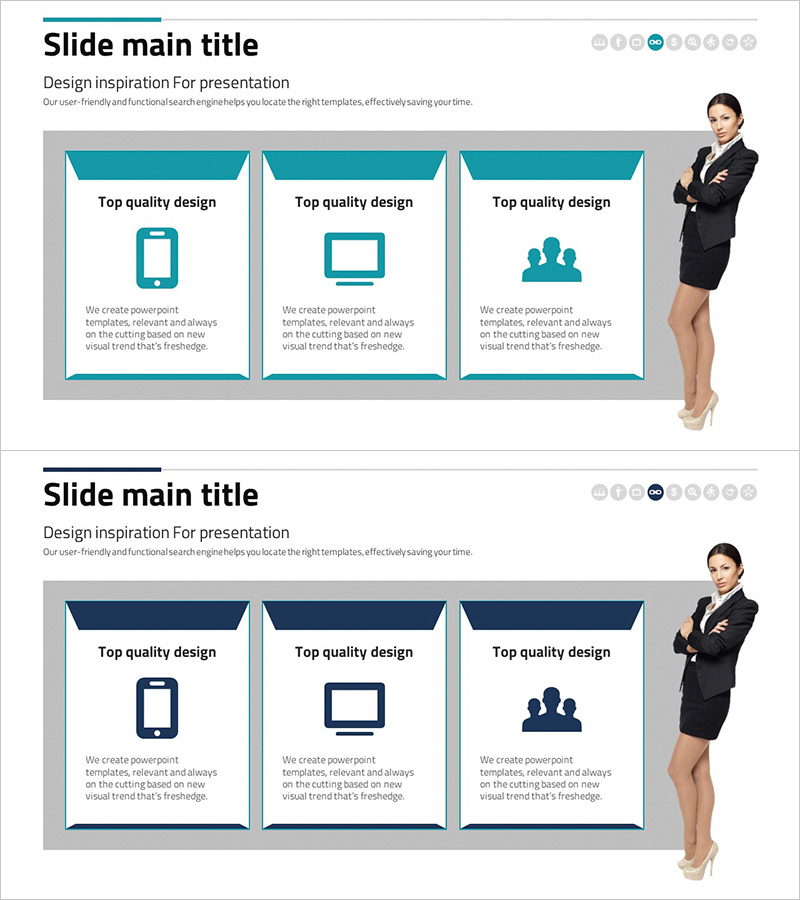
Introducing Mobile Business Services – Innovation and Convenience
RJ0300075_17
- Last Update 05/09/2025
- File Size 1.2MB
- # of Slides 2
- File Format PPTX
- Slide Ratio 16:9
- Color
Keywords
- #Content-Based Slides
- #Design-Based Slides
- #Product/Service Introduction
- #Diagram
- #Program Introduction
- #Product and Service Overview
- #Cluster
- #Closed Cluster Diagram
- #16:9
- #cluster diagram PowerPoint
- #3-item box slide template
- #icon diagram presentation
- #service introduction slide
- #business diagram PowerPoint template
About the Product
A three-item cluster diagram PowerPoint slide designed for mobile business service introductions. Features a teal header area with three white background icon boxes, each containing an icon and text description field. Includes two slide layouts in teal and navy color versions, allowing you to match your presentation tone. Visually distinguishes different service offerings such as mobile apps, desktop platforms, and team collaboration, enhancing audience comprehension. Ideal for service introductions, product overviews, and business presentations requiring clear visual hierarchy.
Usage Points
-
Main Usage
Presents core mobile business service features or product lines as three distinct items with visual clarity. Each item combines an icon and descriptive text, enabling audiences to instantly grasp service structure and differentiation. Effective for corporate introductions, service launches, investor presentations, and strategic overviews requiring visual impact.
-
How to Use
Replace icons with service-specific symbols and populate text fields with item names and descriptions. Select color version (teal or navy) based on brand guidelines or section differentiation. With two slides provided, you can present two separate service clusters or variations of the same concept.
-
Recommended For
Mobile app and software companies presenting product portfolios, IT startups explaining business models, telecommunications providers launching new services, financial institutions introducing digital solutions, consulting firms outlining solution architectures, and technology companies demonstrating service ecosystems.
-
Slide Structure
Two-slide layout. Each slide contains a header area (teal or navy background) and three independent boxes arranged horizontally. Each box includes an icon area (top center) and text input field (bottom), maintaining visual balance through grid-based alignment and consistent spacing.
Related Products
-
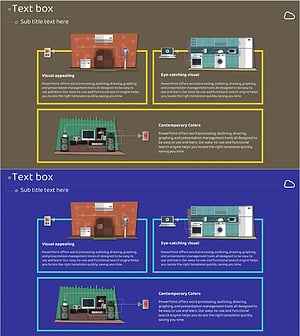
Introducing IoT Service Program with Diagrams – Modern Visual Presentation
#Product/Service Introduction #Diagram #Program Introduction
-

Aerospace Industry Introduction Diagram – Visualizing Cluster Information
#Product/Service Introduction #Diagram #Program Introduction
-
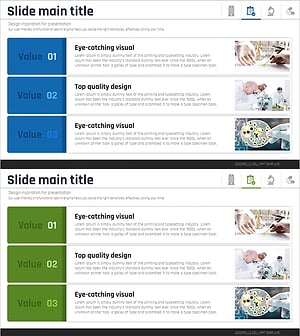
Medical Program Introduction Diagram – Effective Cluster Structure
#Product/Service Introduction #Diagram #Program Introduction
-
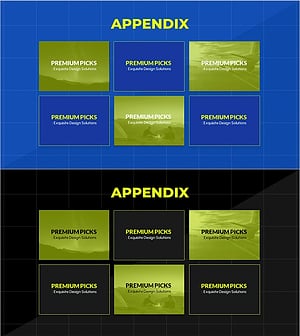
Introduction to the Appendix Program – Engaging Program Structure
#Product/Service Introduction #Diagram #Program Introduction
