




Schedule Planning Arrow Diagram – Visualizing Step-by-Step Project Timelines
RJ0300072_14
- Last Update 05/08/2025
- File Size 0.8MB
- # of Slides 2
- File Format PPTX
- Slide Ratio 16:9
- Color
Keywords
- #Content-Based Slides
- #Design-Based Slides
- #Business Strategy
- #Business Management
- #Diagram
- #Graph
- #Step-by-Step Schedule Plan
- #Implementation Schedule
- #Flow
- #Linear Flow
- #16:9
- #arrow diagram PowerPoint
- #project timeline slide template
- #step-by-step implementation diagram
- #schedule planning PowerPoint
- #business strategy slide
- #3-stage flow diagram template
About the Product
A professional arrow diagram PowerPoint slide designed to visualize project schedules and step-by-step implementation strategies. This 2-slide PPTX template features a striking dual-tone color scheme of orange and blue, with a business professional illustration on the left and a directional arrow flow diagram on the right. Each stage is clearly segmented with dedicated text input areas, making it ideal for presenting project milestones, execution timelines, and strategic phases. The 16:9 widescreen format is fully editable and ready to use in business proposals, project presentations, management reports, and strategic planning documents.
Usage Points
-
Main Usage
Effectively communicate project schedules, business implementation phases, strategic execution sequences, and milestone management through a clear directional flow. The arrow diagram structure emphasizes progression and timing, while the dual-tone color scheme enhances visual hierarchy and maintains audience engagement throughout the presentation.
-
How to Use
Integrate this slide into business proposals, project presentations, executive reports, and marketing strategy documents when explaining timelines and phased execution plans. Customize each arrow box with phase names, timeframes, responsible parties, and objectives to facilitate team alignment and stakeholder understanding.
-
Recommended For
Project managers, business strategists, marketing professionals, executive presenters, management consultants, and operations teams who need to communicate complex project timelines and multi-phase implementation strategies clearly and professionally.
-
Slide Structure
Two-slide layout featuring an orange header section, a central blue arrow diagram with three directional nodes, and three designated text input areas below. A business professional illustration on the left adds dynamic visual appeal, while the left-to-right arrow progression reinforces linear workflow and forward momentum.
Related Products
-
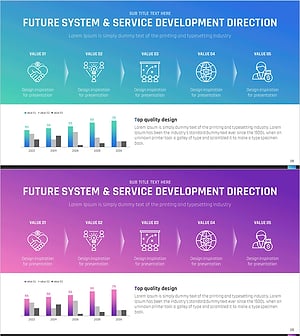
Visualizing Future Service Development Procedures – Strategies for Innovation
#Product/Service Introduction #Business Strategy #Diagram
-
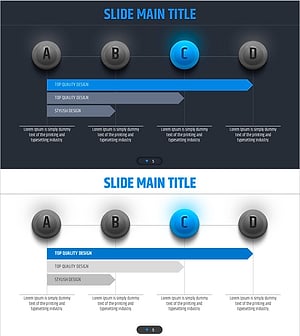
Four Color Infographic Presentation Template Flow Linear Diagram – Business Implementation Strategy
#Business Strategy #Business Management #Diagram
-
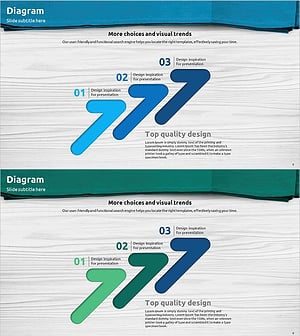
Visualizing Business Strategy with Step-by-Step Arrow Diagram
#Business Strategy #Diagram #Graph
-
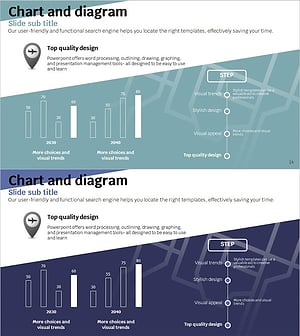
Travel App Business Future Outlook Visual Slide with Step-by-Step Schedule
#Business Strategy #Market and Competitor Analysis #Diagram
