



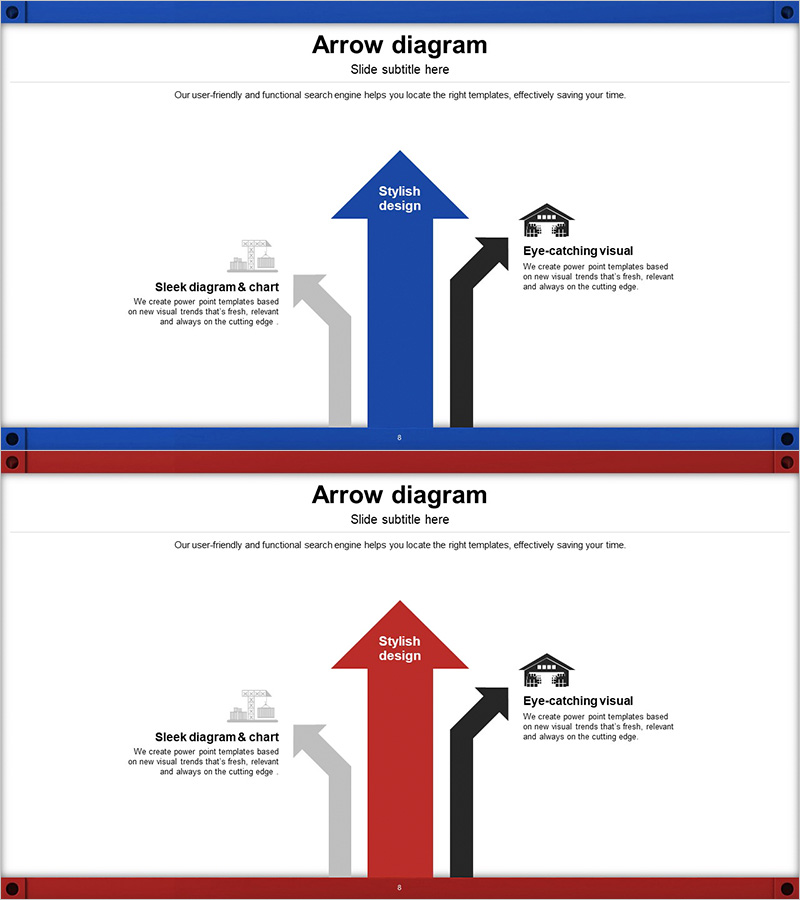
Pathway to Logistics Growth with Upward Arrows
RJ0300043_7
- Last Update 04/29/2025
- File Size 2.9MB
- # of Slides 2
- File Format PPTX
- Slide Ratio 16:9
- Color
Keywords
- #Content-Based Slides
- #Design-Based Slides
- #Business Vision and Strategy
- #Marketing Plan and Strategy
- #Diagram
- #Text Box
- #Business Strategy
- #Marketing Strategy
- #Flow
- #Multidirectional Flow
- #Arrow
- #16:9
- #arrow diagram PowerPoint
- #three-direction arrow slide
- #logistics strategy presentation
- #business direction diagram
- #how to create arrow diagram in PowerPoint
About the Product
A PowerPoint slide that visualizes logistics improvement directions using three directional arrows: upward, rightward, and leftward. The blue, red, and black arrows represent different strategic directions, while a gray arrow on the left provides space for additional context and explanations. The 2-slide set includes color variations (blue and red versions) so you can select the version that best fits your presentation context. This slide deck is ready to use immediately for business strategy presentations, marketing planning, and logistics improvement project briefings.
Usage Points
-
Main Usage
Clearly visualizes logistics improvement, business strategy, and marketing direction using three distinct arrows. The upward, rightward, and leftward arrows each represent different growth paths or strategic directions, enabling you to communicate complex business strategies at a glance.
-
How to Use
Enter strategy names, objectives, and action plans in the text areas next to each arrow. Use the gray arrow area on the left for background information or current status, and emphasize key messages with the icon and text on the right. Switch between color versions to represent multiple scenarios or strategic options.
-
Recommended For
Ideal for logistics and supply chain professionals, business strategy teams, marketing planners, and executives preparing management reports. Perfect for business plans, strategy reports, marketing proposals, and investor presentation materials.
-
Slide Structure
Two-slide set. Each slide features a central blue (or red) upward arrow, a black rightward arrow in the upper right, and a gray arrow on the left—three main directional elements. Text boxes are positioned next to each arrow, with an icon and description area in the upper right corner.
Related Products
-
Facility Orientation Diagram – Clarifying Marketing Strategy
#Marketing Plan and Strategy #Diagram #Text Box
-
Business Strategy Gear Diagram – Your Roadmap to Success
#Business Vision and Strategy #Marketing Plan and Strategy #Diagram
-
Marketing Strategy Diagram - Visualizing Business Vision
#Business Vision and Strategy #Marketing Plan and Strategy #Diagram
-
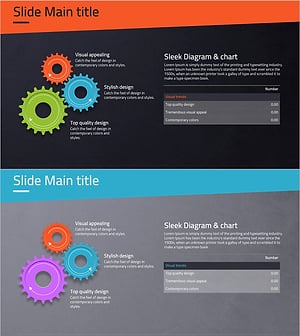
Gear Diagram & Table – Business Strategy and Marketing Plan
#Business Vision and Strategy #Marketing Plan and Strategy #Diagram
