



Business Strategy Gear Diagram – Your Roadmap to Success
RJ0400051_28
- Last Update 05/31/2025
- File Size 6.4MB
- # of Slides 2
- File Format PPTX
- Slide Ratio 16:9
- Color
Keywords
- #Content-Based Slides
- #Design-Based Slides
- #Business Vision and Strategy
- #Marketing Plan and Strategy
- #Diagram
- #Business Strategy
- #Marketing Strategy
- #Flow
- #Multidirectional Flow
- #16:9
- #gear diagram PowerPoint slide
- #3-stage business strategy diagram
- #interlocking gears presentation template
- #business roadmap PowerPoint
- #process flow diagram slide
About the Product
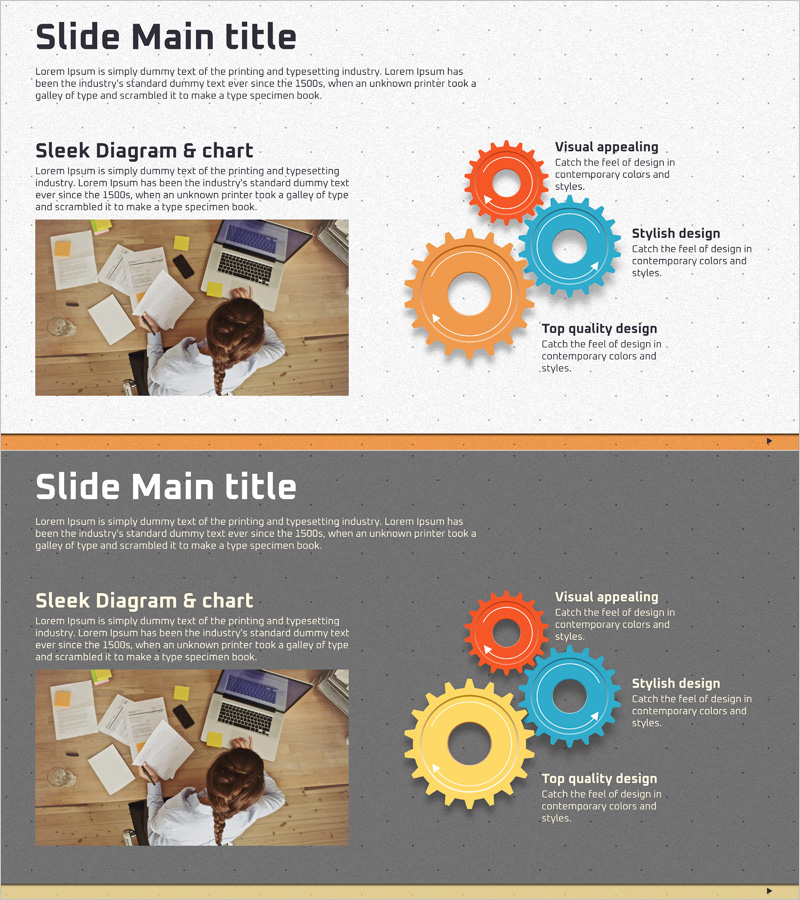
A professional gear diagram PowerPoint slide featuring three interlocking gears in orange, blue, and yellow to visualize business strategy and growth roadmaps. This 2-slide set includes both light and dark background versions, making it adaptable to any presentation environment. The interconnected gear structure effectively communicates multi-stage processes, strategic initiatives, and business milestones. Each gear has a dedicated text input area for strategy names, objectives, or department assignments. Ideal for corporate presentations, marketing plans, and project roadmaps that require clear visual hierarchy and process flow representation.
Usage Points
-
Main Usage
Visualize multi-stage business strategies, marketing initiatives, and project roadmaps using an interlocking gear structure. The interconnected design emphasizes how different business functions work together to drive growth, making it ideal for communicating strategic alignment and process dependencies to executives, teams, and stakeholders.
-
How to Use
Enter strategy phase names, objectives, or department roles in the text area at the center of each gear. Choose the light background slide for bright presentation venues or the dark background slide for modern, high-contrast settings. Customize gear colors to match your corporate branding by editing the shape fill properties in PowerPoint.
-
Recommended For
Business executives, strategy planners, marketing managers, and project leads presenting quarterly business plans, strategic initiatives, investor pitches, or cross-functional project timelines. Effective for corporate strategy meetings, startup pitch decks, annual planning sessions, and departmental alignment presentations.
-
Slide Structure
2-slide set with identical gear layouts on contrasting backgrounds. Each slide displays three interlocking gears (orange, blue, yellow) positioned centrally with text input areas in the gear centers. First slide features light gray background; second slide uses dark gray background for theme flexibility and visual contrast options.
Related Products
-
Weather-Based Temperature Analysis Diagram – Area Graph for Competitor Analysis
#Business Vision and Strategy #Marketing Plan and Strategy #Diagram
-
Marketing Strategy Arrow Diagram – Illustrating Business Flow
#Business Vision and Strategy #Marketing Plan and Strategy #Diagram
-
Medical Business Strategy Overlay Diagram
#Business Vision and Strategy #Marketing Plan and Strategy #Diagram
-
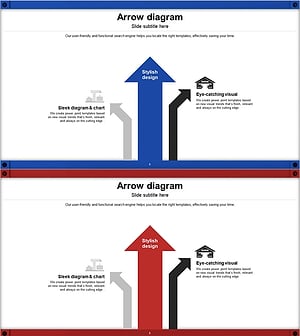
Pathway to Logistics Growth with Upward Arrows
#Business Vision and Strategy #Marketing Plan and Strategy #Diagram
