



Business Process Diagram – Efficient Operational Planning
RJ0300024_15
- Last Update 04/24/2025
- File Size 0.3MB
- # of Slides 2
- File Format PPTX
- Slide Ratio 16:9
- Color
Keywords
- #Content-Based Slides
- #Design-Based Slides
- #Operational Plan
- #Technical Approach
- #Diagram
- #Business Processes
- #System Architecture Diagram
- #Structure
- #Tree Diagram
- #16:9
- #radial diagram PowerPoint
- #business process slide template
- #process flow chart
- #workflow diagram PowerPoint
- #operational planning presentation slide
About the Product
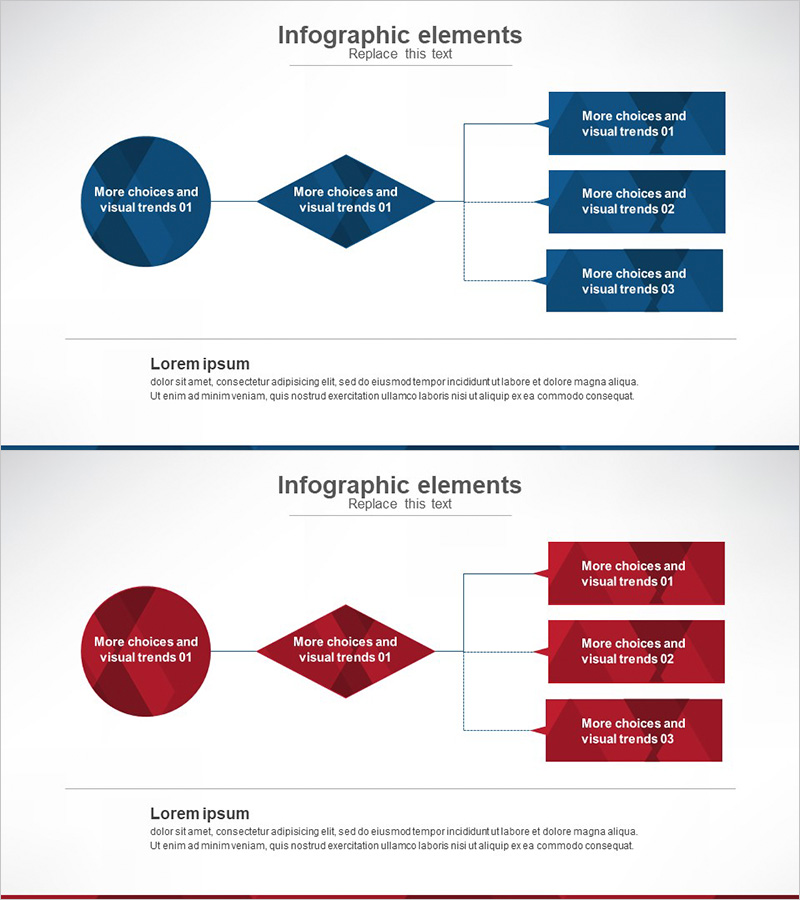
A radial business process diagram PowerPoint slide that expands from a circular node through a central diamond element to three output boxes. The design uses a consistent dark blue color palette to convey professionalism, with connecting arrows and lines that clearly illustrate the workflow progression. Provided in 2-slide format with the same structure in both navy blue and wine red color schemes, allowing you to select the version that best matches your presentation context. This PowerPoint slide template is ideal for operational planning, system architecture diagrams, and technical department explanations.
Usage Points
-
Main Usage
Visually represent business process stages and clearly communicate the expansion structure from core elements to key deliverables. Effectively explain strategic planning progression to execution items during operational planning presentations, and illustrate system architecture or data flow in technical contexts.
-
How to Use
Enter your company or project name in the circular node and central diamond element, then add key execution items or outcomes in the three right-side boxes. Select the color version that matches your presentation theme and adjust text size and font to align with your company's brand guidelines.
-
Recommended For
Ideal for strategy and planning professionals presenting business plans, technical teams explaining system architecture or development processes, and operations teams proposing workflow improvements. Effective for consulting firms, IT companies, and manufacturing organizations in internal reports and client proposals.
-
Slide Structure
2-slide format featuring the same radial expansion structure. Each slide comprises a left circular node (1), central diamond element (1), and right expansion boxes (3), connected by lines and arrows showing workflow direction. First slide in dark blue, second in wine red, allowing flexible selection based on presentation needs.
Related Products
-
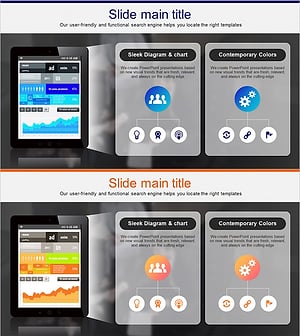
PC Mockup System Configuration Diagram – Understanding Technical Structure
#Operational Plan #Technical Approach #Diagram
-
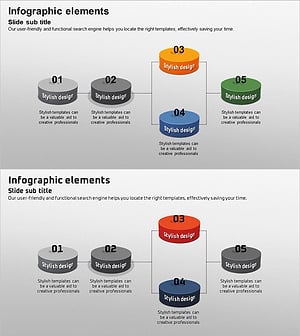
Business Process 3D Diagram – Innovation and Structure
#Operational Plan #Technical Approach #Diagram
-
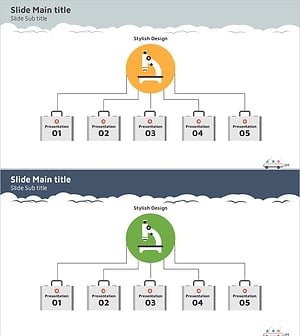
Tree Structure Diagram for Visualizing Business Strategies – System Composition
#Technical Approach #Diagram #System Architecture Diagram
-
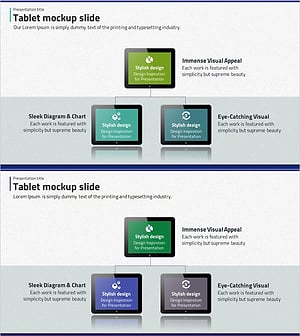
Tablet Shape Structure Diagram – Visualization of Technology and Service Composition
#Technical Approach #Diagram #Service Architecture Diagram
