



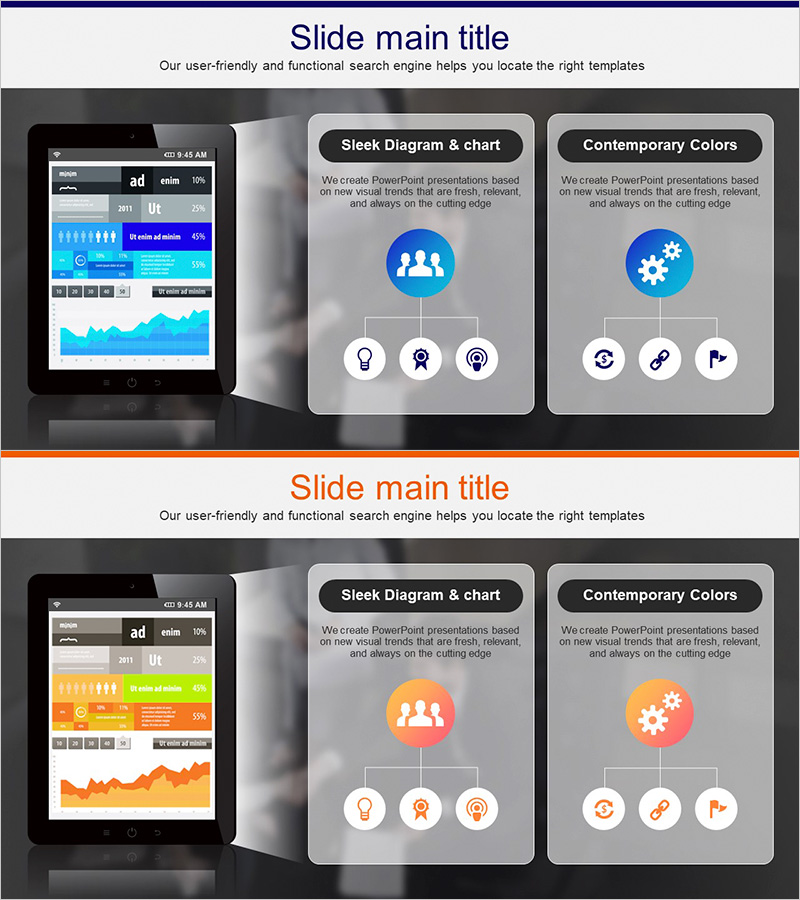
PC Mockup System Configuration Diagram – Understanding Technical Structure
RJ0300082_22
- Last Update 05/12/2025
- File Size 1.1MB
- # of Slides 2
- File Format PPTX
- Slide Ratio 16:9
- Color
Keywords
- #Content-Based Slides
- #Design-Based Slides
- #Operational Plan
- #Technical Approach
- #Diagram
- #Business Processes
- #System Architecture Diagram
- #Structure
- #Tree Diagram
- #16:9
- #tree diagram PowerPoint
- #system architecture slide
- #hierarchical structure diagram
- #organizational chart PPT template
- #how to create tree diagram in PowerPoint
- #diagram PowerPoint slide design
About the Product
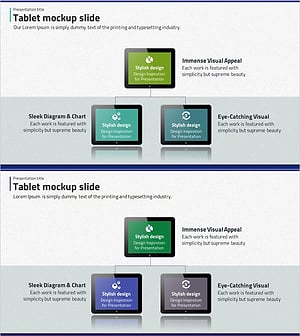
A tree diagram PowerPoint slide that clearly visualizes the hierarchical structure of technical systems. The three-tier hierarchy branches from the top node to lower elements, represented with blue circular nodes and connecting lines. Icons are placed in each node to intuitively convey information hierarchy. This design is effective for presenting complex system architectures, organizational structures, and business process analyses in presentations. Provided in 16:9 PPTX format and ready for immediate editing.
Usage Points
-
Main Usage
Clearly visualizes the hierarchical structure of technical systems by branching from upper concepts to lower elements. The tree structure intuitively expresses complex relationships and is ideal for system architecture, organizational charts, and business process analysis.
-
How to Use
Use in technical presentations, system design documents, organizational structure explanations, and business process analysis to represent hierarchical relationships. Edit node text and icons to customize according to your actual data.
-
Recommended For
IT technical teams, system engineers, project managers, organizational restructuring specialists, and business process improvement professionals explaining technical structures and organizational relationships.
-
Slide Structure
A tree structure branching into three levels from the main node at the top center. Each node is represented as a blue circle with icon and text input areas. Connecting lines between nodes clearly indicate hierarchical relationships. The 2-slide set provides various structural variations.
Related Products
-
Business Process Diagram – Efficient Operational Planning
#Operational Plan #Technical Approach #Diagram
-
Business Process 3D Diagram – Innovation and Structure
#Operational Plan #Technical Approach #Diagram
-
Business Work System Organization Chart – Maximizing Efficiency Structure
#Company Introduction #Technical Approach #Diagram
-
Tablet Shape Structure Diagram – Visualization of Technology and Service Composition
#Technical Approach #Diagram #Service Architecture Diagram
