



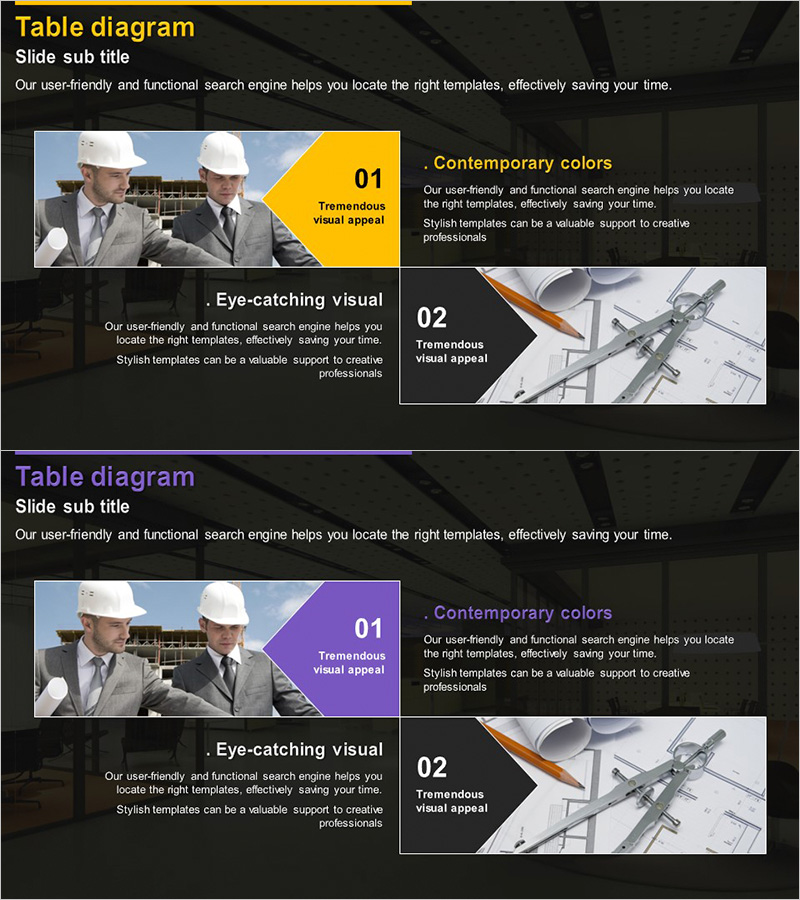
Introduction to Program Types – Attractive Colors and Visual Elements
RJ0300013_15
- Last Update 04/21/2025
- File Size 7MB
- # of Slides 2
- File Format PPTX
- Slide Ratio 16:9
- Color
Keywords
About the Product
A PowerPoint slide designed to introduce and compare two different program or product types side by side. The left section features an image paired with a yellow accent box highlighting the first item, while the right section uses a purple accent box for the second item. Each section includes dedicated areas for title, subtitle, and descriptive text, allowing you to effectively communicate program features and visual appeal simultaneously. Set against a dark background with bright color accents, this layout maximizes visual contrast for presentation impact. Provided in editable PPTX format, it works well for product introductions, service comparisons, program explanations, and various business presentations.
Usage Points
-
Main Usage
This slide effectively presents two distinct program or product types in a comparative format, helping audiences understand key differences and benefits at a glance. The dual-column layout with color-coded accents emphasizes each option's unique value proposition.
-
How to Use
Insert the first program image in the left image area and the second program image in the right area. Edit the title, subtitle, and description text for each section to highlight program characteristics. Use the yellow and purple accent boxes to emphasize key messages or differentiators for each program type.
-
Recommended For
Ideal for product launches, service comparisons, program overviews, marketing presentations, sales pitches, and client proposals. Particularly effective when presenting two alternative options, features, or approaches that require side-by-side comparison.
-
Slide Structure
Two-slide deck with each slide divided into three sections: left image area (approximately 40%), center accent box (approximately 20%), and right image area (approximately 40%). Each slide contains 4-5 text input areas including title, subtitle, and two descriptive text blocks for comprehensive information delivery.
Related Products
-
Key Details Slide - Elegant Diagram Utilization
#Product/Service Introduction #Diagram #Product/Service Introduction
-
Diagram Introducing the Space Business Program – Exploring the Future
#Product/Service Introduction #Diagram #Product/Service Introduction
-
Introduction to Each Application and Program – Informative Presentation
#Product/Service Introduction #Diagram #Product/Service Introduction
-
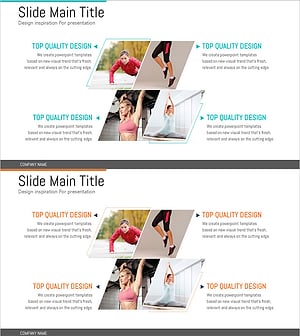
Types of Daily Exercise – A Presentation Capturing Diverse Experiences
#Product/Service Introduction #Diagram #Product/Service Introduction
