



Introduction to Each Application and Program – Informative Presentation
RJ0400038_14
- Last Update 05/27/2025
- File Size 4.4MB
- # of Slides 2
- File Format PPTX
- Slide Ratio 16:9
- Color
Keywords
- #Content-Based Slides
- #Design-Based Slides
- #Product/Service Introduction
- #Diagram
- #Product/Service Introduction
- #Program Introduction
- #Cluster
- #Chain Diagram
- #16:9
- #connection diagram PowerPoint
- #app introduction slide
- #6-node network diagram
- #product information visualization PPT
- #cluster diagram PowerPoint template
About the Product
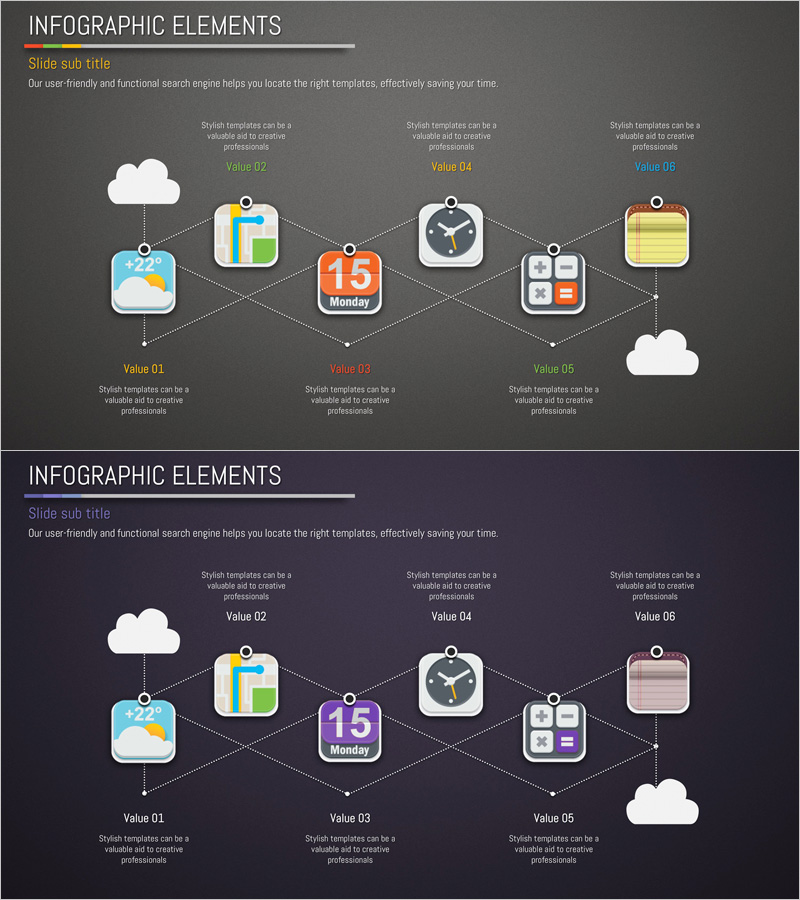
A connection-based diagram PowerPoint slide optimized for introducing applications and programs. The structure features a central core element (calendar and app icons) connected to six surrounding nodes via dotted lines, enabling simultaneous expression of each item's functions, features, and value. Against a dark gray background, colorful icons and white typography create strong contrast for high information delivery impact. Immediately applicable to product introductions, technology architecture explanations, organizational networks, and process integration presentations. The 2-slide set provides color variations (dark and light tones) to match your presentation's visual identity and tone.
Usage Points
-
Main Usage
Expresses key functions, features, and value of applications, programs, and products through a radial connection structure centered on a core element. Designed to make complex information instantly comprehensible by placing icons and text on each node. Effectively visualizes diverse data relationships such as technical architecture, organizational networks, process integration, and ecosystem structures.
-
How to Use
Set the central calendar or app icon as your core topic, then input each function, feature, or benefit into the six surrounding nodes. Edit each node's icon, color, and text to match your product characteristics. The dotted connection structure emphasizes relationships, networks, and interactions, making it ideal for product introductions, technical explanations, organizational structures, and marketing message delivery.
-
Recommended For
Recommended for IT and software companies presenting product features, app developers explaining functionality, technical teams describing system architecture, marketing teams presenting product value propositions, startups pitching for investment funding, and educators or seminar leaders needing to explain complex concepts across various professional contexts.
-
Slide Structure
2-slide set. Each slide consists of one central core element (calendar or app icon) plus six surrounding nodes connected by dotted lines. The first slide features a dark gray background with colorful icons; the second provides a light tone variation. Each node is independently editable, allowing free modification of text, icons, and background colors to suit your specific needs.
Related Products
-
Diagram Introducing the Space Business Program – Exploring the Future
#Product/Service Introduction #Diagram #Product/Service Introduction
-
Program Introduction Diagram – The Dawn of Innovation
#Product/Service Introduction #Diagram #Product/Service Introduction
-
Introducing the Mobile App Service – Innovation and Utilization
#Product/Service Introduction #Diagram #Other
-
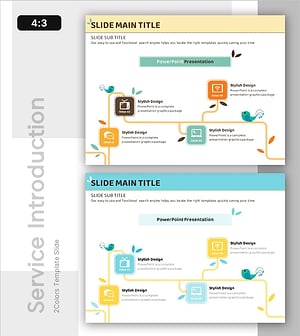
Introducing User-Centric Social Platforms – Vibrant Cluster Design
#Product/Service Introduction #Diagram #Product/Service Introduction
