



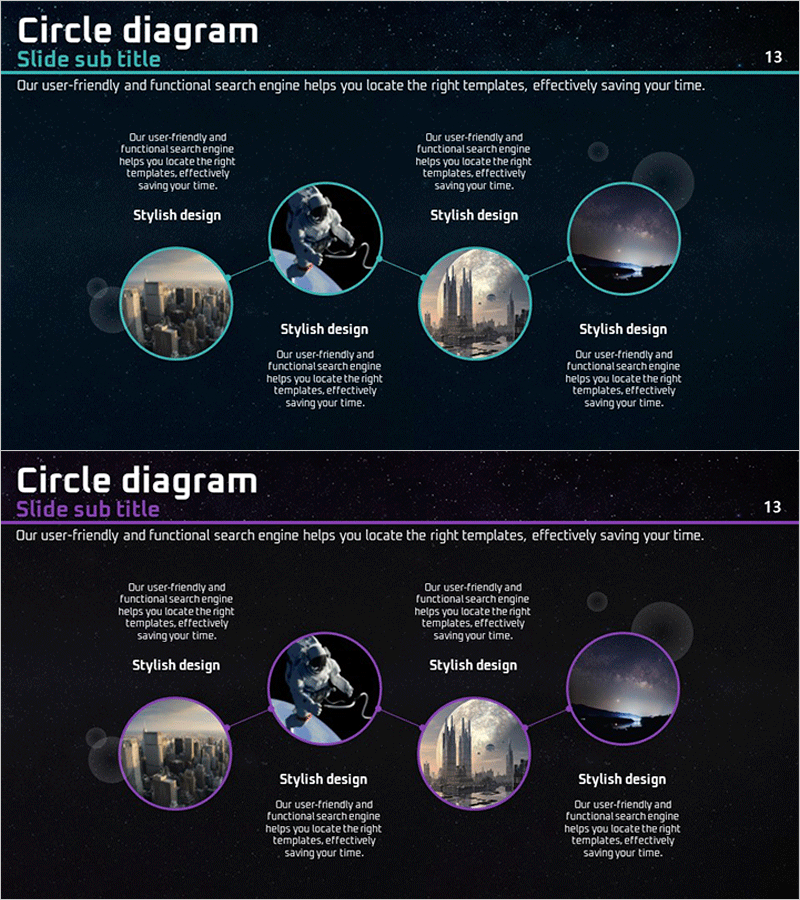
Diagram Introducing the Space Business Program – Exploring the Future
RJ0400035_12
- Last Update 05/26/2025
- File Size 5.9MB
- # of Slides 2
- File Format PPTX
- Slide Ratio 16:9
- Color
Keywords
- #Content-Based Slides
- #Design-Based Slides
- #Product/Service Introduction
- #Diagram
- #Product/Service Introduction
- #Program Introduction
- #Cluster
- #Chain Diagram
- #16:9
- #circular diagram PowerPoint
- #cluster diagram slide template
- #5-node connection diagram
- #network diagram PowerPoint
- #program introduction slide design
About the Product
A cluster diagram PowerPoint slide featuring five circular nodes connected to a central hub. The cyan border and dark background create strong visual contrast, with dedicated image insertion areas in each node. This design works effectively for program introductions, business domain classifications, organizational structures, and network relationship presentations. The two-slide set offers both cyan and purple color themes, optimized for 16:9 widescreen format. Text and image areas are clearly separated for immediate editing and customization.
Usage Points
-
Main Usage
Visually represent five core elements of a program, business, or organization connected to a central hub, showing relationships and structure at a glance. Image insertion in each node enhances visual impact and improves audience comprehension of complex information.
-
How to Use
Enter program names, domain titles, or organizational units in each circular node. Insert relevant images in the dedicated image areas. Add key messaging in the central text area to provide context. Customize colors to match corporate branding guidelines.
-
Recommended For
Space, aerospace, and technology program introductions; multi-department collaboration structures; global network and partnership presentations; business ecosystem component explanations; product and service portfolio classifications.
-
Slide Structure
Five-node cluster configuration with one central circular hub and four surrounding nodes. Each node contains a circular image insertion area and text input field below. Connection lines radiate from center to each node. Two slides with identical structure but different color themes (cyan and purple).
Related Products
-
Program Introduction Diagram – The Dawn of Innovation
#Product/Service Introduction #Diagram #Product/Service Introduction
-
Introduction to Each Application and Program – Informative Presentation
#Product/Service Introduction #Diagram #Product/Service Introduction
-
Hexagon Connection Square Diagram - Product and Service Overview
#Product/Service Introduction #Diagram #Product/Service Introduction
-
Introducing User-Centric Social Platforms – Vibrant Cluster Design
#Product/Service Introduction #Diagram #Product/Service Introduction
