



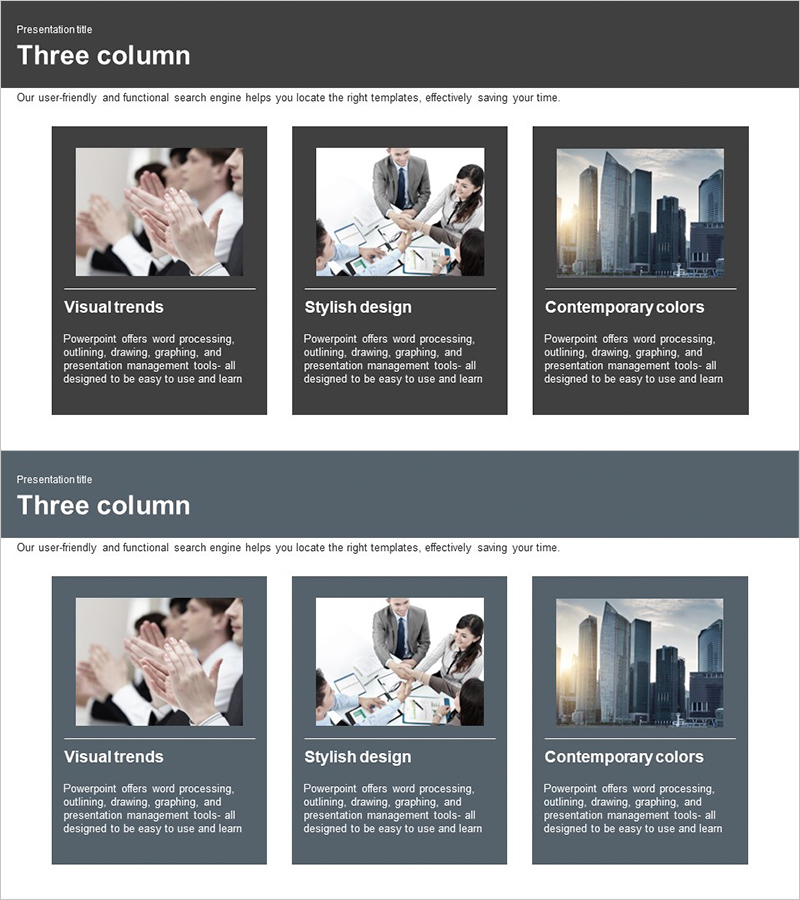
Business Program Introduction Diagram – Visualization and Efficiency
RJ0300009_20
- Last Update 04/20/2025
- File Size 0.8MB
- # of Slides 2
- File Format PPTX
- Slide Ratio 16:9
- Color
Keywords
- #Content-Based Slides
- #Design-Based Slides
- #Product/Service Introduction
- #Diagram
- #Product/Service Introduction
- #Program Introduction
- #Cluster
- #Closed Cluster Diagram
- #16:9
- #closed diagram PowerPoint
- #3-step diagram template
- #program introduction slide
- #business process diagram
- #sequential structure PPT
- #stage flow PowerPoint slide
About the Product
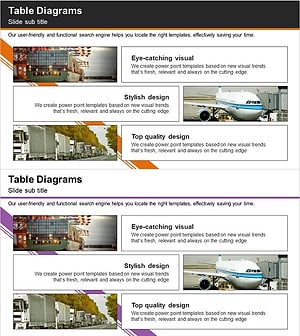
A three-step closed diagram PowerPoint slide designed for business program introductions. The slide features three connected boxes with a dark gray background and white borders, clearly representing the sequential stages of a program. Each box includes dedicated image and text areas, allowing you to insert visuals and descriptions for each stage while maintaining visual flow and information clarity. Provided as a 2-slide PPTX file in 16:9 widescreen format, fully editable and ready to customize. Ideal for program overviews, service stages, process flows, and organizational structures in business presentations.
Usage Points
-
Main Usage
Visually explain the sequential stages of a business program using a connected three-box diagram structure. Each step can be highlighted with images and text, making program flow, service stages, and process composition immediately clear to your audience.
-
How to Use
Enter the program stage name in each box and insert relevant images in the image areas. Write stage descriptions in the text sections to create a comprehensive program overview. Customize colors and fonts to match your company branding and presentation style.
-
Recommended For
Program overviews, service stage explanations, business process flows, product development stages, educational curriculum structures, marketing campaign phases, and organizational operations. Suitable for executive presentations, marketing team reports, and project management briefings.
-
Slide Structure
Two-slide presentation with identical three-step closed box structures. Dark gray background with white borders and dividing lines separating three stages. Each box contains an image area (top) and text area (bottom) for flexible content insertion. Optimized for 16:9 widescreen format in modern presentation environments.
Related Products
-
Introducing Data-Driven Analytics Programs – Innovative Diagrams for Presentation
#Product/Service Introduction #Diagram #Product/Service Introduction
-
Cluster Diagram Slide for VR Education Kids Program
#Product/Service Introduction #Diagram #Product/Service Introduction
-
Introduction to Eco-Friendly Business Project Program – A Sustainable Future
#Product/Service Introduction #Diagram #Other
-
Introduction to Trade Business Transportation – Cluster Diagram
#Product/Service Introduction #Diagram #Product/Service Introduction
