



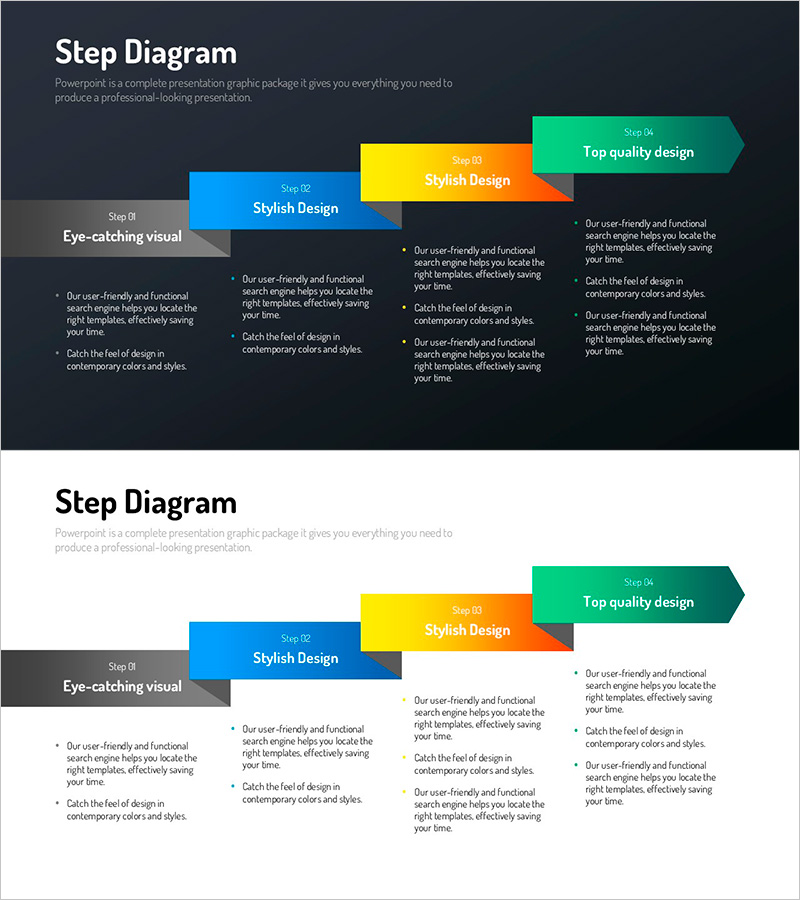
Infographic Design Wide Template Step Diagram
RJ0200064_16
- Last Update 04/17/2025
- File Size 0.5MB
- # of Slides 2
- File Format PPTX
- Slide Ratio 16:9
- Color
Keywords
- #Content-Based Slides
- #Design-Based Slides
- #Business Strategy
- #Financial Plans and Performance
- #Diagram
- #Step-by-Step Schedule Plan
- #Tax Strategy and Benefits
- #Flow
- #Linear Flow
- #16:9
- #linear diagram PowerPoint
- #4-step arrow slide
- #process flow presentation
- #step-by-step infographic template
- #business process diagram slide
About the Product
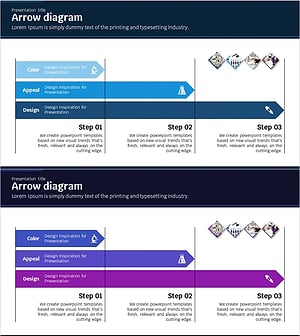
A linear diagram PowerPoint slide featuring four sequential steps connected by directional arrows. The design uses a dark background with five distinct colors—gray, blue, yellow, orange, and green—to differentiate each step and create a clear process flow. The layout combines an eye-catching visual area on the left with detailed description text on the right, making it ideal for presenting business strategies, financial performance, and project milestones. Provided in 16:9 widescreen format with 2 slides, fully editable and ready to use.
Usage Points
-
Main Usage
Transform business processes, project timelines, strategic roadmaps, and financial performance trends into a clear 4-step visual narrative that enhances audience comprehension and strengthens presentation persuasiveness.
-
How to Use
Enter your title and description text into each step box, and customize colors as needed to match your presentation theme. Add relevant images or icons to the left visual area to increase visual impact and engagement.
-
Recommended For
Executives, project managers, and marketing teams presenting strategic initiatives, project kickoffs, quarterly performance reviews, and new business proposals will find this template effective for explaining phased implementation plans and sequential workflows.
-
Slide Structure
Dark background with a gray box on the left (Step 01 label) and four arrow-shaped boxes on the right (Steps 02–05 in blue, yellow, orange, and green). Description text areas positioned to the right of each box. Both slides follow the same structure for consistency.
Related Products
-
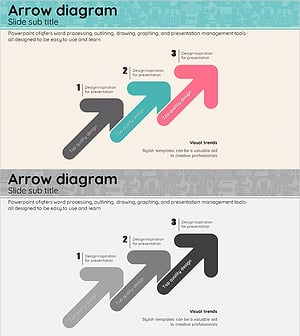
Arrow Shape Connection Diagram – Business Strategy and Marketing Goals
#Business Strategy #Marketing Plan and Strategy #Diagram
-
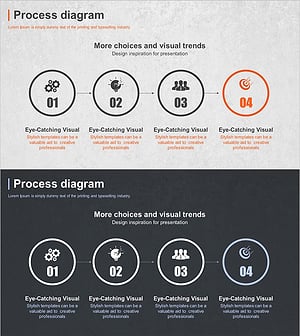
Business Process Steps – Efficient Operational Strategy
#Business Strategy #Operational Plan #Diagram
-
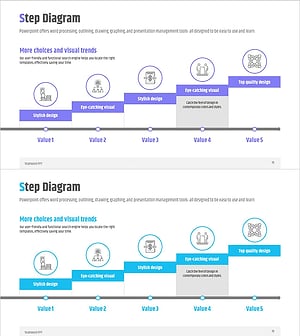
Business Process STEP 5 Diagram – Efficient Operational Planning
#Business Strategy #Operational Plan #Diagram
-
Science Experiment Promotion Plan Linear Diagram
#Business Strategy #Business Management #Diagram
