



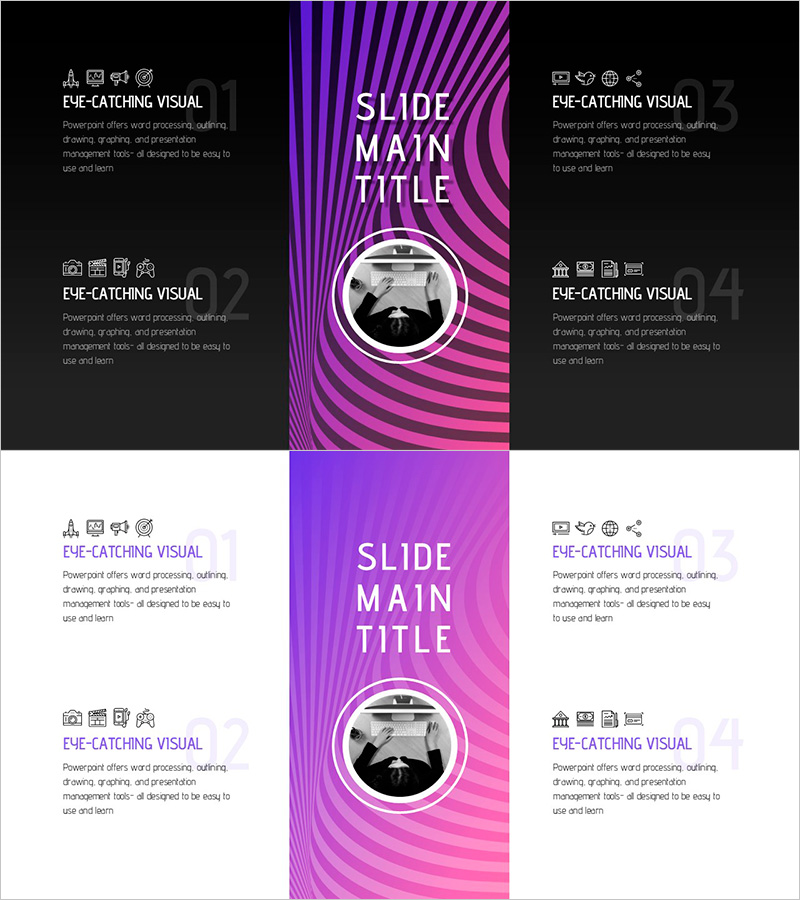
Fantastic Wide Icons and Text Description Slide
RJ0200049_26
- Last Update 04/12/2025
- File Size 1MB
- # of Slides 2
- File Format PPTX
- Slide Ratio 16:9
- Color
Keywords
About the Product
A professional PowerPoint slide template designed to showcase service or product benefits through four icons paired with descriptive text. The design features a black background with purple gradient curved accents that create visual interest and guide viewer attention. Each section includes dedicated spaces for icons, titles, and explanatory text, ensuring clear information hierarchy. Created in 16:9 widescreen format with 2-slide composition, this template is optimized for modern presentation environments. Ideal for company introductions, product launches, marketing pitches, and investor presentations where communicating customer value propositions is essential.
Usage Points
-
Main Usage
This slide effectively communicates core service or product advantages to stakeholders through visual-text combination. The icon-based layout strengthens brand credibility during investor pitches, partner meetings, and customer presentations by making value propositions immediately clear and memorable.
-
How to Use
Customize each section's icon, title, and description text to match your service offerings. Insert this slide into company overview sections, product feature presentations, marketing strategy decks, or competitive differentiation slides. The modular layout allows independent editing of each quadrant without affecting overall design balance.
-
Recommended For
Startup pitch decks, product launch presentations, B2B sales proposals, corporate marketing presentations, technology and SaaS company introductions, and customer-facing business development meetings. Particularly effective for companies needing to explain multiple service dimensions or product features simultaneously.
-
Slide Structure
2-slide template with each slide divided into 4 equal quadrants (top-left, top-right, bottom-left, bottom-right). Each quadrant contains an icon placeholder, title text box, and description text area, allowing flexible content input while maintaining visual consistency and professional appearance.
Related Products
-
Presenting Product Information through Microscope Icons and Text Boxes
#Product/Service Introduction #Program Introduction #Benefits and Advantages
-
Digital Device Mockup School Icon – Convenient Tool for Children's Education
#Product/Service Introduction #Other #Program Introduction
-
How to Use the Mobile Donation Application – Useful Program Introduction
#Product/Service Introduction #Diagram #Other
-
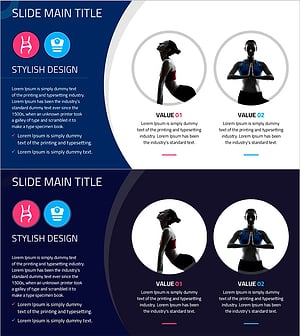
Diagram Slide Highlighting Effects of Yoga Training
#Product/Service Introduction #Diagram #Program Introduction
