



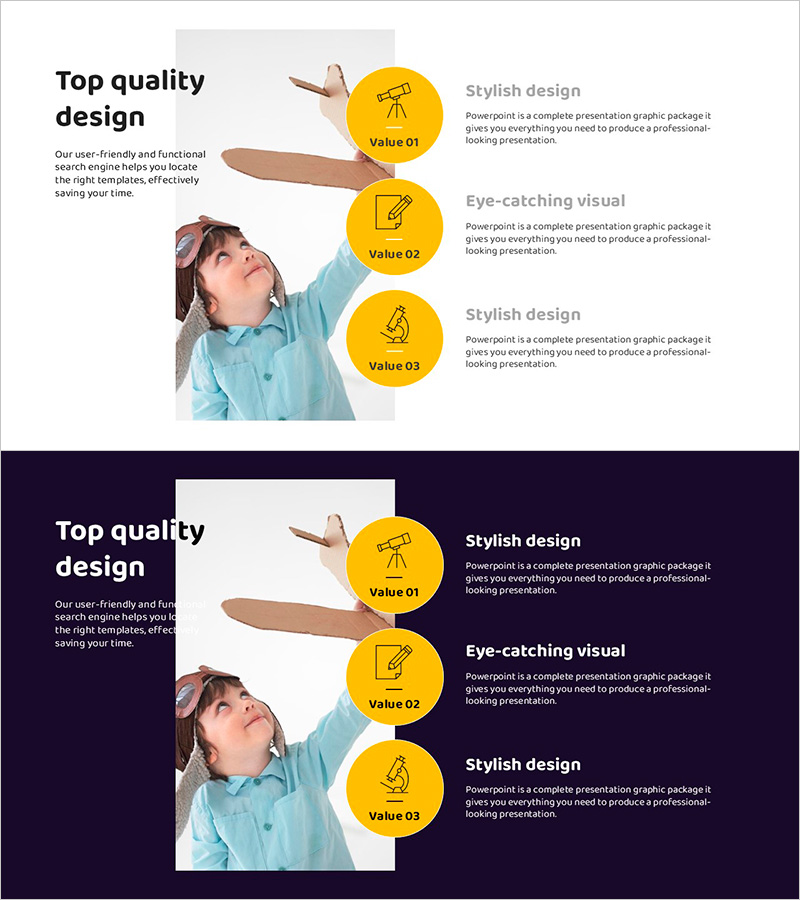
Presenting Product Information through Microscope Icons and Text Boxes
RJ0500048_5
- Last Update 06/20/2025
- File Size 0.7MB
- # of Slides 2
- File Format PPTX
- Slide Ratio 16:9
- Color
Keywords
About the Product
A professional PowerPoint slide designed to clearly communicate three key benefits or features of your product or service. The layout features a person image on the left side paired with three yellow circular icons on the right, each accompanied by a title and descriptive text. Two background versions are included—a light background for daytime presentations and a dark background for evening events or premium-toned decks. This slide template is ready to use for product launches, service introductions, program overviews, and company benefit presentations.
Usage Points
-
Main Usage
Clearly present three core benefits or value propositions of your product or service to your audience. The yellow circular icons combined with text boxes create a visual hierarchy that enhances readability and audience engagement.
-
How to Use
Place a product image or related visual in the left image area, then fill in the three text boxes on the right with benefit titles and descriptions. Use the light background version for daytime presentations or bright-toned decks, and the dark background version for evening events or sophisticated presentations.
-
Recommended For
Ideal for product marketing presentations, employee onboarding materials, customer service demonstrations, investor pitch decks, and company overview documents. Commonly used by sales teams, marketing departments, and product management teams.
-
Slide Structure
Two-slide template with each slide divided into left image area (approximately 40%) and right text area (approximately 60%). The right section contains a main title text and three yellow circular icons arranged vertically, with a subtitle and descriptive text box positioned next to each icon.
Related Products
-
Visualization of the Effectiveness of Exercise – Impact and Benefits
#Product/Service Introduction #Diagram #Program Introduction
-
How to Use the Mobile Donation Application – Useful Program Introduction
#Product/Service Introduction #Diagram #Other
-
Key Features of the Children’s Learning Platform - Easily Communicated with Friendly Design
#Product/Service Introduction #Diagram #Program Introduction
-
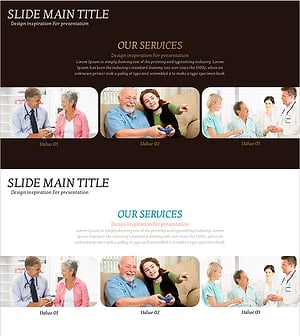
Silver Town Welfare Benefits – Introduction to Services and Advantages
#Product/Service Introduction #Program Introduction #Benefits and Advantages
