



Typographic Wide Template Diagram3 – Business Strategy Visualization
RJ0200047_19
- Last Update 04/11/2025
- File Size 0.2MB
- # of Slides 2
- File Format PPTX
- Slide Ratio 16:9
- Color
Keywords
- #Content-Based Slides
- #Design-Based Slides
- #Business Strategy
- #Business Management
- #Diagram
- #Implementation Framework
- #Execution Plan
- #Spread
- #16:9
- #4-section comparison diagram PowerPoint
- #business strategy visualization slide
- #quadrant analysis PPT
- #strategic planning diagram
- #how to create a business strategy slide in PowerPoint
About the Product
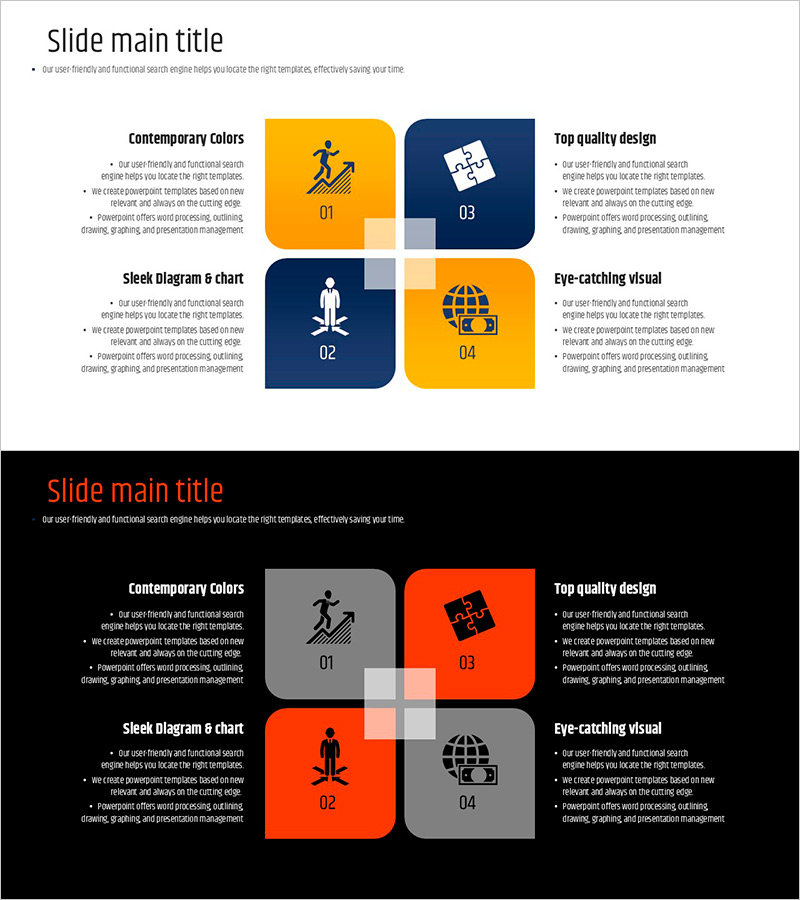
A PowerPoint slide that visualizes business strategy across four distinct sections with a yellow and navy dual-tone design. Each section features an icon, title area, and descriptive text space for clear comparison and analysis of strategic elements. The 2-slide set includes both white and black background versions, allowing you to match your presentation environment and document tone. Ideal for communicating business direction to executives, investors, and team members during strategy presentations, board meetings, and investor pitches.
Usage Points
-
Main Usage
This slide enables simultaneous comparison of four core business elements—such as vision, objectives, capabilities, and execution plans—to support strategic decision-making. It transforms complex business structures into clear, digestible visuals for executive briefings, investor presentations, and strategy workshops.
-
How to Use
Enter your business elements into the title and description text areas of each section, and customize the icons to match your organization's strategy. Use the white background version for printing and PDF distribution, and the black background version for projector presentations to maximize readability and visual impact.
-
Recommended For
Executives, strategy teams, business development teams, and marketing professionals benefit from this slide when creating business plans, executive reports, investment pitches, and strategic planning documents. It is particularly effective when explaining multiple business units, market entry strategies, or competitive advantages simultaneously.
-
Slide Structure
The slide comprises four independent sections, each with an icon (numbered 01–04), title text field, and descriptive text space. Arranged in a top-left, top-right, bottom-left, bottom-right layout, it provides balanced information hierarchy. Both slides maintain identical layouts for consistent presentation flow.
Related Products
-
Abstract Pattern Template for Circular Diagram
#Business Strategy #Business Management #Diagram
-
Rainbow Paper Infographic Elements Slide - Business Vision and Strategy
#Business Vision and Strategy #Business Management #Diagram
-
Blue Green Sequence Diagram
#Business Management #Operational Plan #Diagram
-
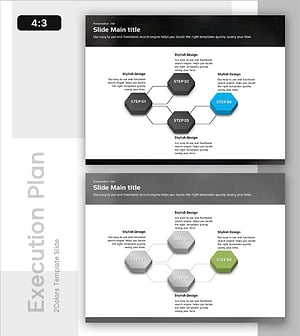
Visualizing 4 Action Plans with a Diverging Diagram Slide
#Business Management #Diagram #Execution Plan
