



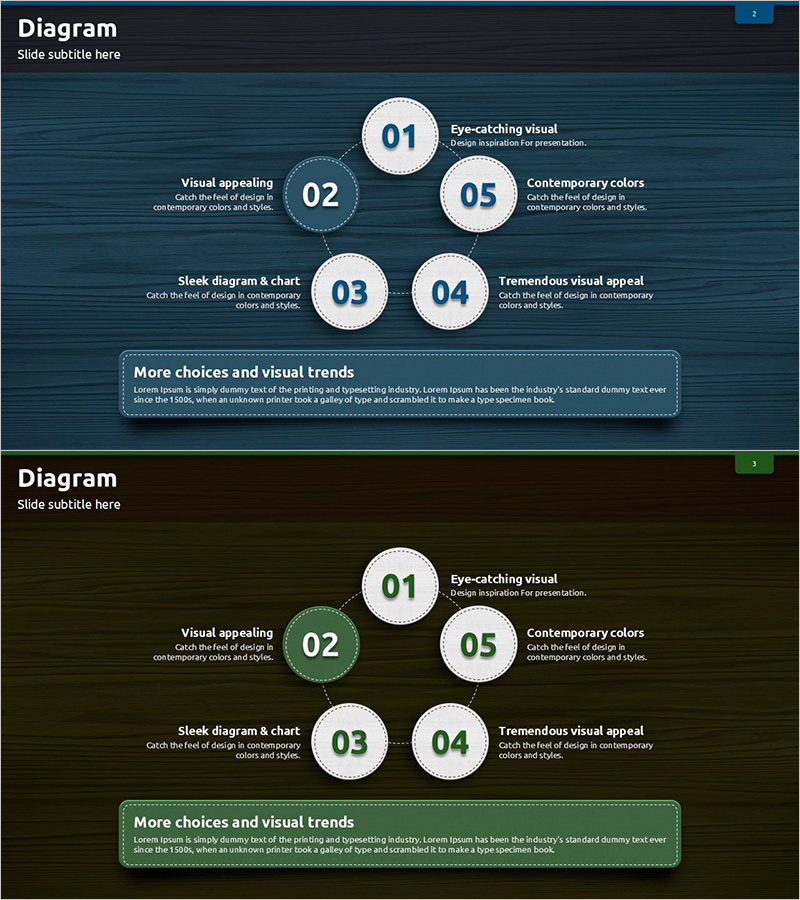
Blue Green Sequence Diagram
RJ0600069_26
- Last Update 07/08/2025
- File Size 4.9MB
- # of Slides 2
- File Format PPTX
- Slide Ratio 16:9
- Color
Keywords
- #Content-Based Slides
- #Design-Based Slides
- #Business Management
- #Operational Plan
- #Diagram
- #Execution Plan
- #Business Processes
- #Cluster
- #Spread
- #Chain Diagram
- #Decentralized Diagram
- #16:9
- #radial diagram PowerPoint
- #5-step expansion diagram
- #PowerPoint process slide template
- #business workflow diagram
- #operational planning presentation slide
About the Product
A radial diagram PowerPoint slide featuring a central node with five surrounding elements radiating outward. The design uses contrasting blue and green tones to distinguish each item, with dotted connector lines and circular nodes creating clear visual hierarchy. This slide template is ideal for presenting business management concepts, operational plans, and workflow processes where a central idea expands into multiple supporting elements. The 16:9 widescreen format includes 2 slides that are ready to customize with your own text and descriptions for immediate use in presentations.
Usage Points
-
Main Usage
Visualizes how a core concept or objective expands into five supporting elements, strategies, or action items. Effectively communicates the relationship between a central theme and peripheral components in business management, operational planning, and workflow analysis presentations.
-
How to Use
Enter your main topic in the central circular node and add five supporting items to the surrounding nodes. Include descriptive text beneath each element to build your presentation narrative. Use the color coding and connector lines to emphasize information flow during meetings, strategy sessions, and project planning discussions.
-
Recommended For
Business managers, operations directors, project leaders, and marketing planners presenting strategy development, workflow analysis, and process improvement initiatives. Particularly effective when communicating how a core organizational concept cascades across multiple departments or teams.
-
Slide Structure
Two-slide template featuring a radial layout with one central circular node connected via dotted lines to five surrounding circular nodes. Alternating blue and green color tones distinguish each element. Text description areas below each node accommodate detailed explanations, making the structure flexible for various business contexts.
Related Products
-
Execution Plan for Creative Learning Programs – Effective Workflow Diagram
#Business Management #Operational Plan #Diagram
-
Construction Business Process Diagram – Visualize Effective Workflows
#Business Management #Operational Plan #Diagram
-
Process for Effective Marketing – Business Execution Strategy
#Business Strategy #Operational Plan #Diagram
-
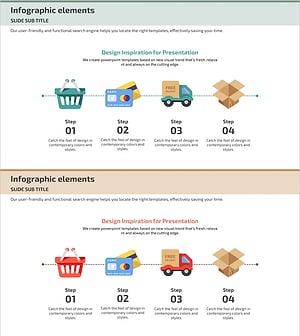
Diagram Illustrating the Internet Shopping Process
#Business Management #Operational Plan #Diagram
