



Abstract Pattern Template for Circular Diagram
RJ0200033_21
- Last Update 04/07/2025
- File Size 0.3MB
- # of Slides 2
- File Format PPTX
- Slide Ratio 16:9
- Color
Keywords
- #Content-Based Slides
- #Design-Based Slides
- #Business Strategy
- #Business Management
- #Diagram
- #Implementation Framework
- #Execution Plan
- #Flow
- #Spread
- #Circular Flow
- #Centralized Diagram
- #16:9
- #circular diagram PowerPoint
- #3-step cycle diagram
- #business process flow slide
- #circular workflow template
- #cycle diagram slide design
About the Product
A circular diagram PowerPoint slide featuring a central node connected to three outer elements in clockwise rotation. The design uses blue and turquoise color schemes with integrated icons (global, handshake, time) to enhance visual communication. This cycle diagram is ideal for presenting business processes, strategic initiatives, and circular workflow structures. The 2-slide set includes color variations (blue tone and yellow tone) allowing you to match different presentation sections. Delivered in 16:9 widescreen PPTX format, fully editable and ready to customize with your own content.
Usage Points
-
Main Usage
Effectively communicate business processes, strategic initiatives, circular workflows, and 3-element cycles. The center-to-outer node structure visualizes how three components interact in a continuous loop, making it perfect for representing iterative processes, sustainable circular models, and interconnected business elements.
-
How to Use
Replace the center node text with your core concept and update the three outer nodes with process stages, departments, or key roles. The clockwise arrow flow indicates sequential progression, ideal for step-by-step process explanations. Use the two color variations to differentiate presentation sections or emphasize different phases of your narrative.
-
Recommended For
Strategy and planning teams presenting business roadmaps, marketing departments explaining campaign cycles, operations teams discussing process improvements, and executives presenting business model frameworks. Particularly effective when explaining three interconnected concepts such as design-appeal-color or planning-execution-review cycles.
-
Slide Structure
Slide 1: Blue-toned background with central dark circular node (handshake icon), top blue node (global icon), left blue node (document icon), and right turquoise node (time icon) connected by clockwise arrows. Slide 2: Identical structure with yellow color palette. All nodes support text editing and arrows indicate clockwise circular flow.
Related Products
-
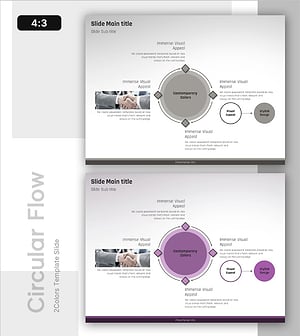
Smart Meeting Strategies for High Performance – Effective Progress Flow
#Business Management #Diagram #Execution Plan
-
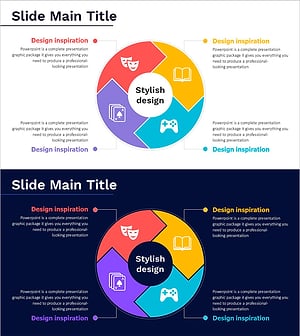
Game and Hobby Diagram – Visualizing Organization and Strategy
#Business Strategy #Operational Plan #Diagram
-
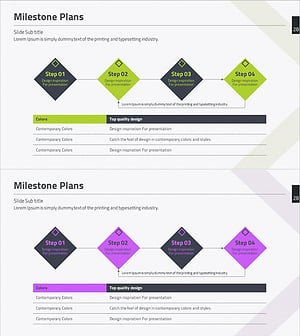
Key Step Planning Diagram – Blueprint for Business Operations
#Business Management #Operational Plan #Diagram
-
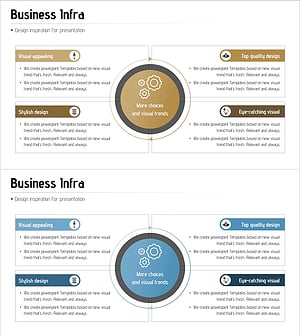
Business Infrastructure Diagram - Effective Business Introduction
#Business Introduction #Diagram #Business Areas
