



Paint Splash Template for Visualizing Global Network
RJ0200040_5
- Last Update 04/09/2025
- File Size 4.2MB
- # of Slides 2
- File Format PPTX
- Slide Ratio 16:9
- Color
Keywords
- #Content-Based Slides
- #Design-Based Slides
- #Company Introduction
- #Market and Competitor Analysis
- #Other
- #Global Network
- #Market Analysis
- #Map
- #16:9
- #world map PowerPoint slide
- #global network presentation
- #regional emphasis map slide
- #market analysis world map
- #how to create a global business map in PowerPoint
About the Product
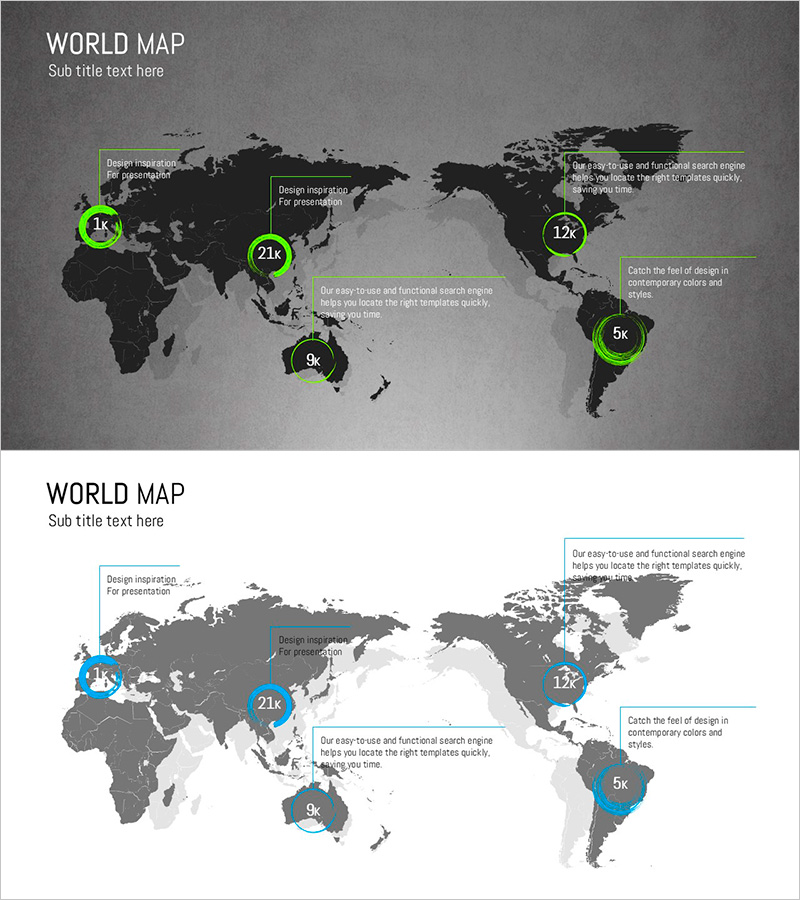
A world map PowerPoint slide designed to visualize global business strategy and international market presence. Features a dark gray background with fluorescent green circular markers highlighting five key regions, each with dedicated text description areas. The 2-slide set includes both dark and light tone color schemes, allowing you to match your presentation's overall aesthetic. Ideal for market analysis, global network introductions, international expansion updates, and cross-border business presentations. Ready-to-use slide deck for corporate strategy, investor relations, and global partnership discussions.
Usage Points
-
Main Usage
Visualize global business strategy, international market presence, and cross-border network expansion. Five key regions are highlighted with fluorescent markers, enabling you to present regional metrics, market size, customer base, strategic goals, and partnership information in a geographically organized format.
-
How to Use
Enter region-specific data (market size, customer count, business targets, partner information) in the text boxes adjacent to each regional marker. Use the dark tone version for investor relations and corporate credibility; select the light tone for marketing and partnership presentations.
-
Recommended For
International business managers, global marketing teams, overseas sales departments, investor relations professionals, and multinational corporations. Suitable for market analysis sections, global expansion strategy presentations, international partnership introductions, and cross-regional performance reviews.
-
Slide Structure
Slide 1: Dark gray background with black world map, five fluorescent green circular markers, and five corresponding text description boxes. Slide 2: Light gray background with identical layout. Total 10 text input areas (5 per slide) organized in regional comparison format.
Related Products
-
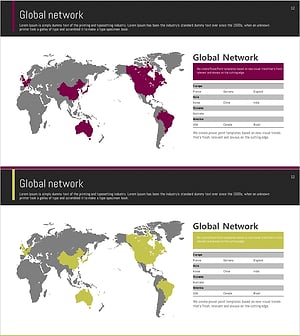
Target Area Network Analysis – Insights into the Global Market
#Company Introduction #Market and Competitor Analysis #Diagram
-
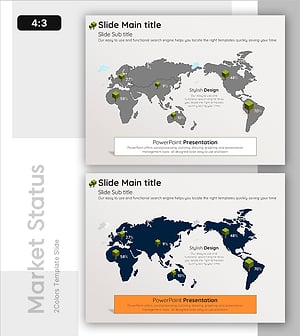
Global Comparison of National Sustainability Contributions
#Company Introduction #Market and Competitor Analysis #Graph
-
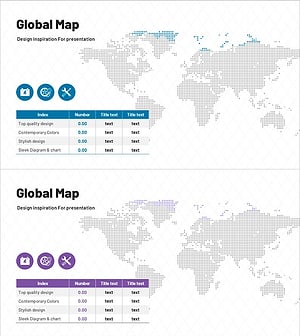
Pixel Graphical Maps and Tables - Visualizing Global Network
#Company Introduction #Market and Competitor Analysis #Diagram
-
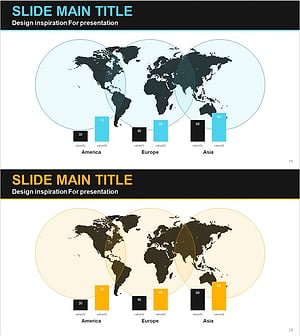
Global Area Analysis Bar Graph – Visualization of Market and Competition
#Company Introduction #Market and Competitor Analysis #Graph
