



Modern Blue Presentation Arrow Diagram – Business Strategy
RJ0200035_21
- Last Update 04/07/2025
- File Size 0.8MB
- # of Slides 2
- File Format PPTX
- Slide Ratio 16:9
- Color
Keywords
About the Product
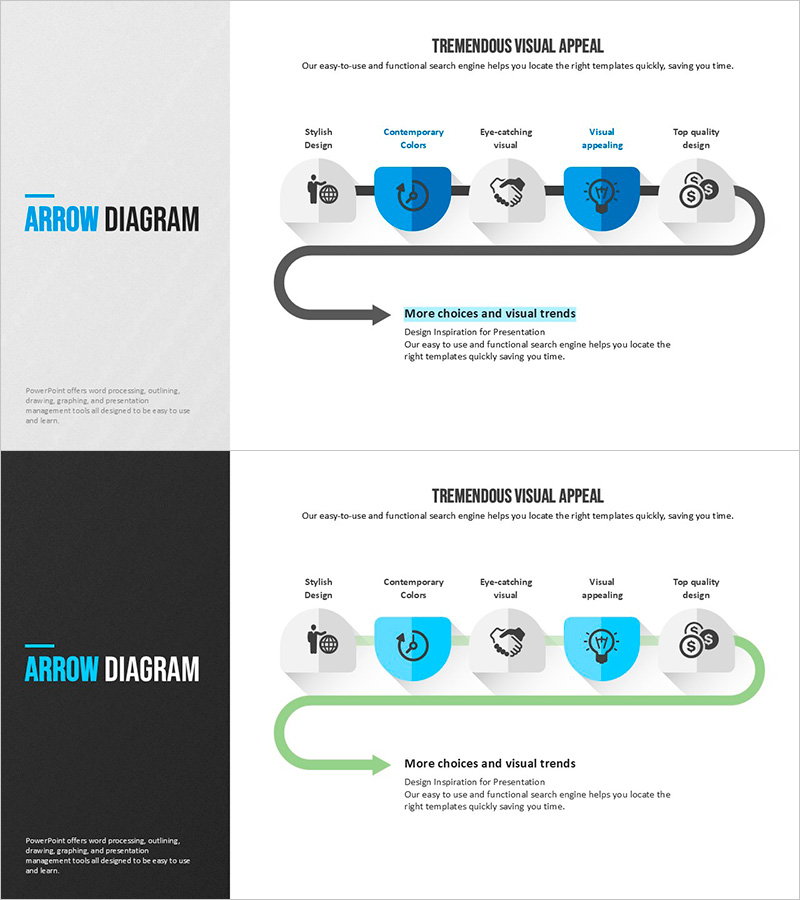
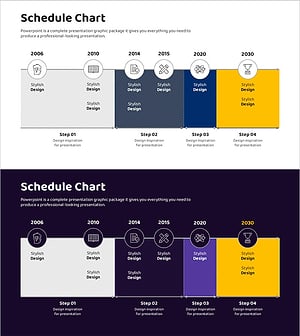
A linear arrow diagram PowerPoint slide that visualizes business strategy execution through sequential stages. Five circular nodes connected left-to-right with arrow flow clearly represent process progression stages. The design combines blue circular nodes, gray icons, and black arrows, making it ideal for business presentations covering strategy development, implementation phases, and performance evaluation. Provided in 2-slide format with versatile backgrounds (light gray and black), allowing flexible text and icon customization for your specific process steps.
Usage Points
-
Main Usage
Visualize business strategy execution, project implementation phases, marketing campaign workflows, product development roadmaps, and organizational change management. The sequential arrow flow enhances audience comprehension of multi-stage processes in executive presentations and strategic planning sessions.
-
How to Use
Replace node text with your specific stage names and substitute icons to represent each phase. Adjust the blue node and arrow colors to match your corporate brand identity. Select either the light gray or black background version based on your presentation environment and overall slide deck design.
-
Recommended For
Executive reports, strategic planning meetings, investor pitches, consulting proposals, organizational restructuring presentations, and project kickoff meetings. Ideal for business strategists, marketing professionals, project managers, and executives who need to communicate complex processes clearly and intuitively.
-
Slide Structure
2-slide set featuring 5 circular nodes connected horizontally with directional arrows. Each node contains an icon placeholder and editable text field. First slide uses light gray background; second slide features black background for versatile presentation contexts and visual contrast options.
Related Products
-
Square Frame Template Arrow Diagram – Business Strategy Execution
#Business Strategy #Diagram #Step-by-Step Schedule Plan
-
Plogging Route Presentation Slide – 9-Point S-Curve Timeline
#Company Introduction #Business Strategy #Corporate Social Responsibility
-
Annual Match Plan and Strategy – Vision and Growth
#Business Strategy #Diagram #Other
-
Science and Technology Roadmap – Business Strategy Cluster
#Business Strategy #Diagram #Step-by-Step Schedule Plan
