



Online Presentation Template Introduction
RJ0200025_5
- Last Update 04/04/2025
- File Size 3.2MB
- # of Slides 2
- File Format PPTX
- Slide Ratio 16:9
- Color
Keywords
About the Product
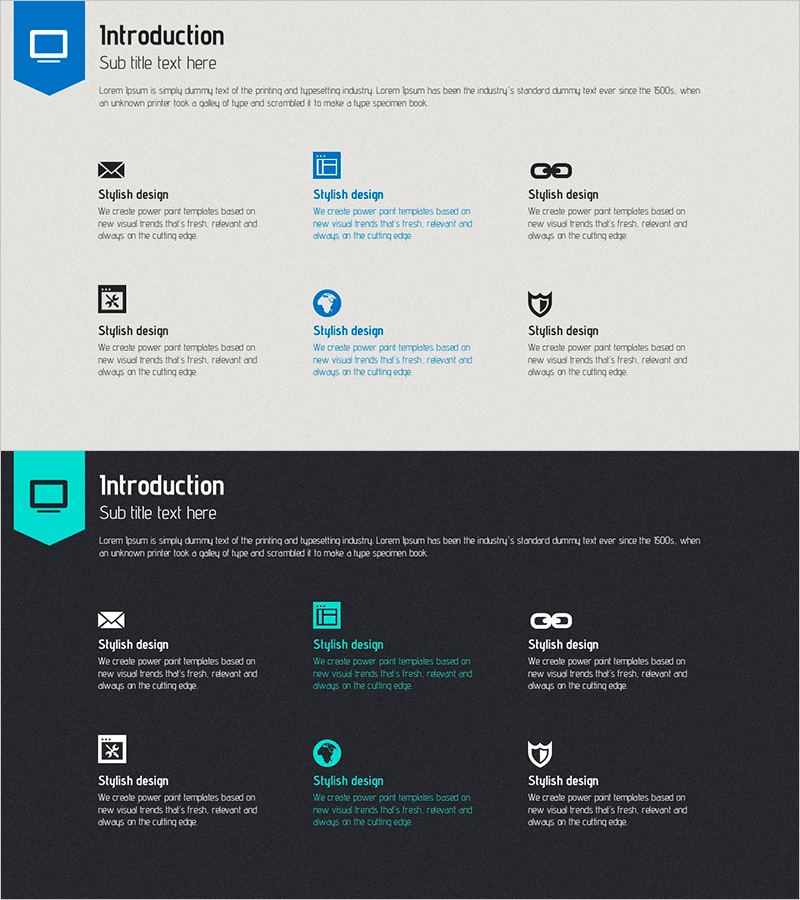
A 2-slide PowerPoint presentation designed to introduce your company's business areas and service divisions. The layout features a title section at the top and a 6-icon grid structure below, allowing you to present multiple business domains in a clear, organized manner. The light gray background with blue accent colors conveys professionalism and corporate credibility. Each icon has a dedicated text input area for adding specific business descriptions. This slide is ideal for company introduction presentations, investor pitches, and partnership meetings where you need to showcase your diversified business portfolio and organizational structure.
Usage Points
-
Main Usage
Present your company's core business divisions and service portfolio in a visually organized format. This slide helps investors, partners, and clients quickly understand your company's business structure and market positioning. It serves as a key section in corporate introduction presentations and emphasizes business diversification.
-
How to Use
Enter your business area names and descriptions in the text fields below each icon. Icons can be customized to represent each business division, and colors and fonts can be adjusted to match your corporate branding. Place this slide early in your presentation to establish context for your company's operations and strategic focus.
-
Recommended For
Large and mid-sized corporations presenting company overviews, investor relations materials, partnership proposals, and employee onboarding presentations. Particularly effective for companies with multiple business units or those emphasizing business diversification. Commonly used by marketing teams, executives, and sales departments.
-
Slide Structure
The slide consists of a title area at the top (Introduction header with subtitle) and a 6-icon grid layout below arranged in 2 rows and 3 columns. Each icon includes an independent text input field for business area names and descriptions, creating a balanced and highly readable information structure.
Related Products
-
3D Printing Business Area Diagram – Innovative Business Introduction
#Company Introduction #Business Introduction #Diagram
-
3D Printer Usage Area Diagram – Effective Visualization for Business Introduction
#Company Introduction #Business Introduction #Diagram
-
Diagram of the Medical Business Sector
#Company Introduction #Business Introduction #Diagram
-
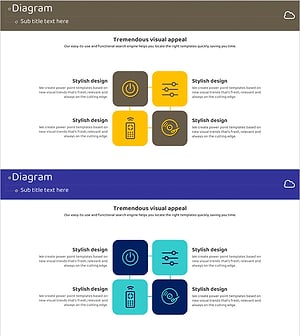
Internet of Things Service Area Diagram – Business Introduction and Visualization
#Company Introduction #Business Introduction #Diagram
