



Square Frame Presentation Template – Multidirectional Arrow Diagram
RJ0200010_27
- Last Update 10/05/2025
- File Size 0.5MB
- # of Slides 2
- File Format PPTX
- Slide Ratio 16:9
- Color
Keywords
- #Content-Based Slides
- #Design-Based Slides
- #Business Vision and Strategy
- #Business Strategy
- #Diagram
- #Text Box
- #Business Strategy
- #Business Direction
- #Flow
- #Multidirectional Flow
- #Arrow
- #16:9
- #arrow diagram PowerPoint
- #multidirectional arrow slide
- #comparison diagram template
- #business strategy PPT slide
- #two-way arrow presentation template
About the Product
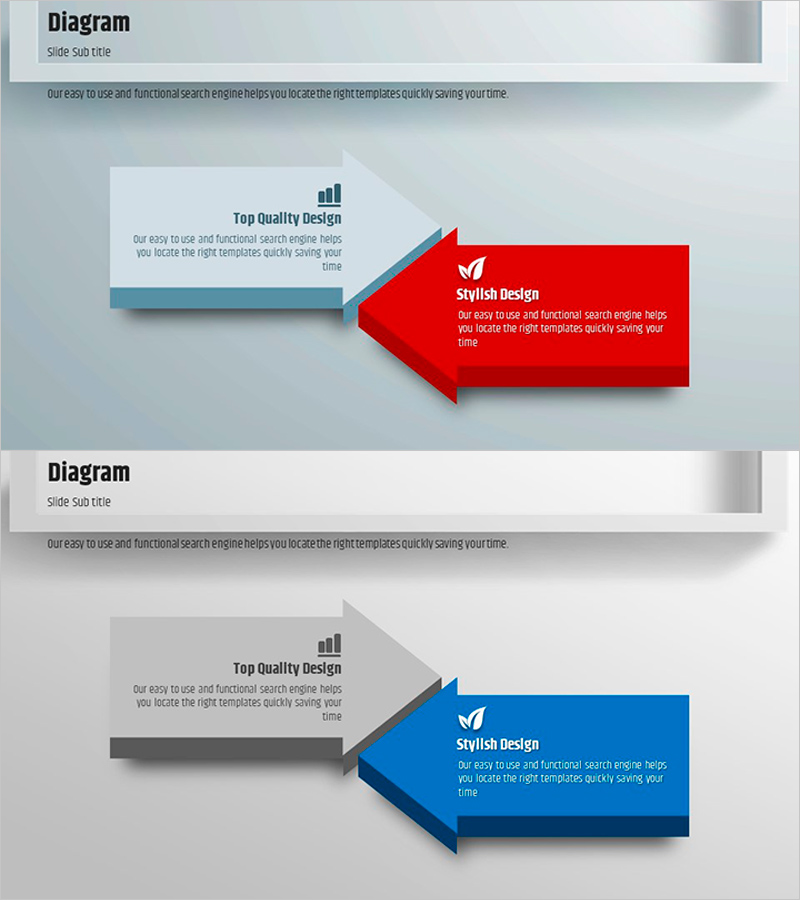
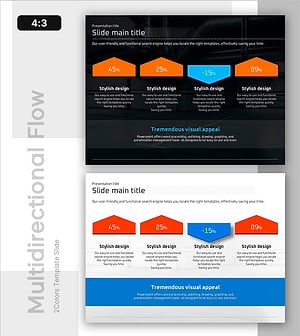
A PowerPoint slide featuring left-right directional arrows that compare and contrast two concepts side by side. The red and blue arrow boxes clearly distinguish each key message, while the gray box on the left establishes the comparison framework. This 16:9 widescreen 2-slide template is ideal for business strategy presentations, proposals, and comparative analysis. The arrow structure visually represents flow and decision pathways, making it perfect for presenting alternative approaches or contrasting methodologies. All text, colors, and shapes are fully editable for customization.
Usage Points
-
Main Usage
Visually compare two alternatives, approaches, or concepts using left-right arrow positioning. Ideal for business strategy presentations, proposal decks, and decision-making scenarios where 'Option A vs Option B' or 'Current vs Future' structures need clear visual representation. The arrow direction emphasizes flow and strategic choice.
-
How to Use
Enter the comparison criteria in the left gray box (e.g., 'Current Method' vs 'New Method'). Fill the red and blue arrow boxes on the right with corresponding features, benefits, or outcomes. Enhance with icons, numbers, or charts to strengthen data-driven comparison. Customize colors and fonts to match your presentation theme.
-
Recommended For
Executive strategy presentations, business proposals, marketing planning decks, consulting reports, investor pitch decks (IR materials). Suitable for any business presentation requiring clear side-by-side comparison of two options, methodologies, or strategic directions.
-
Slide Structure
2-slide template in 16:9 widescreen format. Each slide contains: left gray box (comparison criteria input area) + center connector line + two right arrow boxes (red and blue, each with text input area). Optimized for projector displays and online presentations.
Related Products
-
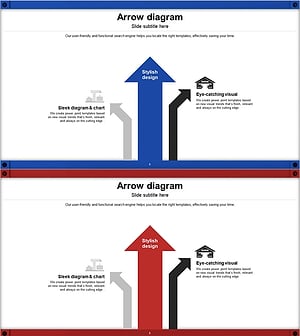
Pathway to Logistics Growth with Upward Arrows
#Business Vision and Strategy #Marketing Plan and Strategy #Diagram
-
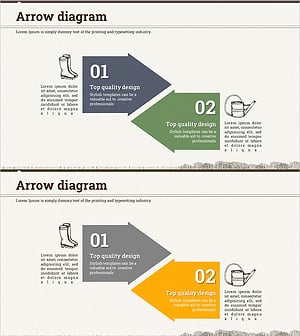
Farming Harvest Business Direction Arrow – Effective Path Setting
#Product/Service Introduction #Business Strategy #Diagram
-
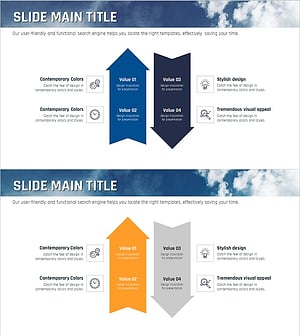
Sea Lighthouse Business Strategy Arrow – Toward Vision and Goals
#Product/Service Introduction #Business Vision and Strategy #Diagram
-
Auto Industry Roadmap – Visualizing Business Strategy
#Business Vision and Strategy #Business Strategy #Diagram
