



Farming Harvest Business Direction Arrow – Effective Path Setting
RJ0600073_11
- Last Update 07/09/2025
- File Size 4.7MB
- # of Slides 2
- File Format PPTX
- Slide Ratio 16:9
- Color
Keywords
- #Content-Based Slides
- #Design-Based Slides
- #Product/Service Introduction
- #Business Strategy
- #Diagram
- #Text Box
- #Differentiation Strategy for Products/Services
- #Business Direction
- #Flow
- #Multidirectional Flow
- #Arrow
- #16:9
- #arrow diagram PowerPoint
- #2-step arrow slide
- #business direction PowerPoint
- #path setting diagram
- #arrow diagram slide template
About the Product
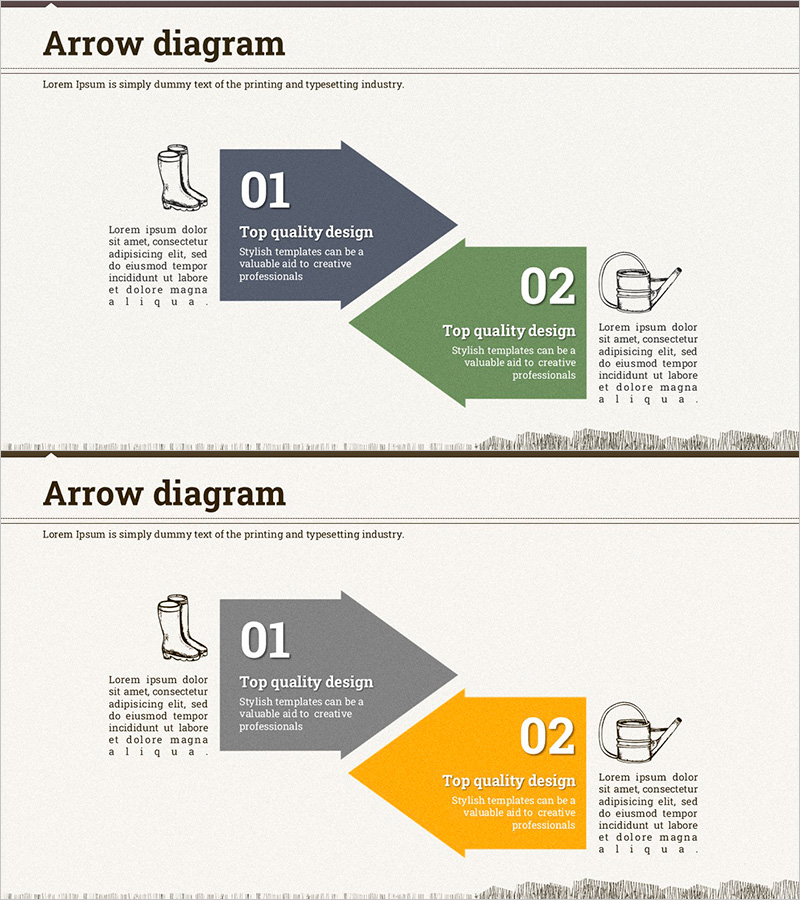
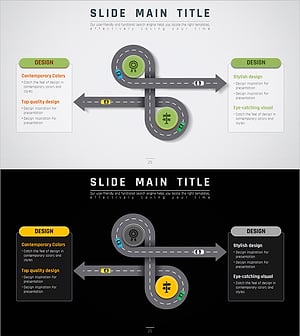
A 2-slide arrow diagram PowerPoint template that visualizes business direction and effective execution paths. The layout contrasts a left-side forward arrow (primary direction) with a right-side alternative arrow (alternative path), clearly expressing decision points and strategic choices. Three color combinations—dark gray, forest green, and orange—distinguish priority levels across stages, while icon and text areas enable detailed explanations. Instantly applicable to agricultural presentations, business strategy, organizational restructuring, and project roadmaps.
Usage Points
-
Main Usage
Visualizes business direction, project roadmaps, decision pathways, and strategic alternatives in two-stage branching. The contrast between forward and alternative arrows clarifies the meaning of focus and selection, while icons and descriptions at each stage support persuasive presentations.
-
How to Use
Edit the arrow box titles, numbers (01, 02), and description text with your content. Insert relevant icons in the icon area and adjust colors to match your organization's branding or presentation theme. The 2-slide format allows sequential representation of multiple decision points.
-
Recommended For
Ideal for executives, business managers, project managers, marketing planners, and agricultural professionals presenting business strategies, implementation plans, organizational restructuring, or new business directions. Effective for any business presentation requiring decision-making processes or alternative comparisons.
-
Slide Structure
2-slide composition. Each slide features a left icon area, center forward arrow (stage 01), and right alternative arrow (stage 02). Arrow boxes contain stage numbers, titles, and text input areas. Color differentiation—gray, green, orange—creates visual hierarchy and stage distinction.
Related Products
-
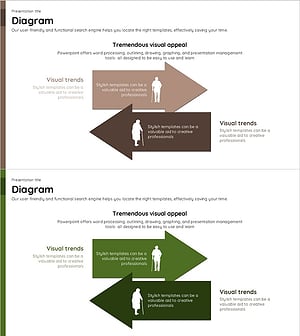
Old Man and Multidirectional Illustration – Customer Analysis and Market Strategy
#Business Strategy #Market and Competitor Analysis #Diagram
-
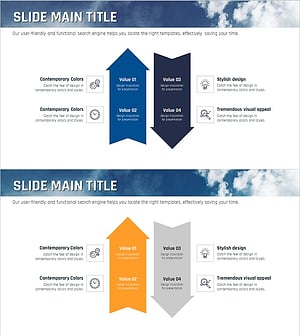
Sea Lighthouse Business Strategy Arrow – Toward Vision and Goals
#Product/Service Introduction #Business Vision and Strategy #Diagram
-
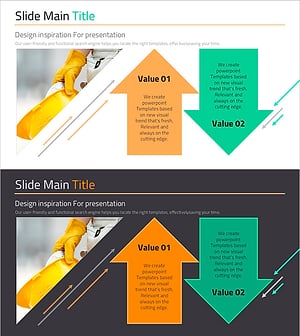
Pros and Cons Arrow Text Box – Data Visualization
#Product/Service Introduction #Operational Plan #Diagram
-
The Road Template Multidirectional Diagram2 – Product/Service Introduction and Business Strategy
#Product/Service Introduction #Business Strategy #Diagram
