



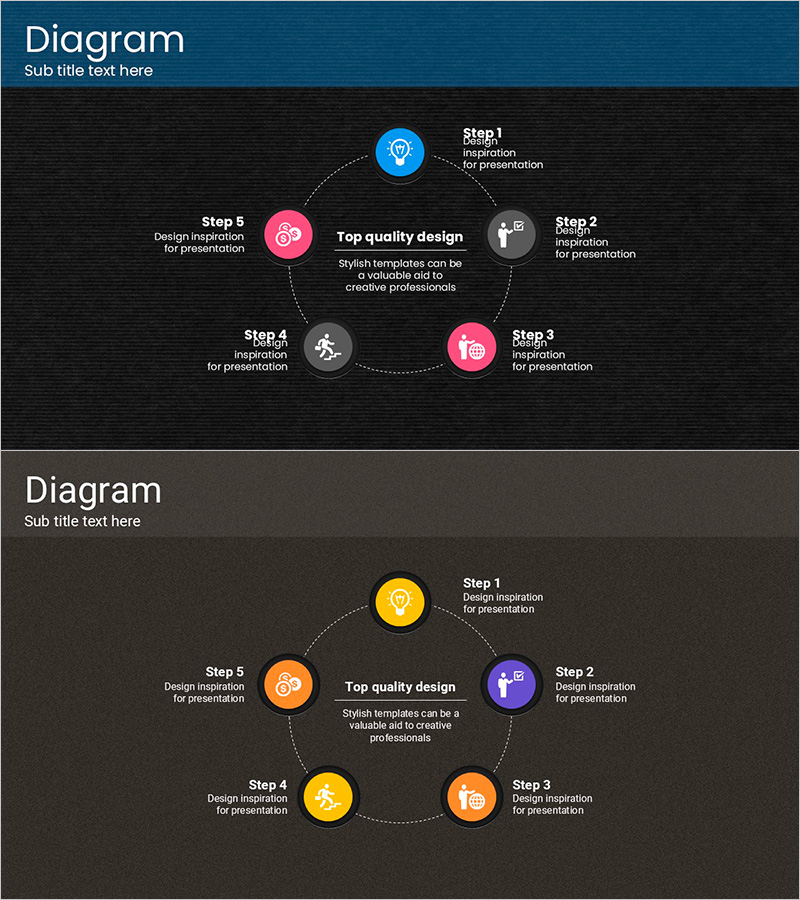
Touch PPT Wide Diagram – Visualizing Business Strategy
RJ0200008_9
- Last Update 03/30/2025
- File Size 3.4MB
- # of Slides 2
- File Format PPTX
- Slide Ratio 16:9
- Color
Keywords
- #Content-Based Slides
- #Design-Based Slides
- #Business Strategy
- #Operational Plan
- #Diagram
- #Step-by-Step Schedule Plan
- #Business Processes
- #Spread
- #Centralized Diagram
- #16:9
- #5-step circular diagram PowerPoint
- #business strategy slide template
- #cycle process diagram
- #phased timeline PowerPoint
- #circular flow chart slide
- #how to create cycle diagram in PowerPoint
About the Product
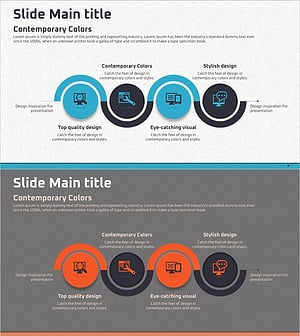
A 5-step circular diagram PowerPoint slide designed to visualize business strategy, operational planning, and phased project timelines. Five colored icon nodes—blue, pink, gray, and orange—are arranged in a circular pattern around a central message box, connected by dotted arrows to represent cyclical processes and continuous workflows. The 16:9 widescreen format includes 2 slides with editable text areas for each step, enabling immediate customization. Ideal for business presentations, project management, operational planning, strategy rollout, and process improvement initiatives where circular or cyclical relationships need clear visual representation.
Usage Points
-
Main Usage
Visualize business strategy, project phases, operational cycles, continuous improvement processes, and circular workflows with a central message hub. The 5-step circular layout effectively communicates iterative processes, feedback loops, and cyclical management approaches in business presentations.
-
How to Use
Enter step names and descriptions in the text areas adjacent to each colored icon node. Update the central message box with the overall process goal or theme. Customize colors and icons to match corporate branding. All elements are fully editable and can be resized or repositioned as needed.
-
Recommended For
Executives, strategy teams, project managers, operations teams, and business analysts presenting business plans, project timelines, quality management cycles, marketing campaign phases, product development workflows, and continuous improvement initiatives.
-
Slide Structure
2-slide set in 16:9 widescreen format. Each slide features a central message box surrounded by 5 circular icon nodes arranged in clockwise order, connected by dotted arrows. Slide 1 uses blue, pink, and gray color scheme; Slide 2 uses yellow and orange tones, providing design flexibility for different presentation contexts.
Related Products
-
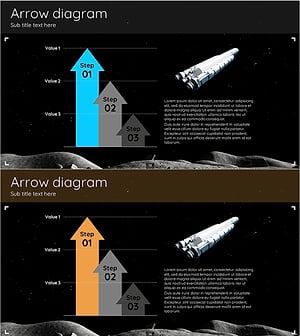
Space Exploration Goal Arrow Graph – Infused with Business Strategy
#Business Strategy #Operational Plan #Graph
-
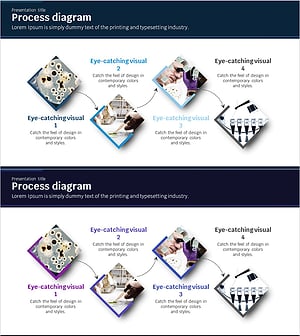
Science Experiment Schedule Connection Diagram
#Business Strategy #Operational Plan #Diagram
-
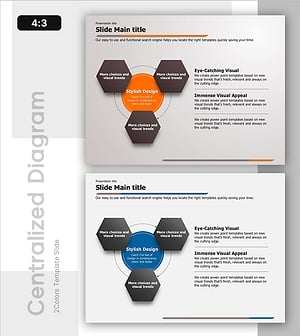
Circular Process Diagram – Designing Efficient Workflows
#Operational Plan #Technical Approach #Diagram
-
SEO System Process Diagram
#Business Strategy #Operational Plan #Diagram
